Public Wi-Fi Risks: How Open Networks Expose Your Data
Open networks remove the barrier between you and strangers, allowing anyone nearby to read your unencrypted traffic without your knowledge or consent.
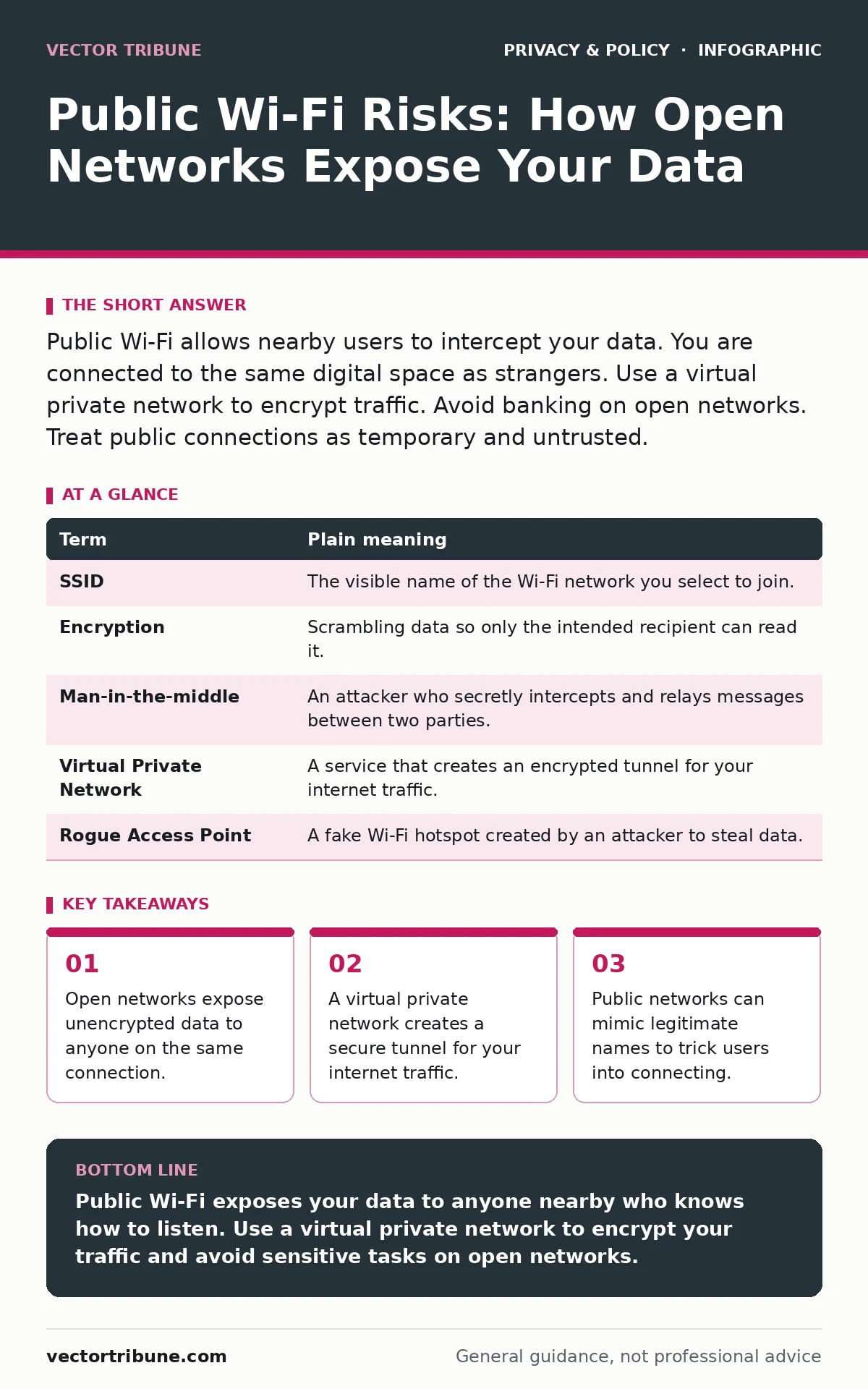
Public Wi-Fi allows nearby users to intercept your data. You are connected to the same digital space as strangers. Use a virtual private network to encrypt traffic. Avoid banking on open networks. Treat public connections as temporary and untrusted.
The Open Window Analogy
Imagine your data is a letter you are mailing. At home, you use a sealed courier service. The package is locked, and only the recipient can open it. On public Wi-Fi, you stand in a crowded town square and shout the contents of your letter to anyone within earshot. The network itself does not care if you are reading news or sending bank details. It simply carries the signal.
The risk is not that the network owner is malicious. The risk is that the medium is open. Anyone nearby with the right tools can listen to what you are shouting. This is the fundamental difference between private and public connectivity.
Key Terms Defined
Understanding the mechanism requires knowing the parts. These terms define how your device interacts with the network.
| Term | Plain meaning |
|---|---|
| SSID | The visible name of the Wi-Fi network you select to join. |
| Encryption | Scrambling data so only the intended recipient can read it. |
| Man-in-the-middle | An attacker who secretly intercepts and relays messages between two parties. |
| Virtual Private Network | A service that creates an encrypted tunnel for your internet traffic. |
| Rogue Access Point | A fake Wi-Fi hotspot created by an attacker to steal data. |
The Invisible Listener
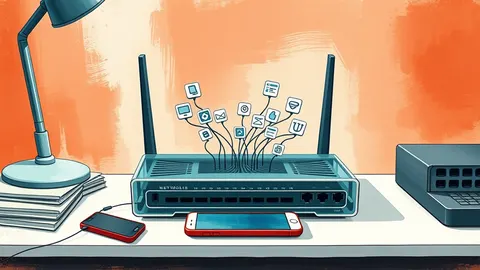
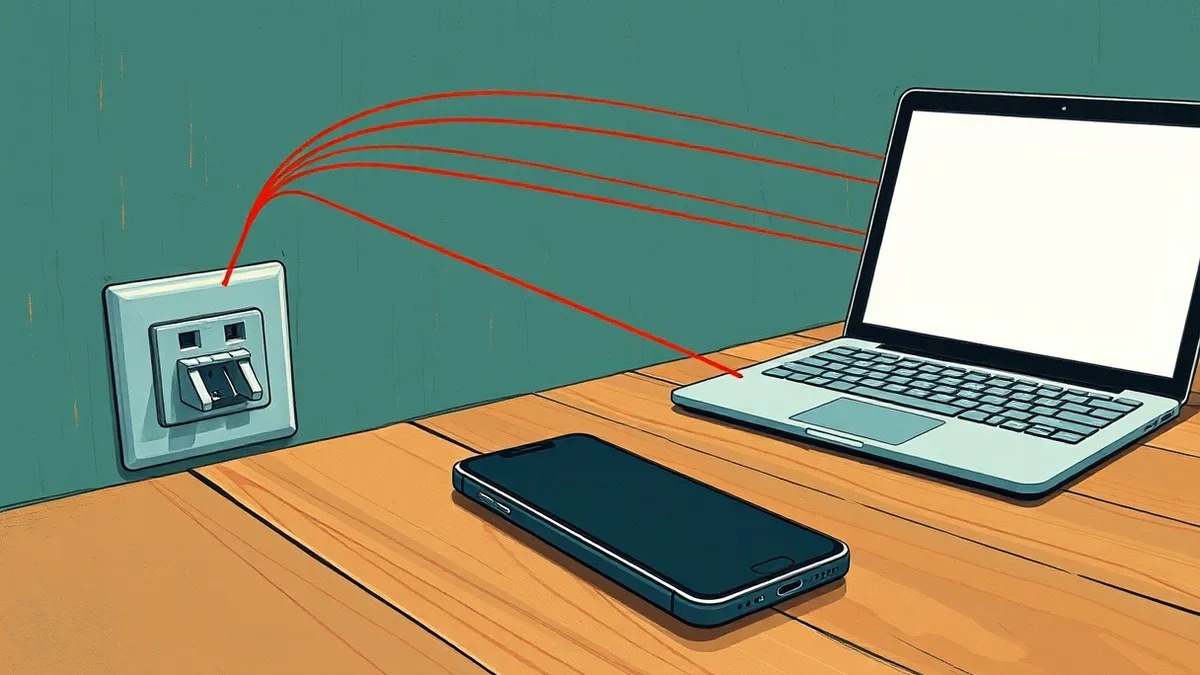
When you connect to an open network, your device broadcasts requests for web pages. If those pages do not use encryption, the data travels in plain text. An attacker sitting next to you can use software to capture this traffic. They do not need to hack your device. They only need to listen to the airwaves.
This is similar to eavesdropping on a conversation in a library. You did not whisper, so others can hear. Most modern websites use encryption by default, which mitigates this risk. However, not all apps and services do. Older protocols and internal company networks often lack this protection.
The Fake Neighbor Problem
Attackers often create fake networks with names that mimic legitimate ones. Suppose you are at a cafe called "Bean House." An attacker sets up a hotspot named "Bean House Free Wi-Fi." Your device may auto-connect to it because it looks familiar.
Once connected, your traffic passes through the attacker's device. They can see every request you make. This is a rogue access point. It exploits your trust in familiar names. You cannot always trust the SSID you see. Even if the name looks correct, the network behind it may not be.
What This Means for You
For an ordinary user, the danger is subtle. You may feel safe because you are not doing anything illegal. But the threat is exposure. Your login credentials, messages, and browsing history can be captured.
This is not just about credit cards. It is about identity. If an attacker captures your session cookies, they can impersonate you on websites. They do not need your password. They just need the temporary key the website gave your browser. This makes public Wi-Fi a high-risk environment for account recovery and sensitive transactions.
For families, this risk extends to children's devices. See our guide on children's online privacy risks for more on protecting young users. It is also wise to use email aliases for less trusted connections to limit exposure.
See also: Stop SYN Flood Attacks: Architectural Defenses for Modern Infrastructure
Simple Safety Habits
You do not need to avoid public Wi-Fi entirely. You just need to change how you use it. Here are three steps to reduce your exposure immediately.
- Use a Virtual Private Network. This encrypts your traffic before it leaves your device. The attacker sees scrambled data, not your actual requests. This is the single most effective step you can take.
- Disable Automatic Connections. Turn off the setting that makes your device join known networks automatically. This prevents you from connecting to rogue access points that mimic old favorites.
- Avoid Sensitive Actions. Do not log into bank accounts or work portals on public networks. Wait until you are on a trusted connection. If you must, use your mobile data instead.
The Hidden Cost of Convenience
Convenience often comes at the cost of security. Public Wi-Fi is free, but you pay with your privacy. Many networks require you to log in via a web portal. This process can be intercepted.
Some networks inject ads or trackers into your pages. This is not always malicious, but it is intrusive. It means the network provider can see what you are doing. This connects to the broader issue of mobile app permission abuse, where apps and networks gather more data than necessary.
Beyond the Network
Your security is not just about the Wi-Fi. It is about how you manage your identities. Using password managers for families can help ensure that unique, strong passwords are used everywhere. This limits the damage if one credential is stolen.
Consider using tracker blockers to reduce the amount of data you leak to advertisers and networks. These tools prevent scripts from running on websites, which can sometimes be used to fingerprint your device.
Key takeaways
- Open networks expose unencrypted data to anyone on the same connection.
- A virtual private network creates a secure tunnel for your internet traffic.
- Public networks can mimic legitimate names to trick users into connecting.
Public Wi-Fi exposes your data to anyone nearby who knows how to listen. Use a virtual private network to encrypt your traffic and avoid sensitive tasks on open networks.
Frequently asked questions
Is public Wi-Fi safe if I use HTTPS?
HTTPS encrypts the data between you and the website, but it does not hide your activity from the network operator. Your IP address and the sites you visit are still visible.
Can my device be hacked just by connecting to Wi-Fi?
It is rare but possible if your device has unpatched security flaws. Most risks come from data theft rather than direct device infection.
Do I need a VPN for mobile data?
Mobile data is generally more secure than public Wi-Fi, but a VPN adds an extra layer of privacy by hiding your IP address from websites and advertisers.
How do I spot a fake Wi-Fi network?
Look for slight misspellings in the network name or multiple networks with similar names. If in doubt, do not connect or ask staff for the exact name.
How this guide was produced: written by the Vector Tribune editorial team with AI assistance, checked against the public references listed below, and reviewed when the facts change. See our editorial policy or report an error.