
How Parental Controls Work: The Technical Mechanics Behind Filtering
Parental controls do not inspect content; they match traffic against static lists and block connections before the browser can render the page.
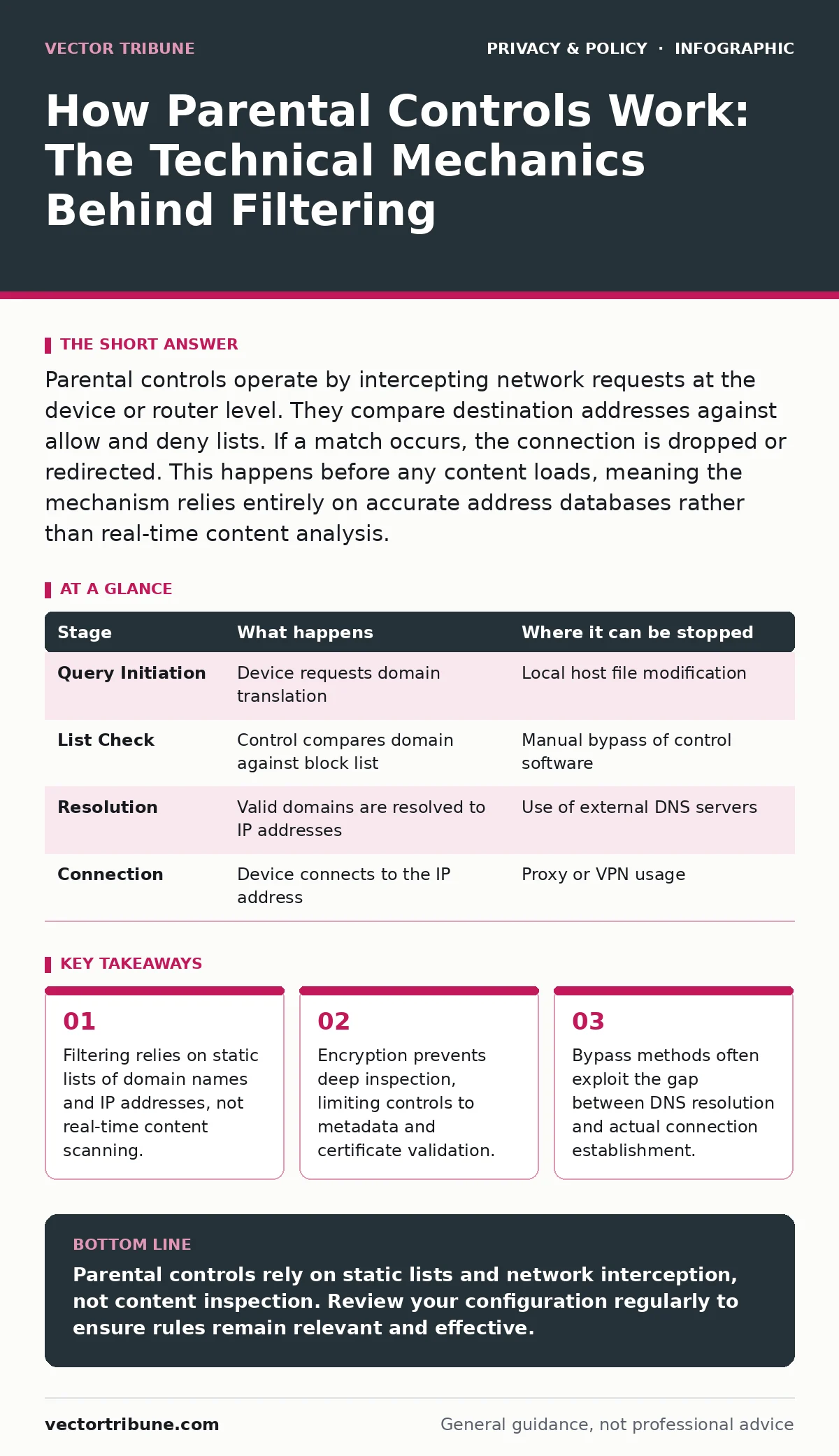
Parental controls operate by intercepting network requests at the device or router level. They compare destination addresses against allow and deny lists. If a match occurs, the connection is dropped or redirected. This happens before any content loads, meaning the mechanism relies entirely on accurate address databases rather than real-time content analysis.
The Request Interception Point
When you type a web address into a browser, the system does not immediately connect to the server. It first needs to translate that human-readable domain name into a numerical IP address. This translation process is where most parental control mechanisms begin their work. The software or hardware intercepts the Domain Name System query before it leaves the device.
By catching the request at this stage, the control system can decide whether to allow the translation to proceed. If the domain is on a block list, the system returns a null result or a local address. The browser then fails to connect, showing a generic error page. This method is efficient because it stops unwanted traffic before any data is downloaded.
However, this interception point has a blind spot. It only sees the domain name, not the specific page within that domain. A site hosting both educational and adult content will be treated as a single entity. The control cannot distinguish between a safe article and a prohibited one if they share the same root domain.
DNS Filtering Mechanics
Domain Name System filtering is the most common form of parental control. It works by maintaining a local list of known bad domains. When a device asks for the address of a website, the control software checks this list. If the domain matches an entry, the request is denied. If it does not match, the request is forwarded to a public DNS resolver.
This approach is lightweight and fast. It requires minimal processing power because it is a simple lookup operation. The trade-off is accuracy. Lists become outdated quickly as new domains are registered and old ones are abandoned. A site that was safe yesterday might be compromised today, but the list will not reflect this change until it is updated.
Furthermore, DNS filtering can be circumvented by using alternative DNS servers. If a user changes their device settings to use a public resolver like Google DNS or Cloudflare, the local block list is bypassed. The control software must therefore enforce DNS settings at the network level, not just on the device, to remain effective.
| Stage | What happens | Where it can be stopped |
|---|---|---|
| Query Initiation | Device requests domain translation | Local host file modification |
| List Check | Control compares domain against block list | Manual bypass of control software |
| Resolution | Valid domains are resolved to IP addresses | Use of external DNS servers |
| Connection | Device connects to the IP address | Proxy or VPN usage |
The Encryption Barrier
Modern web traffic is almost entirely encrypted using Transport Layer Security. This protocol ensures that data between the browser and the server cannot be read by intermediaries. For parental controls, this creates a significant limitation. The control software cannot see the content of the page, only the destination address and the certificate presented by the server.
This means that keyword filtering, a common feature in older systems, is largely ineffective for encrypted traffic. The software cannot scan the text of a webpage to block specific words. It can only block the entire domain if it is flagged. This leads to over-blocking, where safe sites are blocked because they share infrastructure with unsafe ones.
Some advanced systems attempt to perform deep packet inspection by installing a root certificate on the device. This allows the software to decrypt and re-encrypt traffic, effectively acting as a man-in-the-middle. While this enables content inspection, it introduces serious security risks. If the device is compromised, the attacker gains access to the decryption keys, exposing all traffic.
Application-Level Restrictions
Beyond web filtering, parental controls often manage application usage. This is handled by the operating system's process manager. The control software maintains a list of allowed applications and their associated executable files. When a user attempts to launch a program, the system checks this list.
If the application is not approved, the launch is blocked. This method is more precise than web filtering because it targets specific software rather than generic domains. However, it is also more fragile. Users can rename executable files or move them to different directories to bypass the check. The control software must therefore monitor file integrity and execution paths continuously.
This stage of control is particularly relevant for gaming and social media apps. These applications often use their own internal networks that do not rely on standard web protocols. Blocking the app entirely is the only reliable way to restrict access, as filtering the traffic within the app is technically complex and often ineffective.
Time-Based Access Controls
Time-based controls restrict internet access to specific windows. This is implemented by the operating system's scheduler. The control software sets rules that disable network interfaces or block specific applications during designated hours. When the time window closes, the system automatically restores access.
This mechanism is straightforward but rigid. It does not account for context. A child working on a late-night school project may find their access cut off at the same time as recreational browsing. The control cannot distinguish between productive and leisure use.
To mitigate this, some systems allow for temporary overrides. However, these overrides require a password or PIN, which can be shared or discovered. The security of time-based controls depends entirely on the secrecy of the override credentials. If the child knows the password, the time restriction is meaningless.
See also: Stop SYN Flood Attacks: Architectural Defenses for Modern Infrastructure · HTTPS Limits: What Encryption Cannot Protect in Your Stack
Bypass Techniques and Limitations
No parental control system is immune to bypass attempts. One common method is the use of Virtual Private Networks. A VPN creates an encrypted tunnel between the device and a remote server. All traffic is routed through this tunnel, hiding the destination addresses from the local control software.
Another technique involves using the Tor network, which routes traffic through multiple relays. This obscures the original IP address and destination, making it nearly impossible for local controls to filter content. These methods highlight the fundamental limitation of client-side controls. They can only manage traffic that passes through the device they control.
Network-Level Enforcement
To counter device-level bypasses, many controls operate at the router level. The router acts as the gateway for all devices on the network. By enforcing rules here, the control applies to every device, regardless of its individual settings. This includes smartphones, tablets, and gaming consoles.
Router-level controls typically use MAC address filtering and DNS redirection. Each device has a unique MAC address, which the router uses to identify it. The router can assign specific rules to each MAC address, such as blocking access to certain ports or domains. This method is more robust because it does not rely on the device's operating system.
However, MAC addresses can be spoofed. A sophisticated user can change their device's MAC address to mimic an allowed device. Additionally, router-level controls cannot inspect encrypted traffic. They are limited to blocking entire domains or ports, which may disrupt legitimate services that share infrastructure with blocked ones.
The Human Element
Technical controls are only as effective as their configuration. Many parents set up controls once and never review them. This leads to outdated rules and missed opportunities for adjustment. The most effective use of parental controls involves regular review and open communication.
Controls should be viewed as a safety net, not a replacement for supervision. They can block obvious threats, but they cannot teach critical thinking or online safety. Understanding the limitations of these tools is key to using them effectively. They are a layer of defense, not a complete solution.
Key takeaways
- Filtering relies on static lists of domain names and IP addresses, not real-time content scanning.
- Encryption prevents deep inspection, limiting controls to metadata and certificate validation.
- Bypass methods often exploit the gap between DNS resolution and actual connection establishment.
Parental controls rely on static lists and network interception, not content inspection. Review your configuration regularly to ensure rules remain relevant and effective.
Frequently asked questions
Can parental controls see encrypted messages?
No, standard parental controls cannot see the content of encrypted messages. They can only block the apps or domains used to send them.
Do parental controls work on public Wi-Fi?
Only if the device itself has the control software installed. Network-level controls on public Wi-Fi are rare and usually limited to basic filtering.
How do I stop a child from using a VPN to bypass controls?
You must block VPN traffic at the router level. This involves identifying and blocking the ports and protocols commonly used by VPN services.
Are parental controls effective against mobile apps?
They are effective if the app uses standard web protocols. For apps with their own internal networks, blocking the app entirely is more reliable than filtering its traffic.
How this guide was produced: written by the Vector Tribune editorial team with AI assistance, checked against the public references listed below, and reviewed when the facts change. See our editorial policy or report an error.