Phishing Warning Signs: Spotting Attacks Before You Click
Identify subtle deception tactics and verify sender identity to stop credential theft before it compromises your systems or data.
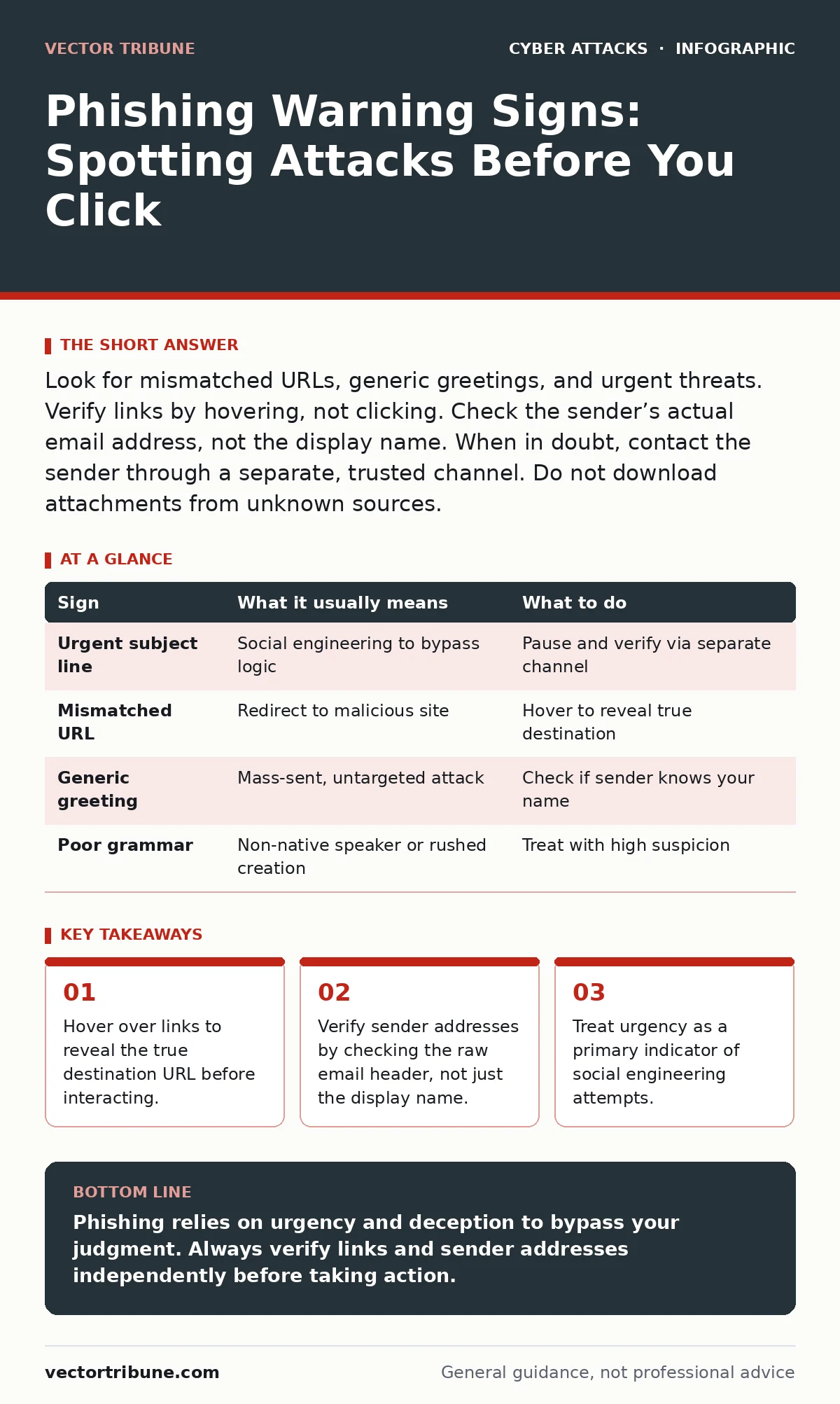
Look for mismatched URLs, generic greetings, and urgent threats. Verify links by hovering, not clicking. Check the sender’s actual email address, not the display name. When in doubt, contact the sender through a separate, trusted channel. Do not download attachments from unknown sources.
The Urgency Trap
Attackers rely on your stress response to bypass logical analysis. They create scenarios that demand immediate action, such as a suspended account or a missed delivery. This pressure forces you to skip verification steps. You might feel compelled to click a link or download an attachment to resolve the perceived crisis.
This tactic exploits the brain’s fight-or-flight mechanism. When you are rushed, you are less likely to notice subtle inconsistencies. The goal is to make you act before you think. If a message demands immediate attention, pause. Legitimate organizations rarely require instant action via email.
Mismatched Links and Hover Techniques
The most common technical flaw in phishing is the discrepancy between the visible text and the actual link. The text might say "Login to Secure Portal," but the underlying URL points to a malicious domain. You must verify the destination before clicking.
Hover your mouse cursor over the link without clicking. A tooltip or status bar will show the true URL. Compare this address to the expected domain. Look for slight misspellings or different top-level domains. For example, a banking site might use .com, while the fake site uses .net or .xyz.
| Sign | What it usually means | What to do |
|---|---|---|
| Urgent subject line | Social engineering to bypass logic | Pause and verify via separate channel |
| Mismatched URL | Redirect to malicious site | Hover to reveal true destination |
| Generic greeting | Mass-sent, untargeted attack | Check if sender knows your name |
| Poor grammar | Non-native speaker or rushed creation | Treat with high suspicion |
Spoofed Sender Addresses
Display names are easily forged. An attacker can make an email appear to come from "IT Support" or a known colleague. The display name is just a label. The actual email address reveals the true origin.
Check the full email address of the sender. It might look like "[email protected]" in the display, but the actual address could be "[email protected]". This subtle difference indicates a spoofed sender. Do not trust the name alone. Always inspect the raw email header or the full address field.
Generic Greetings and Context Clues
Targeted attacks often include personal details, but mass phishing campaigns use generic greetings like "Dear Customer" or "Valued User." This is a simple way to send one message to thousands of recipients. If you receive a message that does not use your name, be cautious.
Look for context clues that do not fit your recent activity. Did you recently request a password reset? Did you order a package? If the message refers to an event you did not initiate, it is likely fraudulent. Attackers often use vague references to trigger curiosity or concern without providing specific details.
The Hidden Cost of Verification
Verifying every suspicious message takes time. This is a hidden cost of security. You might feel annoyed by the extra step of checking a URL or calling a colleague. However, this friction is necessary. It breaks the attacker’s momentum.
Some attackers use domain look-alikes that are nearly identical to legitimate sites. These are harder to spot. In these cases, do not rely on visual inspection. Use a separate browser window to navigate to the official site manually. Type the URL yourself. Do not click any links in the email.
See also: 7 Deepfake Mistakes That Leave Your Organization Vulnerable · Watering Hole Attacks in Cyber Security: How Compromise Happens
What to Do When You Spot a Sign
If you identify a phishing attempt, do not reply. Replying confirms that your email address is active. This makes you a target for future attacks. Instead, mark the message as spam or phishing in your email client. This helps train the filters to catch similar messages.
Report the incident to your security team if you are in an organization. Provide the full email headers if possible. This aids in tracking the attack source. If you clicked a link or entered credentials, change your passwords immediately. Enable multi-factor authentication if it is not already active.
The Limits of Technical Controls
Filters and antivirus software are not foolproof. They rely on known signatures and patterns. New attacks often evade these controls initially. Human vigilance remains the last line of defense. Technology can block many threats, but it cannot interpret intent.
You must remain skeptical of unsolicited communications. Even if a message passes technical checks, it might still be malicious. Always verify the context. Ask yourself if the request makes sense. If something feels wrong, it probably is. Trust your instincts and verify before acting.
Key takeaways
- Hover over links to reveal the true destination URL before interacting.
- Verify sender addresses by checking the raw email header, not just the display name.
- Treat urgency as a primary indicator of social engineering attempts.
Phishing relies on urgency and deception to bypass your judgment. Always verify links and sender addresses independently before taking action.
Frequently asked questions
Can I trust an email that comes from a known contact?
No, known contacts can be compromised. Verify the request through a different communication channel, such as a phone call or instant message.
What if I already clicked a link but did not enter data?
Run a full system scan with updated antivirus software. Monitor for unusual activity. Clear your browser cache and cookies to remove any tracking scripts.
How do I know if a domain is legitimate?
Compare the domain to the official website URL. Check for misspellings, extra characters, or different top-level domains. Use a whois lookup to see the registration details.
Should I delete suspicious emails immediately?
No, report them first. Deleting them removes evidence that could help security teams block future attacks. Marking them as spam helps improve filtering algorithms.
How this guide was produced: written by the Vector Tribune editorial team with AI assistance, checked against the public references listed below, and reviewed when the facts change. See our editorial policy or report an error.