Email Aliases Checklist: Protect Identity and Filter Spam
Email aliases decouple your primary address from online services, allowing you to revoke access to specific sites without changing your main account credentials.
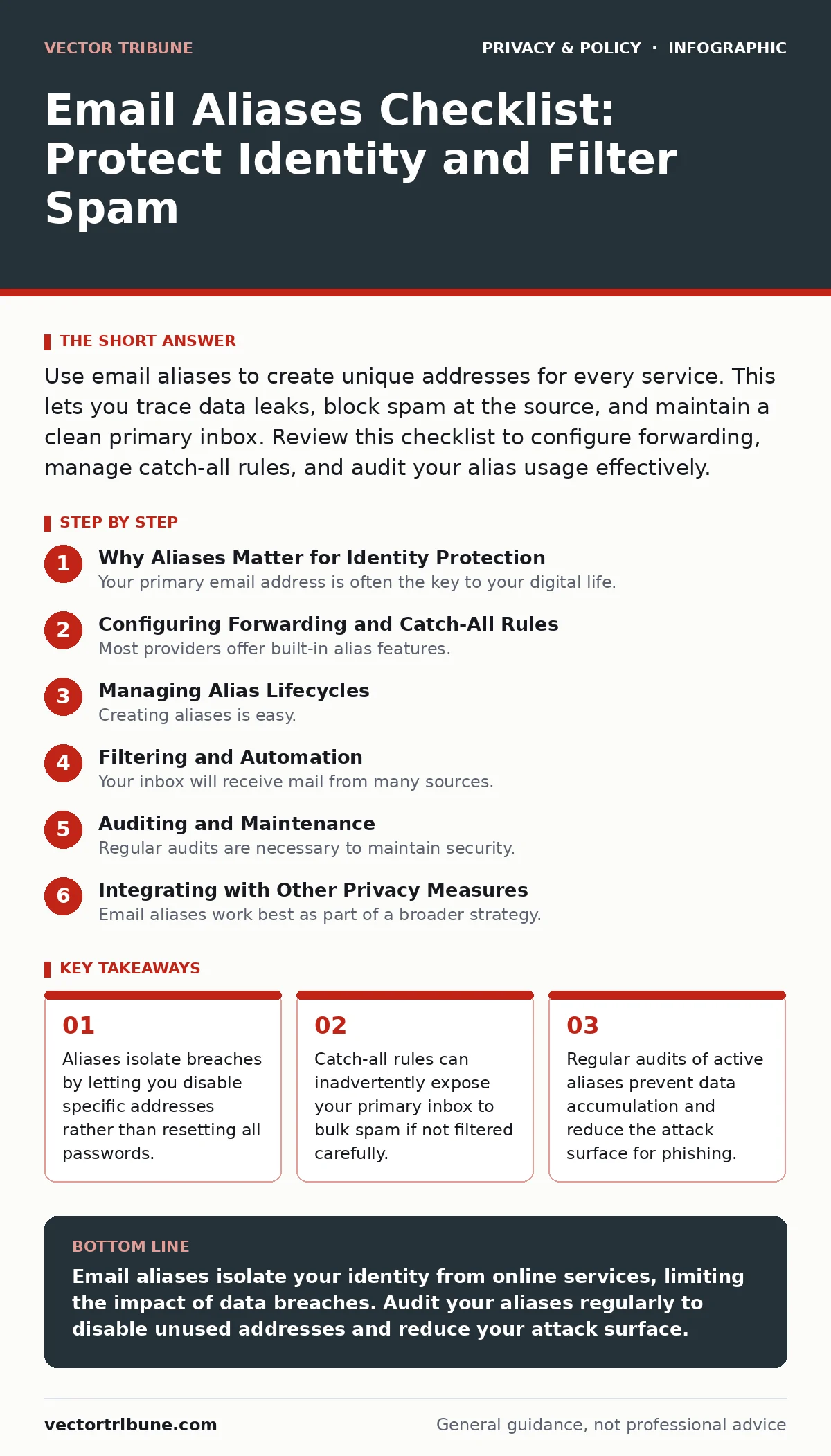
Use email aliases to create unique addresses for every service. This lets you trace data leaks, block spam at the source, and maintain a clean primary inbox. Review this checklist to configure forwarding, manage catch-all rules, and audit your alias usage effectively.
Why Aliases Matter for Identity Protection
Your primary email address is often the key to your digital life. It resets passwords, verifies identities, and links financial accounts. When that address leaks, attackers gain a foothold in multiple systems. Email aliases solve this by providing alternative addresses that forward to your main inbox. You give each service a unique alias. If one service suffers a breach, you know exactly which address was compromised. You can then disable that alias. Your primary account remains secure and untouched.
This method works because most services only verify that an email address exists. They do not check if it is your primary account. This separation adds a layer of indirection. It breaks the direct link between your real identity and your online activity.
Configuring Forwarding and Catch-All Rules
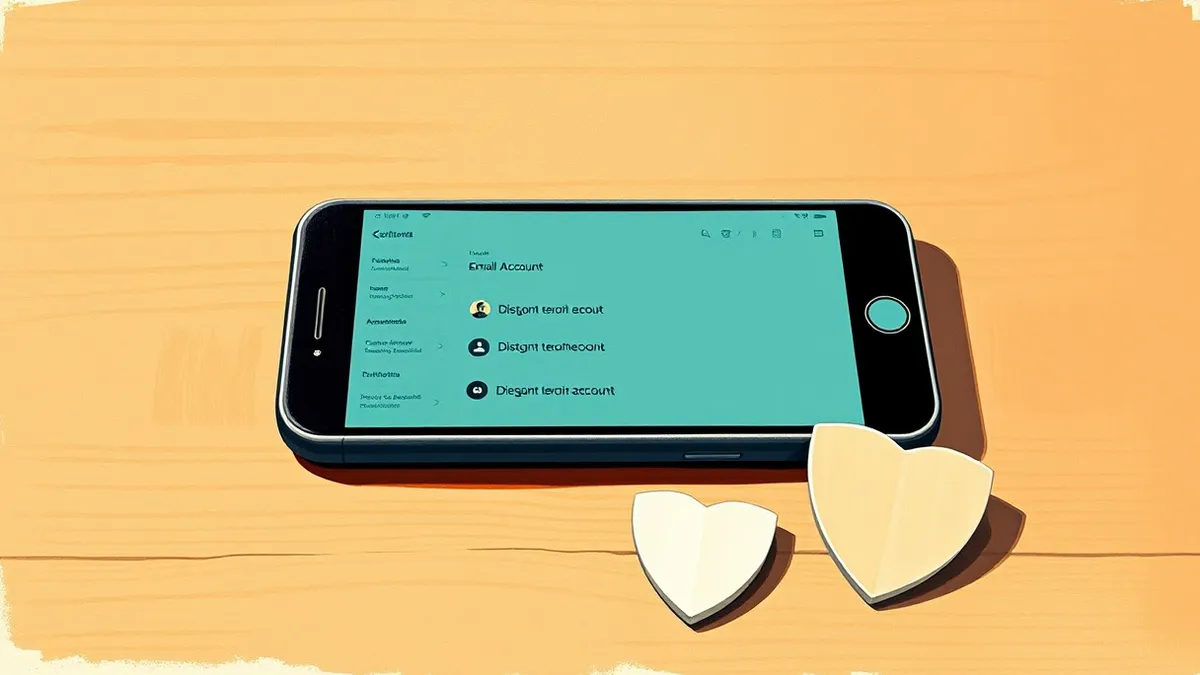
Most providers offer built-in alias features. Some allow you to add a prefix before the @ symbol. Others provide a dashboard to generate unique addresses. You must understand how your provider handles unknown addresses. A catch-all rule forwards every message sent to your domain, even if the alias does not exist. This is convenient for signing up quickly. It is also a security risk. Spammers use automated tools to guess valid addresses. If you have a catch-all rule, they will find you.
Configure your settings to reject unknown aliases. This ensures only addresses you explicitly created receive mail. It adds a small step to setup but prevents inbox flooding. Check if your provider supports sub-addressing. This allows you to use [email protected]. The part after the plus sign is ignored by the server. It arrives in your inbox with the full string. You can then filter or label these messages automatically.
Managing Alias Lifecycles
Creating aliases is easy. Managing them over time is harder. You will accumulate dozens of addresses. Some will stop being used. Others will remain active for years. An unused alias is still a potential entry point. If a service you abandoned suffers a breach, your alias leaks. Attackers may try to use it for account takeover or phishing.
You need a system to track which alias belongs to which service. Use a password manager or a simple spreadsheet. Record the alias, the service name, and the date created. Review this list quarterly. Disable aliases for services you no longer use. This reduces noise in your inbox. It also limits the number of vectors attackers can exploit.
Filtering and Automation
Your inbox will receive mail from many sources. Sorting this manually is tedious. Use filters to automate the process. Create rules that move messages from specific aliases to labeled folders. This keeps your primary view clean. It also helps you spot anomalies. If a folder for a rarely used service suddenly fills with mail, something is wrong.
Be careful with automatic deletion rules. Legitimate services may change their notification settings. You might miss important updates. Instead of deleting, archive or mark as read. Check archived folders periodically. This balances convenience with oversight. It ensures you do not lose critical communications while maintaining order.
Auditing and Maintenance
Regular audits are necessary to maintain security. Check for aliases that have not received mail in a long time. Disable them. Review your forwarding rules. Ensure they still point to the correct inbox. If you change providers, update your DNS records or forwarding settings. Misconfigured forwarding can lead to lost messages. It can also expose your address to new threats.
Consider the privacy implications of your alias usage. Some services track email open rates. They may link your alias to your browsing behavior. Using unique aliases limits this tracking. It makes it harder for advertisers to build a profile. This aligns with broader privacy goals. For more on limiting tracking, see our guide on tracker blockers.
See also: Tracker Blockers: How They Work and What They Break · Smartphone Privacy Settings: What They Hide and What They Leak
Integrating with Other Privacy Measures
Email aliases work best as part of a broader strategy. They do not protect against malware in attachments. They do not stop targeted phishing attacks. You must still verify the sender. Use browser extensions to block trackers. This complements your alias strategy. It reduces the data collected when you interact with websites.
Be mindful of public networks. Do not access your email on public Wi-Fi without protection. See our guide on public Wi-Fi risks for details. Also, review your smartphone privacy settings. Ensure apps do not access your email data unnecessarily. This prevents local leaks that aliases cannot fix.
For businesses, consider how aliases fit into compliance. See our guide on privacy laws for small businesses. For families, teach children about online safety. See our guide on children's online privacy risks. These measures work together. They create a defense in depth.
Key takeaways
- Aliases isolate breaches by letting you disable specific addresses rather than resetting all passwords.
- Catch-all rules can inadvertently expose your primary inbox to bulk spam if not filtered carefully.
- Regular audits of active aliases prevent data accumulation and reduce the attack surface for phishing.
Email aliases isolate your identity from online services, limiting the impact of data breaches. Audit your aliases regularly to disable unused addresses and reduce your attack surface.
Frequently asked questions
Can I use email aliases for banking?
Yes, but ensure the bank allows alias forwarding. Some banks require direct verification with the primary address. Check their policies first.
What happens if I delete an alias?
Messages sent to that address will bounce. Ensure you have migrated any necessary subscriptions or notifications to a new alias before deleting.
Do aliases protect against phishing?
No. Aliases isolate breaches but do not verify sender authenticity. You must still inspect emails for suspicious content or requests.
How do I find which service leaked my email?
Check the alias associated with the leaked address. Match it to your records. This identifies the source of the breach.
How this guide was produced: written by the Vector Tribune editorial team with AI assistance, checked against the public references listed below, and reviewed when the facts change. See our editorial policy or report an error.