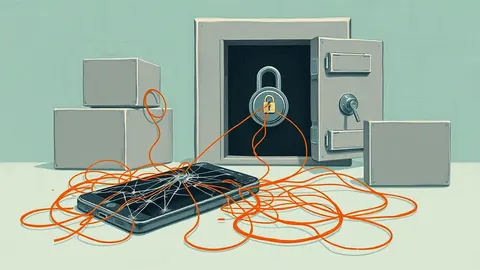
Smartphone Privacy Settings: What They Hide and What They Leak
Built-in privacy controls reduce background data collection, but they cannot stop apps from inferring sensitive traits through behavioral patterns and usage timing.
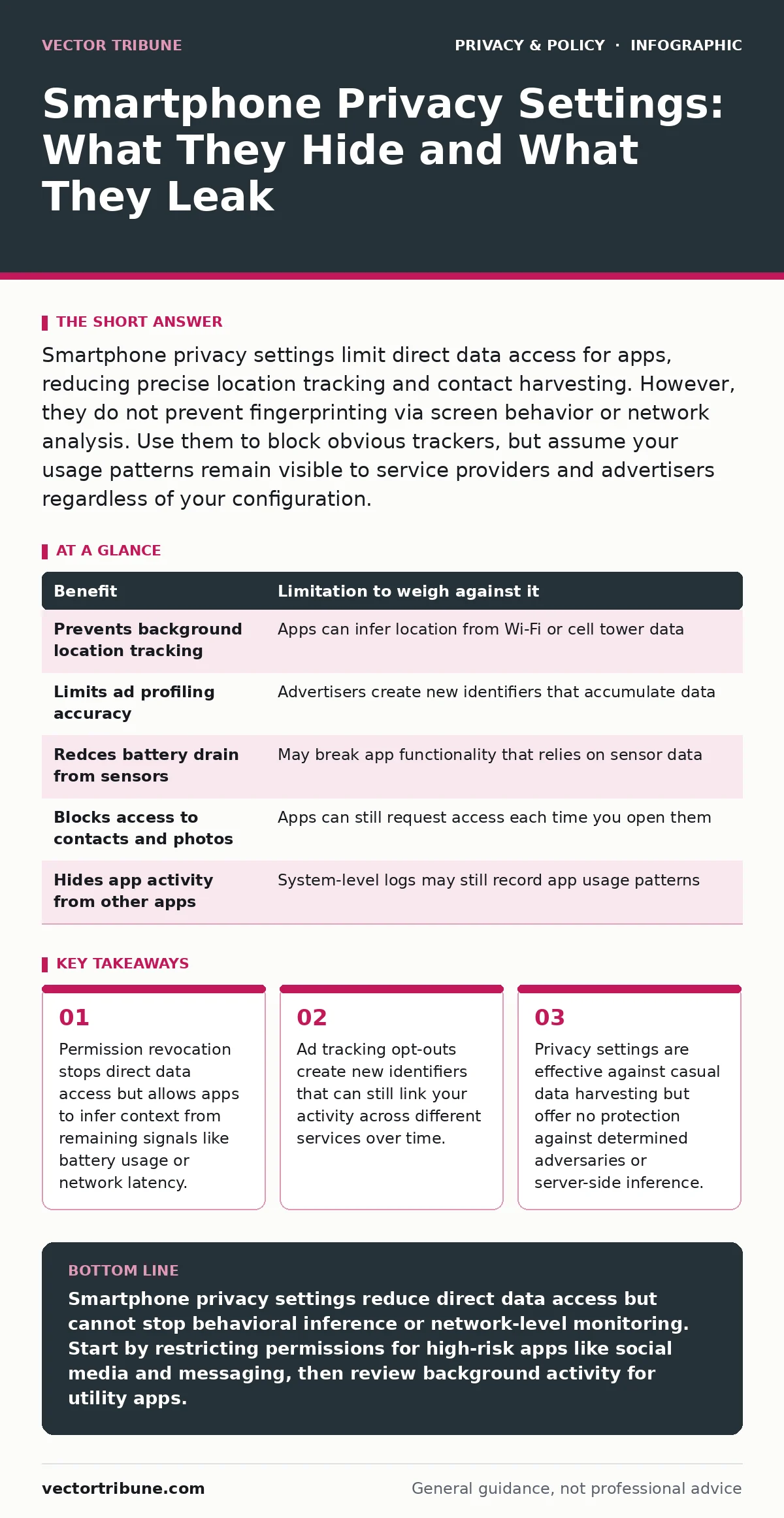
Smartphone privacy settings limit direct data access for apps, reducing precise location tracking and contact harvesting. However, they do not prevent fingerprinting via screen behavior or network analysis. Use them to block obvious trackers, but assume your usage patterns remain visible to service providers and advertisers regardless of your configuration.
The Mechanics of Permission Granularity
Modern operating systems allow you to grant permissions for specific durations or contexts. This granularity is the primary defense against excessive data collection. When you grant "while using the app" access to location, the system blocks background requests from that application. This prevents the app from building a continuous map of your movements when the screen is off.
However, this protection relies on the app honoring the system’s restrictions. Well-coded applications respect these boundaries. Poorly coded or malicious applications may attempt to bypass them by using alternative sensors. For instance, an app might not need location access to estimate your position if it has access to your microphone and can analyze ambient noise patterns or Wi-Fi signal strength variations.
The Illusion of Anonymity in Ad Tracking
Most smartphones offer a toggle to limit ad tracking. This feature prevents the operating system from sharing a unique identifier with advertisers. In theory, this breaks the link between your device and your advertising profile. In practice, it often forces advertisers to create a new identifier for your device.
This new identifier starts with no history, but it begins accumulating data immediately. Over time, it becomes just as recognizable as the previous one. The system does not hide your behavior; it merely resets the clock on how long the advertiser has been watching you. If you use the same apps and visit the same websites, the pattern of your behavior remains unique enough to re-identify you.
This is similar to how browser cookies function. Deleting cookies resets your identity, but your browsing habits remain consistent. The underlying issue is not the identifier itself, but the volume of behavioral data being collected. Changing the label does not change the content of the data.
Sensor Privacy and Background Activity
Sensors are the most common entry point for privacy breaches. Accelerometers, gyroscopes, and light sensors can reveal more than they seem. An app with access to accelerometer data can determine if you are walking, running, or driving. Combined with time stamps, this data can infer your daily routine, work hours, and even your health conditions.
You can restrict background activity for apps that do not need to run constantly. This stops them from polling sensors when you are not interacting with them. However, some apps request sensor access as a condition of service. For example, a fitness app needs accelerometer data to function. You cannot restrict this without breaking the app’s core utility.
Data Minimization vs. Functionality Trade-offs
Privacy settings often require you to choose between convenience and security. Enabling strict privacy modes may disable features like personalized recommendations, auto-fill, or cross-device synchronization. These features rely on sharing data between your devices and the cloud. When you block this sharing, the service cannot provide the same level of integration.
This trade-off is not always binary. Some services offer on-device processing, where data is analyzed locally and only the result is sent to the cloud. This preserves functionality while minimizing data exposure. Look for settings that mention "on-device processing" or "local analysis." These indicate that the raw data never leaves your phone.
However, not all services implement this correctly. Some claim to process data locally but still send metadata to their servers. You must verify the service’s privacy policy or technical documentation to confirm how data is handled. This aligns with the principles of consent management, where you must understand what you are agreeing to before enabling a feature.
The Limits of Network-Level Privacy
Smartphone privacy settings control what apps can do, but they do not control what the network sees. When you connect to Wi-Fi or cellular networks, your device sends identifying information to the network operator. This includes your device type, operating system version, and sometimes your MAC address.
Network operators can see the domains you visit, even if the content is encrypted. They cannot see the specific pages or data you transmit, but they can infer your interests and habits based on the domains you access. This is a limitation of the public internet infrastructure, not your phone’s settings.
To mitigate this, you can use a virtual private network, which encrypts your traffic and hides it from your local network operator. However, this shifts the trust to the VPN provider. You must ensure the provider has a strict no-logging policy. This is distinct from public Wi-Fi risks, which focus on eavesdropping on unencrypted traffic.
See also: Mobile Device Security Mistakes That Expose Your Data · Is End-to-End Encryption Safe? The Real Risks and Limits
When It Is Worth It
Adjusting privacy settings is worth the effort when dealing with apps that have broad access to sensitive data. Social media, messaging, and financial apps often request access to contacts, photos, and location. Restricting these permissions to "while using" or "never" significantly reduces the amount of personal data these apps can collect.
It is also worth it for apps that run in the background. News, weather, and utility apps often request location or sensor access to provide timely updates. If you do not need real-time updates, you can restrict their background activity. This saves battery life and prevents continuous data collection.
When It Is Not
Privacy settings are less effective when dealing with essential services that require data to function. Your banking app needs to know your location to detect fraud. Your health app needs access to your medical data to provide recommendations. Restricting these permissions may break the app or reduce its security features.
It is also not worth it to obsess over minor apps that have no access to sensitive data. A simple game that only uses your display and audio output poses little privacy risk. Spending time configuring permissions for such apps yields minimal benefit.
Finally, privacy settings do not protect you from social engineering or phishing. No setting can prevent you from clicking a malicious link or entering your credentials into a fake website. This is where password managers for families and other security tools play a role, but they are separate from device privacy settings.
| Benefit | Limitation to weigh against it |
|---|---|
| Prevents background location tracking | Apps can infer location from Wi-Fi or cell tower data |
| Limits ad profiling accuracy | Advertisers create new identifiers that accumulate data |
| Redces battery drain from sensors | May break app functionality that relies on sensor data |
| Blocks access to contacts and photos | Apps can still request access each time you open them |
| Hides app activity from other apps | System-level logs may still record app usage patterns |
Key takeaways
- Permission revocation stops direct data access but allows apps to infer context from remaining signals like battery usage or network latency.
- Ad tracking opt-outs create new identifiers that can still link your activity across different services over time.
- Privacy settings are effective against casual data harvesting but offer no protection against determined adversaries or server-side inference.
Smartphone privacy settings reduce direct data access but cannot stop behavioral inference or network-level monitoring. Start by restricting permissions for high-risk apps like social media and messaging, then review background activity for utility apps.
Frequently asked questions
Do privacy settings slow down my phone?
Restricting background activity and sensor access can improve battery life and performance by reducing app resource usage. However, on-device encryption and processing may slightly increase CPU load.
Can I see what data apps are collecting?
Most operating systems provide a privacy dashboard that shows how often apps access sensitive data like location, camera, and microphone. This helps you identify apps that are collecting more data than necessary.
Does turning off location services make me invisible?
No. Network operators and cell towers can still triangulate your position. Additionally, apps may infer your location from other signals like IP address or Wi-Fi network names.
Are private browsing modes effective on smartphones?
Private browsing prevents the browser from storing history and cookies on your device. It does not hide your activity from your internet provider, the websites you visit, or your employer if you are on a corporate network.
How this guide was produced: written by the Vector Tribune editorial team with AI assistance, checked against the public references listed below, and reviewed when the facts change. See our editorial policy or report an error.