Family Password Managers: Shared Access Risks and Real Benefits
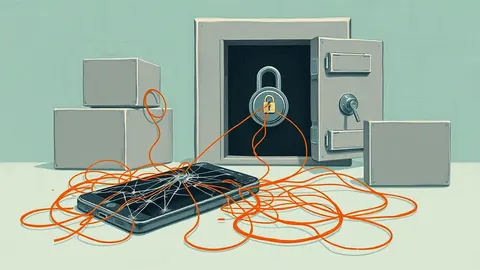
Shared vaults create a single point of failure where one compromised account can expose the entire household's digital identity and financial data.
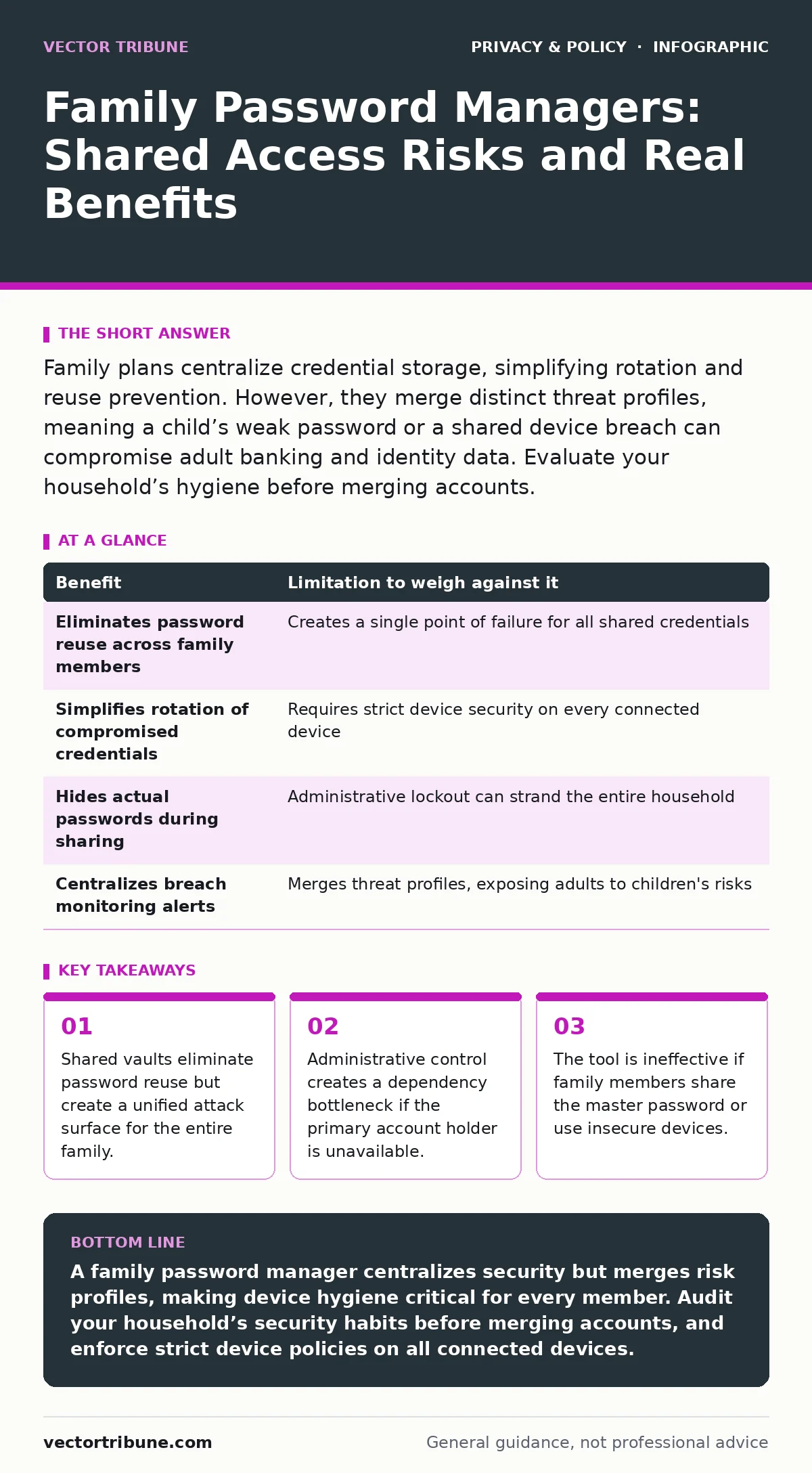
Family plans centralize credential storage, simplifying rotation and reuse prevention. However, they merge distinct threat profiles, meaning a child’s weak password or a shared device breach can compromise adult banking and identity data. Evaluate your household’s hygiene before merging accounts.
The Illusion of Isolation in Shared Vaults
Password managers store credentials behind a single encryption key, usually derived from a master password. In a family plan, this architecture changes from individual silos to a shared structure. You gain the ability to share specific login details without revealing the actual password. The system generates a unique access token for the shared item, allowing the recipient to autofill credentials while keeping the original secret hidden.
This mechanism solves the problem of password reuse. When family members stop reusing passwords across sites, the impact of a single breach diminishes. However, it introduces a new structural risk. If the central vault is compromised, the attacker gains access to every shared credential simultaneously. The isolation that protects individual users evaporates when you merge accounts into a single administrative unit.
Administrative Control vs. Operational Reality
The primary account holder holds the keys to the kingdom. This person can reset passwords, remove members, and access shared items depending on the specific software architecture. This centralization offers control but creates a single point of failure. If the primary account holder loses access to their device or forgets their master password, the entire family’s access may be locked out.
Some implementations allow sub-admins, but this dilutes security. Each additional admin increases the risk of social engineering or insider threats. You must trust the administrative layer as much as the encryption layer. The convenience of shared access often leads to relaxed security hygiene among less technical family members. They may assume the manager protects them from all risks, ignoring device security.
| Benefit | Limitation to weigh against it |
|---|---|
| Eliminates password reuse across family members | Creates a single point of failure for all shared credentials |
| Simplifies rotation of compromised credentials | Requires strict device security on every connected device |
| Hides actual passwords during sharing | Administrative lockout can strand the entire household |
| Centralizes breach monitoring alerts | Merges threat profiles, exposing adults to children's risks |
The Convergence of Threat Profiles
Every household member brings their own security posture to the shared vault. A teenager may use public Wi-Fi or install untrusted applications, while a parent uses a hardened workstation. When these environments connect to the same vault, the weakest link dictates the security of the whole. A keylogger on a child’s device can capture the master password if they are permitted to log in directly.
This convergence is often overlooked. You are not just sharing passwords; you are merging risk profiles. If a younger family member falls for a phishing attempt, the attacker may target the shared vault rather than just the individual account. The assumption that the password manager insulates adults from children’s mistakes is false. The shared access layer provides no protection against credential theft at the source device.
Device Security as the True Bottleneck
Password managers do not secure devices; they secure data stored within them. If a family member uses a smartphone with weak smartphone privacy settings or installs apps with excessive permissions, the vault’s security is irrelevant. An attacker with access to the unlocked device can often interact with the password manager directly.
Many users ignore mobile app permission abuse, granting password managers unnecessary access to contacts or location. While not always malicious, this expands the attack surface. More critically, if the device itself is compromised by malware, the key in memory can be extracted. You must treat every device connected to the family vault as a potential entry point for an attacker.
When Shared Access Creates Friction
Family dynamics often clash with security requirements. Requiring every family member to adhere to strict security protocols is difficult. Children may not understand why they cannot save a simple password for a game account. This friction leads to workarounds, such as writing passwords on sticky notes or using simple, memorable passwords that bypass the manager.
The tool becomes a burden if it slows down daily use. If the autofill feature fails frequently or requires frequent re-authentication, users will abandon it. Abandonment is the greatest risk. A password manager that sits unused is worse than none at all, as it creates a false sense of security. You must balance security rigor with user experience to ensure adoption.
See also: Consent Management Mistakes That Break Your Legal Compliance · Tracker Blockers: How They Work and What They Break
When It Is Worth It
A family password manager is worth the complexity when the household has high-value targets. This includes shared financial accounts, sensitive medical portals, and primary email addresses. The ability to rotate these credentials quickly and securely outweighs the administrative overhead. The benefit is most pronounced when family members are geographically dispersed, requiring secure sharing of credentials without voice or text transmission.
It is also valuable for households with multiple devices per user. Synchronization ensures that a password change on one device propagates to all others. This reduces the cognitive load of remembering which device has the latest credential. For tech-savvy families who can enforce device security policies, the centralized control offers significant efficiency gains.
When It Is Not Worth It
Do not use a family plan if members have vastly different security hygiene. If one member frequently clicks suspicious links or uses unsecured networks, their risk will infect the shared vault. In these cases, individual accounts are safer. The isolation of individual vaults prevents a breach on one device from compromising the credentials of others.
It is also not worth it if the primary goal is simply storing a few low-risk passwords. The complexity of managing shared access, permissions, and administrative rights is unnecessary for minimal data sets. Simple, individual managers or even browser-based storage may suffice for low-stakes accounts. The overhead of a family plan only pays off when managing a large volume of sensitive credentials.
Integrating with Broader Privacy Strategies
Password managers are one component of a larger privacy strategy. They do not protect against browser cookies that track behavior, nor do they prevent tracker blockers from being disabled. You must address these vectors separately. Additionally, understanding children's online privacy risks helps you determine which accounts need strict access controls.
Be aware of children's privacy laws that may impose additional requirements on data handling. While password managers are generally compliant, the data you store within them must still be protected. Consider using parental controls to restrict access to sensitive apps on shared devices, reducing the likelihood of unauthorized vault access. Finally, manage consent management preferences for family accounts to minimize data collection by service providers.
Key takeaways
- Shared vaults eliminate password reuse but create a unified attack surface for the entire family.
- Administrative control creates a dependency bottleneck if the primary account holder is unavailable.
- The tool is ineffective if family members share the master password or use insecure devices.
A family password manager centralizes security but merges risk profiles, making device hygiene critical for every member. Audit your household’s security habits before merging accounts, and enforce strict device policies on all connected devices.
Frequently asked questions
Can I share a password without the other person seeing the actual text?
Yes, most managers allow you to share access to a credential without revealing the password itself. The recipient can autofill it but cannot view the characters.
What happens if the primary admin loses their phone?
Access may be temporarily lost until the account is recovered via email or security questions. Ensure you have backup recovery methods set up before this occurs.
Is a family plan better than individual accounts linked together?
Individual accounts offer better isolation. If one account is breached, the others remain secure. Family plans merge the threat surface, increasing risk if one member’s device is compromised.
Do password managers protect against phishing?
They help by autofilling credentials only on the correct domain. If you type the password manually on a fake site, the manager cannot stop the theft.
How this guide was produced: written by the Vector Tribune editorial team with AI assistance, checked against the public references listed below, and reviewed when the facts change. See our editorial policy or report an error.