
Browser Cookies: Why Your Privacy Settings Are Not Working
Deleting cookies does not stop tracking because modern sites use server-side fingerprinting and local storage to rebuild your profile instantly.
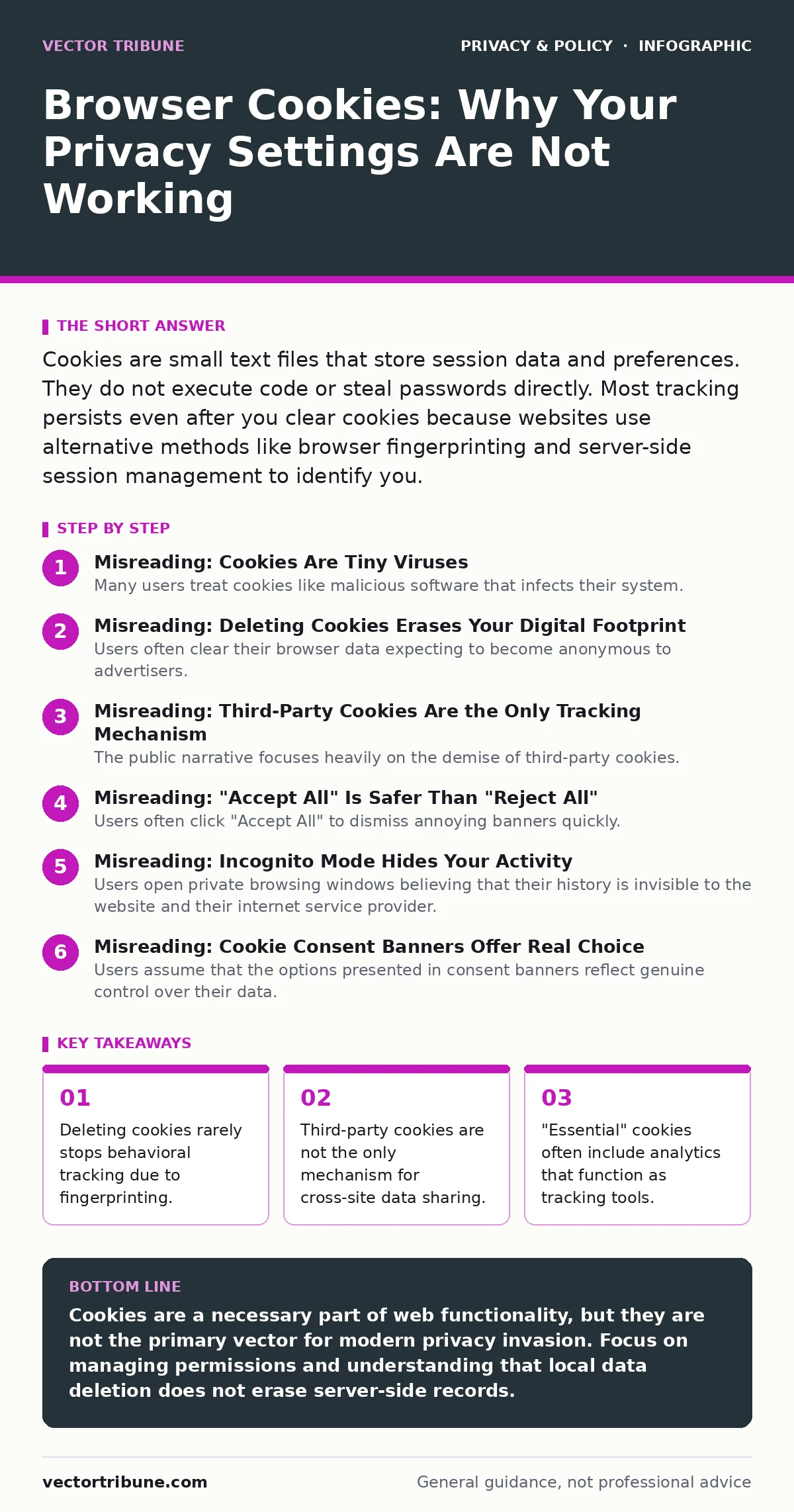
Cookies are small text files that store session data and preferences. They do not execute code or steal passwords directly. Most tracking persists even after you clear cookies because websites use alternative methods like browser fingerprinting and server-side session management to identify you.
Misreading: Cookies Are Tiny Viruses
Many users treat cookies like malicious software that infects their system. This fear leads to aggressive blocking of all cookie types, which breaks basic web functionality.
Correct reading: Cookies are passive text files. They contain key-value pairs, such as a session identifier or a language preference. They cannot execute code, access your hard drive, or install malware. A cookie is simply a note the website asks your browser to keep. Without them, you would have to log in to every service on every visit. The risk is not infection, but data accumulation.
Misreading: Deleting Cookies Erases Your Digital Footprint
Users often clear their browser data expecting to become anonymous to advertisers. They assume that removing local files removes the server’s memory of who they are.
Correct reading: The server maintains its own records. When you delete a cookie, you only remove the client-side token that links you to a server-side session. The website already knows your browsing history from previous sessions. Modern tracking relies on browser fingerprinting, which identifies you by your screen resolution, installed fonts, and hardware configuration. This fingerprint persists even after a full data wipe. For more on how devices leak identity, see smartphone privacy settings.
Misreading: Third-Party Cookies Are the Only Tracking Mechanism
The public narrative focuses heavily on the demise of third-party cookies. Users believe that blocking these specific cookies stops cross-site advertising and profiling.
Correct reading: First-party cookies can perform similar tracking functions. A website can set its own cookies to track your behavior across its subdomains. More importantly, local storage and IndexedDB allow sites to store larger amounts of data that do not expire like standard cookies. These storage mechanisms are not subject to the same expiration rules. Advertisers also use canvas fingerprinting and audio context fingerprinting to identify users without any cookies at all.
Misreading: "Accept All" Is Safer Than "Reject All"
Users often click "Accept All" to dismiss annoying banners quickly. They assume that rejecting cookies will degrade their experience or expose them to technical errors.
Correct reading: Rejecting non-essential cookies often improves privacy without breaking core functionality. Essential cookies usually handle login sessions and shopping cart contents. Analytics and advertising cookies are not required for the site to load. By accepting all, you grant permission for data collection that serves no functional purpose for you. You trade privacy for convenience that you rarely notice. The complexity of these choices is addressed in consent management frameworks.
Misreading: Incognito Mode Hides Your Activity
Users open private browsing windows believing that their history is invisible to the website and their internet service provider. They think the "incognito" label implies encryption or anonymity.
Correct reading: Private browsing only prevents the local storage of history, cookies, and form data on your device. The website you visit still sees your IP address and creates a session. Your internet service provider logs every domain you request. The network operators between you and the server can still inspect traffic if it is not encrypted. Incognito mode protects you from people who share your physical device, not from the online entities you interact with.
See also: Is End-to-End Encryption Safe? The Real Risks and Limits · Privacy Laws for Small Businesses: How to Comply Without a Legal Team
Misreading: Cookie Consent Banners Offer Real Choice
Users assume that the options presented in consent banners reflect genuine control over their data. They believe that toggling "marketing" off stops all related data processing.
Correct reading: Many banners are designed for compliance, not user agency. They often bundle necessary and non-necessary cookies together, forcing you to accept analytics to use the site. The granular controls are frequently hidden behind secondary menus. Even when you reject marketing cookies, the site may still use fingerprinting or server-side tracking to infer your interests. These banners satisfy legal requirements without necessarily limiting data flow. This dynamic is central to privacy laws for small businesses.
Misreading: Same-Site Cookies Are Fully Secure
Developers and users assume that marking a cookie as "SameSite" prevents all cross-site request forgery and tracking. They believe this attribute isolates data completely.
Correct reading: SameSite attributes restrict when the browser sends the cookie. A "Strict" setting prevents the cookie from being sent on any cross-site requests. A "Lax" setting allows it on top-level navigations, such as clicking a link from another site. This still allows some data leakage. Attackers can use techniques like cross-origin resource sharing misconfigurations to bypass these restrictions. The attribute reduces risk but does not eliminate it.
Misreading: Cookie Preferences Are Permanent
Users set their cookie preferences once and expect them to apply universally across all future visits. They assume the browser remembers their choice for every site.
Correct reading: Cookie preferences are stored per domain. Each website must store its own consent record. If you clear your data, you must consent again. Furthermore, sites can change their cookie policy at any time. A banner may reappear because the site added new tracking partners. Your previous consent does not bind the site to its current configuration. This fragmentation makes consistent privacy management difficult.
Key takeaways
- Deleting cookies rarely stops behavioral tracking due to fingerprinting.
- Third-party cookies are not the only mechanism for cross-site data sharing.
- "Essential" cookies often include analytics that function as tracking tools.
- Local storage and IndexedDB persist data longer than standard cookies.
Cookies are a necessary part of web functionality, but they are not the primary vector for modern privacy invasion. Focus on managing permissions and understanding that local data deletion does not erase server-side records.
Frequently asked questions
Do cookies steal my passwords?
No. Cookies store session tokens, not credentials. They allow the server to recognize you without sending your password with every request.
Can I block all cookies safely?
You can block third-party cookies safely. Blocking all cookies will break login functionality, shopping carts, and user preferences on most sites.
Why do sites ask for consent if they track anyway?
Consent banners are primarily legal requirements in regions with strict privacy regulations. They document user permission but do not technically prevent all data collection methods.
Does HTTPS protect me from cookie tracking?
HTTPS encrypts the data in transit, preventing eavesdropping. It does not prevent the website from setting cookies or using fingerprinting to identify you.
How this guide was produced: written by the Vector Tribune editorial team with AI assistance, checked against the public references listed below, and reviewed when the facts change. See our editorial policy or report an error.