
Packet Capture Analysis: Small Business Security Without the Noise
Most small organizations ignore network traffic because they fear complexity, yet raw packet data reveals lateral movement that endpoint logs completely miss
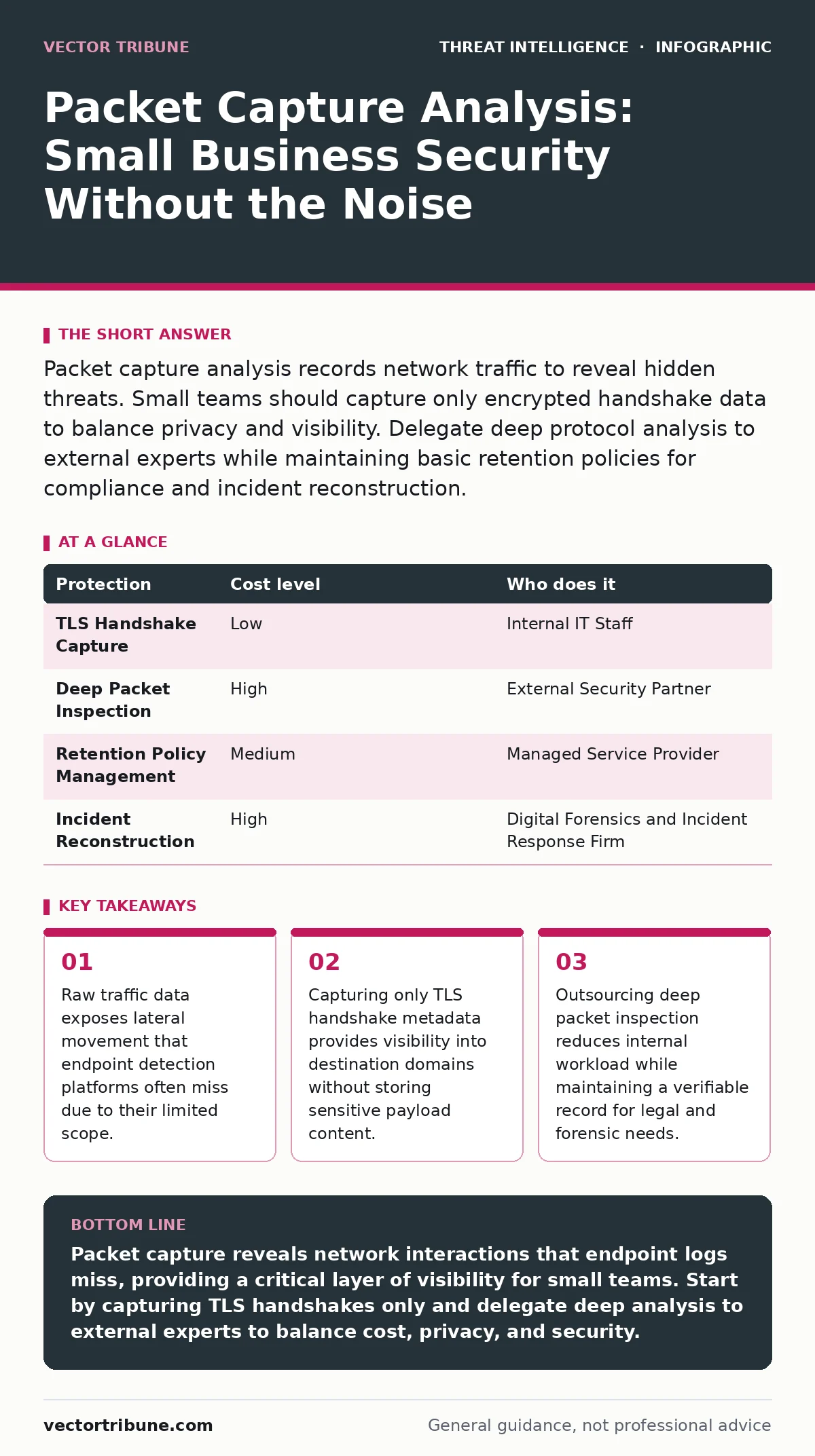
Packet capture analysis records network traffic to reveal hidden threats. Small teams should capture only encrypted handshake data to balance privacy and visibility. Delegate deep protocol analysis to external experts while maintaining basic retention policies for compliance and incident reconstruction.
The Silent Value of Traffic Data
Small organizations often assume that enterprise-grade security requires enterprise budgets. This assumption leads teams to rely solely on endpoint protection. Endpoint solutions monitor file activity and process execution on individual devices. They do not see the network traffic between those devices. An attacker who moves laterally across your network leaves traces in the network layer. These traces exist regardless of whether the endpoint is compromised. Packet capture analysis allows you to see these interactions. It provides a ground truth that endpoint logs cannot match.
The primary value for small teams is not deep inspection. It is the ability to reconstruct what happened. When an incident occurs, memory dumps and disk images are static. Network traffic is dynamic. It shows the sequence of events. It shows which systems spoke to which external addresses. This timeline is often the only way to determine the full scope of a breach. Without it, you are guessing at the extent of the damage.
Affordable Capture Strategies
Capturing every packet on a busy network is expensive and difficult. Storage costs rise quickly. Processing power requirements increase exponentially. Small businesses do not need to capture everything. They need to capture the right things. The most effective strategy is selective capture. You focus on traffic that indicates connection establishment rather than data transfer.
Transport Layer Security (TLS) handshakes are the ideal target. These packets contain the Server Name Indication (SNI). The SNI reveals the domain name the client is trying to reach. It does not contain the encrypted payload. This means you can see which websites or services your users access. You do not see the content they exchange. This approach respects user privacy. It avoids storing sensitive data like passwords or credit card numbers. It also reduces storage requirements by orders of magnitude.
You can implement this using standard network switches. Many modern switches support port mirroring. This feature copies traffic from one port to another. You connect a dedicated machine to the mirrored port. That machine runs a lightweight capture agent. The agent filters for TLS handshakes and discards the rest. This setup costs very little in hardware. It requires minimal maintenance. It provides a continuous stream of connection metadata.
What to Delegate to Experts
Internal teams rarely have the time to analyze raw packet data. The volume of data is overwhelming. The complexity of modern protocols is high. Attempting to do deep analysis in-house often leads to alert fatigue. You see so much noise that you miss the signal. This is where delegation becomes necessary. You do not need to hire a full-time security analyst. You need a partner who can handle the heavy lifting.
Consider delegating three specific tasks. First, delegate the configuration of capture filters. An expert can ensure you are capturing the right traffic and nothing more. Second, delegate the initial triage of anomalies. They can distinguish between a misconfigured printer and a data exfiltration attempt. Third, delegate the retention policy management. They can ensure data is stored securely and deleted when no longer needed.
This delegation model works well with tactical threat intelligence. You provide the connection data. The provider matches it against known malicious indicators. They return a simplified report. This report tells you which connections were suspicious. It does not require you to understand the underlying protocol details. It gives you actionable information without the operational burden.
| Protection | Cost level | Who does it |
|---|---|---|
| TLS Handshake Capture | Low | Internal IT Staff |
| Deep Packet Inspection | High | External Security Partner |
| Retention Policy Management | Medium | Managed Service Provider |
| Incident Reconstruction | High | Digital Forensics and Incident Response Firm |
Integrating with Existing Tools
Packet capture data does not exist in a vacuum. It must complement your existing security stack. Most small businesses use a basic firewall or cloud security provider. These tools log connections. They do not capture packets. Logs are summaries. Packets are raw data. The two sources together provide a complete picture.
You should integrate your capture data with your alert triage process. When your firewall flags a suspicious connection, you can look at the corresponding packet data. Did the connection attempt happen? What was the exact timestamp? Did other systems connect to the same address? This correlation reduces false positives. It helps you prioritize real threats.
Do not try to replace your firewall logs with packet captures. Logs are faster to search. They are easier to aggregate. Use logs for daily monitoring. Use captures for incident investigation. This division of labor keeps your daily operations smooth. It ensures you have the detailed data when you need it most.
Privacy and Legal Constraints
Capturing network traffic raises privacy concerns. Employees expect their communications to be private. You must balance security needs with privacy rights. The key is transparency. You must inform employees that network traffic is monitored. This notice should be in your acceptable use policy. It should be clear and unambiguous.
Avoid capturing payload data. Payloads contain emails, documents, and messages. Storing this data creates a liability. If your capture system is breached, the attacker gets access to all your sensitive data. By capturing only handshakes, you minimize this risk. You still get the security benefit. You avoid the privacy nightmare.
Be aware of local laws. Some jurisdictions require explicit consent for network monitoring. Others have strict rules about data retention. Consult with legal counsel before implementing any capture solution. This step is not optional. It protects your organization from lawsuits. It ensures your security measures are defensible.
See also: Public Wi-Fi Risks: How Open Networks Expose Your Data · Stop SYN Flood Attacks: Architectural Defenses for Modern Infrastructure
Questions for Your IT Provider
When you hire an external provider to help with packet analysis, you need to ask the right questions. Do not accept vague promises. Ask for specific capabilities. Here are the questions you should ask:
- How do you ensure the privacy of captured data?
- What is your retention period for packet metadata?
- How do you correlate network data with endpoint logs?
- Can you provide samples of your incident reports?
- Do you use tactics, techniques and procedures (TTPs) to identify threats?
These questions help you evaluate the provider's competence. They reveal whether they understand your specific needs. They ensure you get value for your money. Do not skip this step. The right partner makes the difference between noise and insight.
Handling the Unexpected
Imagine a scenario where your capture system detects unusual traffic. The traffic is not malicious. It is a new application your team just installed. The application uses a non-standard port. Your firewall blocks it. Your capture system flags it as suspicious. This is a common edge case.
Do not ignore the alert. Investigate it. Determine if the application is legitimate. If it is, update your firewall rules. If it is not, remove it. This process improves your security posture. It reduces future false positives. It teaches your team to trust the data.
Another unexpected issue is encryption. Most traffic is now encrypted. This makes deep inspection difficult. You cannot see inside the encrypted tunnel. This is a feature, not a bug. It protects your data. It also hides attackers. You must rely on metadata. You must look for patterns in connection frequency and volume. You must accept that you cannot see everything.
Building a Sustainable Process
Packet capture analysis is not a one-time project. It is an ongoing process. You must review your capture configurations regularly. You must update your filters as your network changes. You must train your staff to interpret the data. This requires discipline. It requires resources. But the payoff is significant.
You gain visibility into your network. You gain the ability to detect lateral movement. You gain a record of events for forensic analysis. These capabilities are not just for large enterprises. They are available to any organization willing to invest a small amount of effort. The key is to start small. Capture handshakes. Delegate the rest. Build your process over time.
Key takeaways
- Raw traffic data exposes lateral movement that endpoint detection platforms often miss due to their limited scope.
- Capturing only TLS handshake metadata provides visibility into destination domains without storing sensitive payload content.
- Outsourcing deep packet inspection reduces internal workload while maintaining a verifiable record for legal and forensic needs.
Packet capture reveals network interactions that endpoint logs miss, providing a critical layer of visibility for small teams. Start by capturing TLS handshakes only and delegate deep analysis to external experts to balance cost, privacy, and security.
Frequently asked questions
Do I need a dedicated server for packet capture?
No, you can use a lightweight virtual machine or a small dedicated PC. The hardware requirements are low if you only capture handshake metadata and filter out payload data.
Can packet capture replace my firewall?
No, packet capture is a passive monitoring tool. It does not block traffic. You still need a firewall to enforce access controls and block malicious connections in real-time.
How long should I keep packet capture data?
Keep metadata for 90 to 180 days. This window is sufficient for most incident investigations. Longer retention increases storage costs and legal liability without adding significant security value.
Is packet capture legal for small businesses?
Yes, if you monitor your own network and inform employees. You must avoid capturing private payload data and comply with local privacy laws regarding network monitoring consent.
How this guide was produced: written by the Vector Tribune editorial team with AI assistance, checked against the public references listed below, and reviewed when the facts change. See our editorial policy or report an error.