What Does Full Disk Encryption Protect Against: A Technical Deep Dive
Full disk encryption renders stolen storage useless by transforming readable data into unreadable ciphertext without the correct cryptographic key.
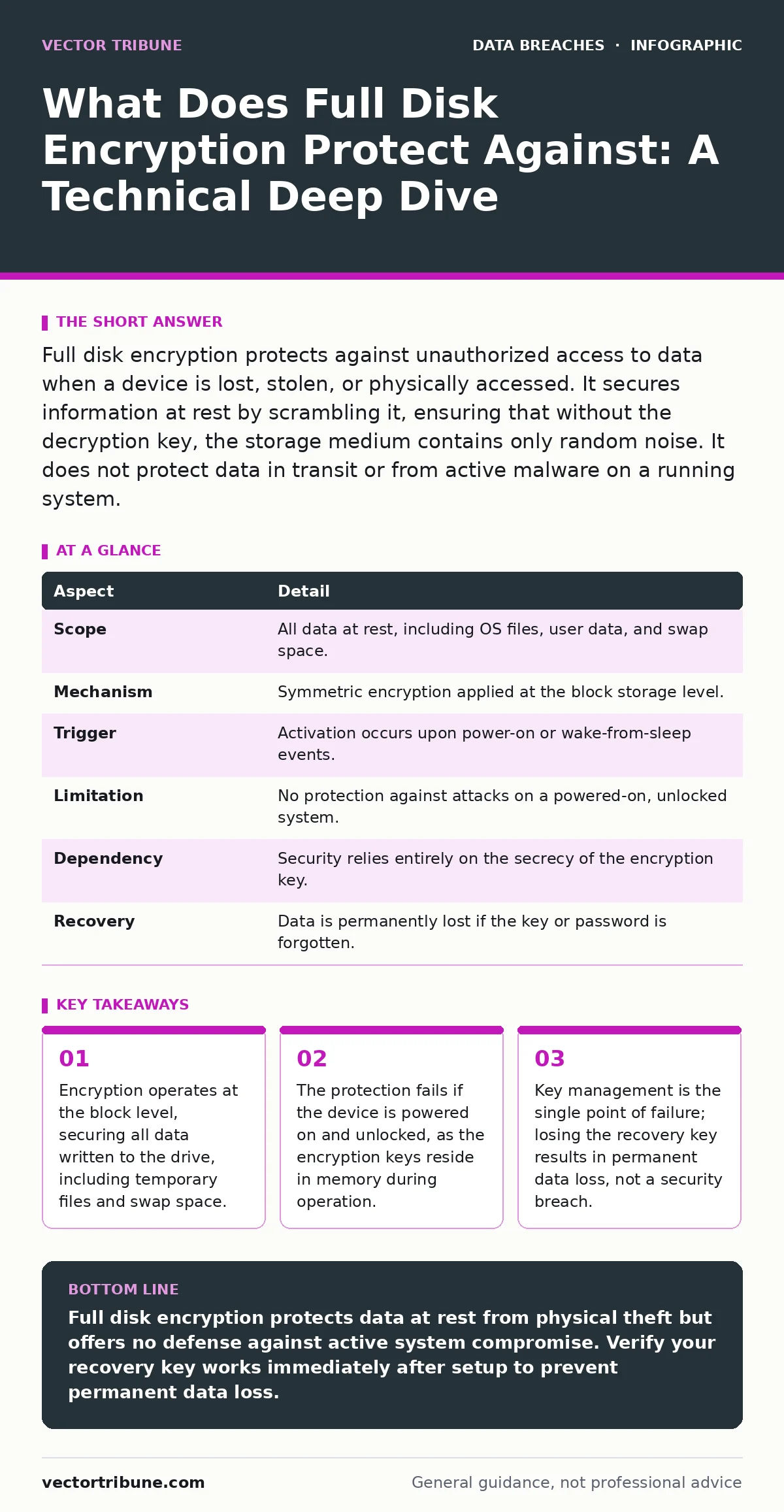
Full disk encryption protects against unauthorized access to data when a device is lost, stolen, or physically accessed. It secures information at rest by scrambling it, ensuring that without the decryption key, the storage medium contains only random noise. It does not protect data in transit or from active malware on a running system.
The Physical Layer Defense
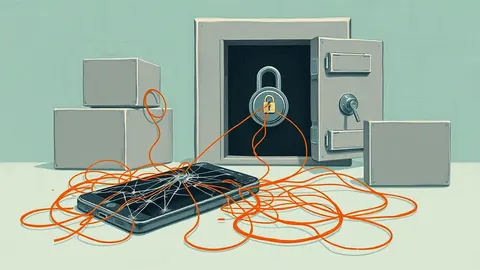
Imagine handing a sealed, opaque box to a stranger. They can shake it, weigh it, and examine the lock, but they cannot see the contents inside. Full disk encryption functions as that digital lock. It transforms every byte of data stored on your hard drive or solid-state drive into ciphertext. This process renders the information unreadable to anyone who does not possess the specific decryption key. The protection begins the moment data leaves the CPU and travels toward the storage medium.
| Aspect | Detail |
|---|---|
| Scope | All data at rest, including OS files, user data, and swap space. |
| Mechanism | Symmetric encryption applied at the block storage level. |
| Trigger | Activation occurs upon power-on or wake-from-sleep events. |
| Limitation | No protection against attacks on a powered-on, unlocked system. |
| Dependency | Security relies entirely on the secrecy of the encryption key. |
| Recovery | Data is permanently lost if the key or password is forgotten. |
What Does Full Disk Encryption Protect Against
When you ask what full disk encryption protects against, the answer is strictly physical compromise and unauthorized offline access. It shields your data from attackers who possess the physical device but lack the authentication credentials. If a laptop is stolen from a coffee shop, the thief cannot simply remove the drive and plug it into another computer to read your files. The drive appears as a block of random noise. This protection is vital for devices that travel with you, as it mitigates the risk associated with lost and stolen devices. It prevents casual snooping and targeted extraction attempts where the attacker has physical possession but no time to bypass the operating system.
How the Mechanism Operates
The system uses symmetric encryption, meaning the same key encrypts and decrypts data. When you type a password, the system does not use that password directly to encrypt the drive. Instead, it uses the password to unlock a volume master key stored in a secure enclave or TPM (Trusted Platform Module). This separation allows for faster password changes without re-encrypting the entire drive.
The encryption happens transparently to the operating system. Applications write data as usual, and the storage stack encrypts it before it hits the platter or NAND flash. When the OS reads the data, it decrypts it on the fly. This adds negligible performance overhead on modern hardware with dedicated encryption engines.
The Active System Blind Spot
Encryption does not protect you while the computer is running and unlocked. Once you authenticate, the keys are loaded into memory. Malware, remote attackers, or unauthorized users who gain access to the active session can read and copy data freely. The encryption layer is invisible to the operating system during normal operation.
This is why endpoint detection and response tools remain necessary. Encryption secures the vault, but it does not stop someone from walking into the house while the door is open. You must assume that an active session is a trusted environment. If an attacker gains administrative privileges, they can bypass file-level permissions and exfiltrate data regardless of disk encryption.
Common Misconceptions About Scope
Many users believe encryption makes their data invulnerable. This is incorrect. Encryption does not protect against misdirected emails where you accidentally attach sensitive files to the wrong recipient. It does not prevent oversharing on social media where you voluntarily publish private information.
It also does not stop insider data theft by an employee who logs in with valid credentials and copies files to an external drive. The encryption protects the storage medium, not the data lifecycle. You must combine disk encryption with strict access controls and data loss prevention strategies. Relying solely on encryption creates a false sense of security regarding network attacks and social engineering.
See also: Misdirected Email Response: Containment and Recovery Steps · Is End-to-End Encryption Safe? The Real Risks and Limits
The Hidden Cost of Key Loss
The most significant risk of full disk encryption is not a breach, but data loss. If you forget your password or lose the recovery key, the data is gone forever. No vendor can recover it. No backdoor exists. This is a design feature, not a bug. The strength of the encryption ensures that brute-forcing the key is computationally infeasible. You must treat your encryption keys with the same care as physical keys to a safe.
Backing up recovery keys to a secure, offline location is mandatory. Cloud storage for recovery keys introduces a new attack surface. If an attacker compromises your cloud account, they may gain access to the keys that unlock your local devices. Balance convenience with security by storing keys in a location that requires separate authentication.
Integration With Security Frameworks
Full disk encryption is a standard control in ISO 27001, the international standard for information security management systems. It addresses the requirement to protect information against unauthorized access. However, implementing it requires a disciplined approach to encryption key management. You need a process for generating, storing, rotating, and revoking keys.
For enterprises, this often involves centralized key management servers. For individuals, it means understanding the recovery process before an emergency occurs. Ignoring key management turns a security tool into a liability. A well-managed encryption strategy reduces the impact of third-party data breaches by ensuring that even if a partner’s system is compromised, your local data remains protected if it never left your encrypted drive.
Implementing Effective Protection
To maximize protection, enable encryption on all devices that store sensitive data. Use hardware-backed encryption where available, as it is generally more secure and efficient than software-only solutions. Ensure that your operating system prompts for authentication before the drive is unlocked. This prevents attackers from bypassing the login screen by booting into recovery mode.
Regularly test your recovery process. Attempt to restore a small amount of data using your backup key to verify it works. Do not wait for a crisis to discover that your recovery key is corrupted or lost. Combine disk encryption with multi-factor authentication to protect the initial unlock process. This layered approach ensures that even if one defense fails, others remain in place.
Key takeaways
- Encryption operates at the block level, securing all data written to the drive, including temporary files and swap space.
- The protection fails if the device is powered on and unlocked, as the encryption keys reside in memory during operation.
- Key management is the single point of failure; losing the recovery key results in permanent data loss, not a security breach.
Full disk encryption protects data at rest from physical theft but offers no defense against active system compromise. Verify your recovery key works immediately after setup to prevent permanent data loss.
Frequently asked questions
Does full disk encryption protect my data in the cloud?
No, cloud providers typically use their own encryption. You must rely on their key management or use client-side encryption before uploading files.
Can antivirus software replace full disk encryption?
No, antivirus detects malicious code. Encryption scrambles data so it cannot be read without a key. They serve completely different purposes.
Is full disk encryption slow on older computers?
It can cause slight performance degradation on very old hardware lacking dedicated encryption instructions, but modern systems handle it transparently.
What happens if I change my password?
The system updates the link between your password and the volume master key. It does not re-encrypt the entire drive, saving time and resources.
How this guide was produced: written by the Vector Tribune editorial team with AI assistance, checked against the public references listed below, and reviewed when the facts change. See our editorial policy or report an error.