Lost and Stolen Devices: Secure Data Recovery and Risk Mitigation
Device encryption alone fails if backup keys remain accessible on compromised endpoints or shared cloud storage accounts.
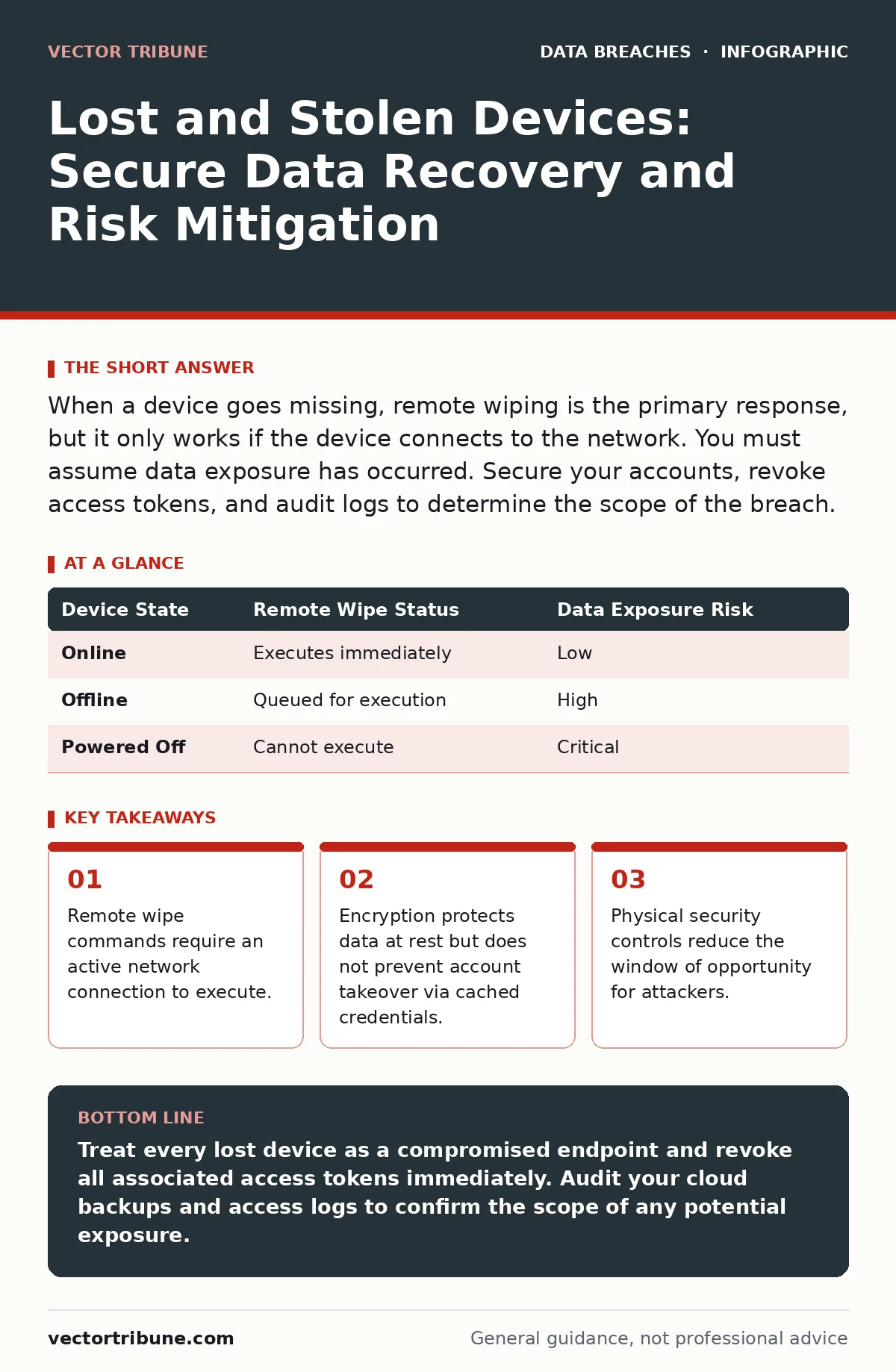
When a device goes missing, remote wiping is the primary response, but it only works if the device connects to the network. You must assume data exposure has occurred. Secure your accounts, revoke access tokens, and audit logs to determine the scope of the breach.
What happens immediately after a device is lost?
Time is the single most critical factor in limiting data exposure. Attackers often attempt to access accounts or extract data within minutes of gaining possession. Your first action must be to initiate remote access revocation protocols. This includes changing passwords and invalidating session tokens. Do not wait to confirm the device is gone before acting.
Can I remotely wipe a lost device?
You can send a command to erase data, but the device must be online to receive it. Most modern operating systems support remote wipe features through mobile device management tools. If the device is powered off or disconnected from the internet, the command remains in a queue. It executes only when the device reconnects.
| Device State | Remote Wipe Status | Data Exposure Risk |
|---|---|---|
| Online | Executes immediately | Low |
| Offline | Queued for execution | High |
| Powered Off | Cannot execute | Critical |
Does encryption protect stolen data?
Full disk encryption renders the storage unreadable without the correct key. This is the baseline defense against physical theft. However, encryption does not protect data that is already decrypted in memory or cached in temporary files. If an attacker accesses the device while it is unlocked, encryption provides no benefit. You must rely on automatic lock timeouts.
What about data in the cloud?
Cloud services often sync data automatically, creating copies that persist even after a device wipe. You must distinguish between device-local storage and cloud-hosted backups. Revoking access to the cloud account is necessary to prevent further synchronization. Some services allow you to delete specific device backups from the server. Check your provider’s retention policies to understand how long deleted data remains recoverable.
How do I prevent account takeover?
Attackers often use stolen devices to bypass multi-factor authentication. They may install malware that intercepts push notifications or SMS codes. You should use hardware-based authenticators rather than software tokens stored on the device. These physical keys cannot be copied remotely. If your device is lost, you can physically remove or disable the authenticator.
See also: Social Media Oversharing Warning Signs and Mitigation
What is the risk of cached credentials?
Web browsers and operating systems often store login tokens to simplify user experience. These tokens can allow an attacker to access accounts without knowing the password. Clearing browser history and cached credentials is part of the remote wipe process. However, some enterprise applications maintain their own caches. You must review application-specific security settings to ensure all tokens are invalidated.
Should I report the theft to authorities?
Reporting creates a formal record that may be required for insurance or compliance audits. It also helps identify patterns of organized theft. Include the serial number and any asset tags in your report. This information can be used to block the device from cellular networks. It also assists in recovering the hardware if it is resold.
How does this relate to broader security?
A lost device is often a vector for broader data breaches. If the device contains access to corporate networks, the breach can escalate. You should review your ISO 27001 controls to ensure device loss is treated as a potential security incident. This framework emphasizes risk management and continuous improvement.
What are the long-term implications?
Even if no data is stolen, the incident may require disclosure under privacy regulations. You must assess whether personal information was accessible. This assessment includes reviewing encryption status and access logs. Failure to report a potential breach can result in significant legal and reputational damage.
How do I prevent future losses?
Physical security measures reduce the likelihood of theft. Use cable locks in public spaces and enable location tracking services. Regularly update your device management policies to reflect new threats. Consider the lessons from insider data theft when designing access controls. Employees with excessive privileges pose a greater risk if their devices are lost.
What about third-party risks?
Your device may connect to third-party services that store your data. A loss of device control can expose these connections. Review your third-party data breaches history to understand how vendors handle compromised access. Ensure your contracts include clauses for data deletion upon request. This reduces your liability if a vendor’s systems are compromised.
Key takeaways
- Remote wipe commands require an active network connection to execute.
- Encryption protects data at rest but does not prevent account takeover via cached credentials.
- Physical security controls reduce the window of opportunity for attackers.
Treat every lost device as a compromised endpoint and revoke all associated access tokens immediately. Audit your cloud backups and access logs to confirm the scope of any potential exposure.
Frequently asked questions
How long does it take for a remote wipe to work?
It depends on the device's connectivity. If online, it is immediate. If offline, it happens when the device next connects to the internet.
Can I recover my data after a remote wipe?
Only from cloud backups or separate physical backups. The data on the lost device is permanently destroyed.
Does turning off Bluetooth help?
No. Bluetooth is not the primary vector for remote attacks. Focus on network connectivity and account security instead.
What if I find the device later?
Do not re-enable it without a full security audit. Re-image the device from scratch to ensure no malware remains.
How this guide was produced: written by the Vector Tribune editorial team with AI assistance, checked against the public references listed below, and reviewed when the facts change. See our editorial policy or report an error.