Misdirected Email Response: Containment and Recovery Steps
Most data loss from misdirected emails occurs not when the message leaves your inbox, but during the chaotic hours spent debating whether to notify legal counsel.
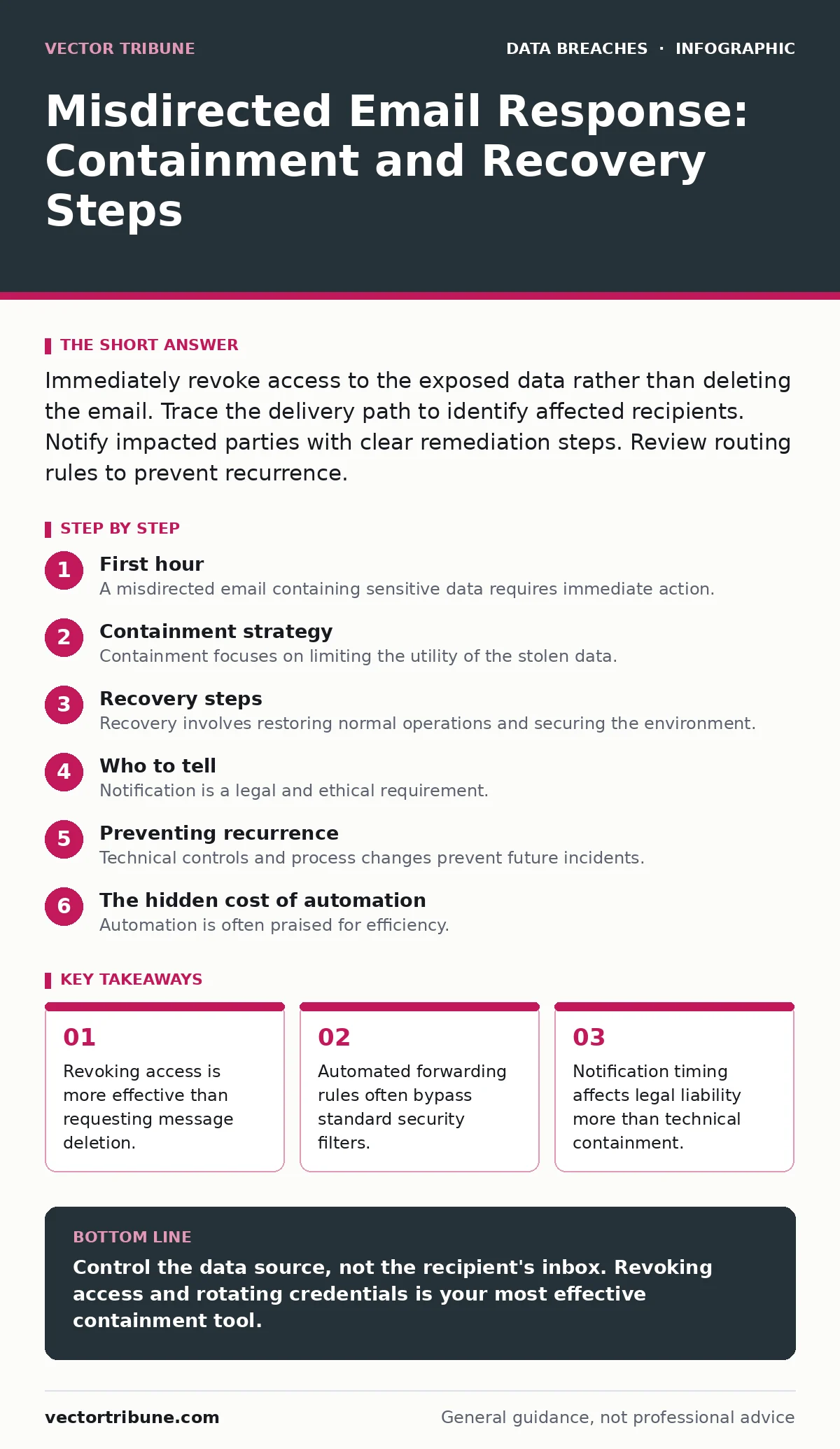
Immediately revoke access to the exposed data rather than deleting the email. Trace the delivery path to identify affected recipients. Notify impacted parties with clear remediation steps. Review routing rules to prevent recurrence.
First hour
A misdirected email containing sensitive data requires immediate action. Panic leads to mistakes that compound the initial error. You must act with precision, not speed.
Identify the scope of the exposure. Determine exactly which recipients received the message and what data they accessed. If the email was sent to an external domain, you cannot force deletion. The recipient controls their inbox. Your ability to contain the breach depends on controlling the data source, not the recipient's actions.
Check for automated forwarding. Many users set up rules that forward incoming or outgoing mail to secondary accounts. These rules often operate independently of primary security filters. If a forwarding rule triggered, the data may have spread further than the intended recipient list.
- Identify all recipients of the misdirected email.
- Determine the exact data type exposed.
- Check for active forwarding rules on the sender's account.
- Capture screenshots of the email header and content.
- Revoke or rotate credentials for any exposed accounts.
Containment strategy
Containment focuses on limiting the utility of the stolen data. Once the email is delivered, you cannot retrieve it. You can only make the data useless to the recipient.
If the email contained credentials, change them immediately. Rotate API keys if the payload included code or configuration files. Update database passwords if connection strings were exposed. This renders the stolen information obsolete.
Disable the sender's account if necessary. If the sender was compromised, an attacker may send further messages. Locking the account stops the bleeding. Investigate the sender's device for malware that could have triggered the send.
Consider the data's sensitivity. Not all misdirected emails are equal. A misdirected marketing newsletter differs from a misdirected customer database. Assess the impact based on the data classification. Refer to your internal policy for data classification levels. This helps determine the severity of the response.
Recovery steps
Recovery involves restoring normal operations and securing the environment. You must verify that the initial cause is resolved. If a phishing attack triggered the misdirection, you must remove the phishing vector.
Audit the sender's permissions. The sender may have had excessive access. Principle of least privilege ensures users only access what they need. Review their access rights to shared drives and databases.
Restore any data that was deleted during the panic. If you deleted files thinking they were compromised, you may have lost legitimate work. Use backups to restore verified clean data.
Update your security awareness training. The incident highlights a gap in user behavior. Training should focus on the specific mistake made. Generic training is less effective than targeted feedback.
Who to tell
Notification is a legal and ethical requirement. You must inform those affected by the breach. Delaying notification can increase liability and damage trust.
Identify the impacted individuals. Customers, employees, or partners may have been affected. Contact them directly via a secure channel. Do not use the same email system that failed. Use a separate communication method.
Provide clear instructions. Tell them what data was exposed. Explain what you have done to mitigate the risk. Offer steps they can take, such as changing passwords or monitoring accounts. Transparency builds trust, even in failure.
Consult legal counsel. Laws regarding data breach notification vary by jurisdiction. Ensure your notification meets legal requirements. Failure to comply can result in fines and penalties.
Preventing recurrence
Technical controls and process changes prevent future incidents. You must address the root cause, not just the symptom.
Implement double-verification for external sends. Require confirmation before sending to external domains. This adds a friction point that reduces accidental sends.
Review routing rules regularly. Automated rules can change without notice. Audit them periodically to ensure they align with security policies.
Educate users on email hygiene. Teach them to verify recipients before sending. Encourage them to use copy-paste carefully. Small habits prevent large breaches.
See also: Alert Triage: How to Cut Noise and Find Real Threats · Detect Data Breaches: Hidden Signals in Logs and System Behavior
The hidden cost of automation
Automation is often praised for efficiency. However, it introduces new risks. Automated forwarding and reply rules can bypass security controls.
Users often set up rules without understanding the consequences. A rule forwarding "all emails" to a personal account exposes all data. These rules are hard to detect.
Regular audits of automation settings are necessary. Review forwarding rules and auto-replies. Disable unnecessary rules. This reduces the attack surface.
Integration with broader security
This incident does not exist in isolation. It connects to other security domains. Understanding these connections improves your overall posture.
Misdirected emails can be a vector for data breaches. They can also facilitate insider data theft. Malicious insiders may use misdirection to exfiltrate data.
Compare this to third-party data breaches. Both involve external parties accessing internal data. The response strategies overlap.
Consider the role of ISO 27001. This standard provides a framework for managing information security. Compliance helps structure your response.
Review your policies on lost and stolen devices. If the sender's device was lost, the risk increases. Secure devices prevent unauthorized access.
Be aware of oversharing on social media. This can provide attackers with information to craft targeted attacks. Reduce your digital footprint.
Finally, consider AI watermarking. As AI tools become common, distinguishing human from AI-generated content is harder. Watermarking can help verify authenticity.
Key takeaways
- Revoking access is more effective than requesting message deletion.
- Automated forwarding rules often bypass standard security filters.
- Notification timing affects legal liability more than technical containment.
Control the data source, not the recipient's inbox. Revoking access and rotating credentials is your most effective containment tool.
Frequently asked questions
Can I legally force a recipient to delete a misdirected email?
No. You cannot legally compel an external recipient to delete an email. You can request deletion, but enforcement is not possible. Your focus must be on rendering the data useless.
How long should I keep forensic evidence of the incident?
Retain evidence until the incident is fully resolved and any potential legal claims are expired. This may take months or years. Consult your legal team for specific retention periods.
Does email encryption prevent misdirection?
Encryption protects data in transit, but not at the destination. If the wrong person receives the encrypted email, they may still access the data if they have the key. Encryption does not solve routing errors.
Should I notify the media about a misdirected email?
Media notification is usually unnecessary for small-scale misdirections. Reserve public statements for large-scale breaches affecting many individuals. Follow legal advice on public disclosure.
How this guide was produced: written by the Vector Tribune editorial team with AI assistance, checked against the public references listed below, and reviewed when the facts change. See our editorial policy or report an error.