How to Detect Rowhammer Attacks: Signs, Tools, and Blind Spots
Rowhammer attacks leave subtle traces in memory error logs and timing anomalies that standard security monitoring often ignores.
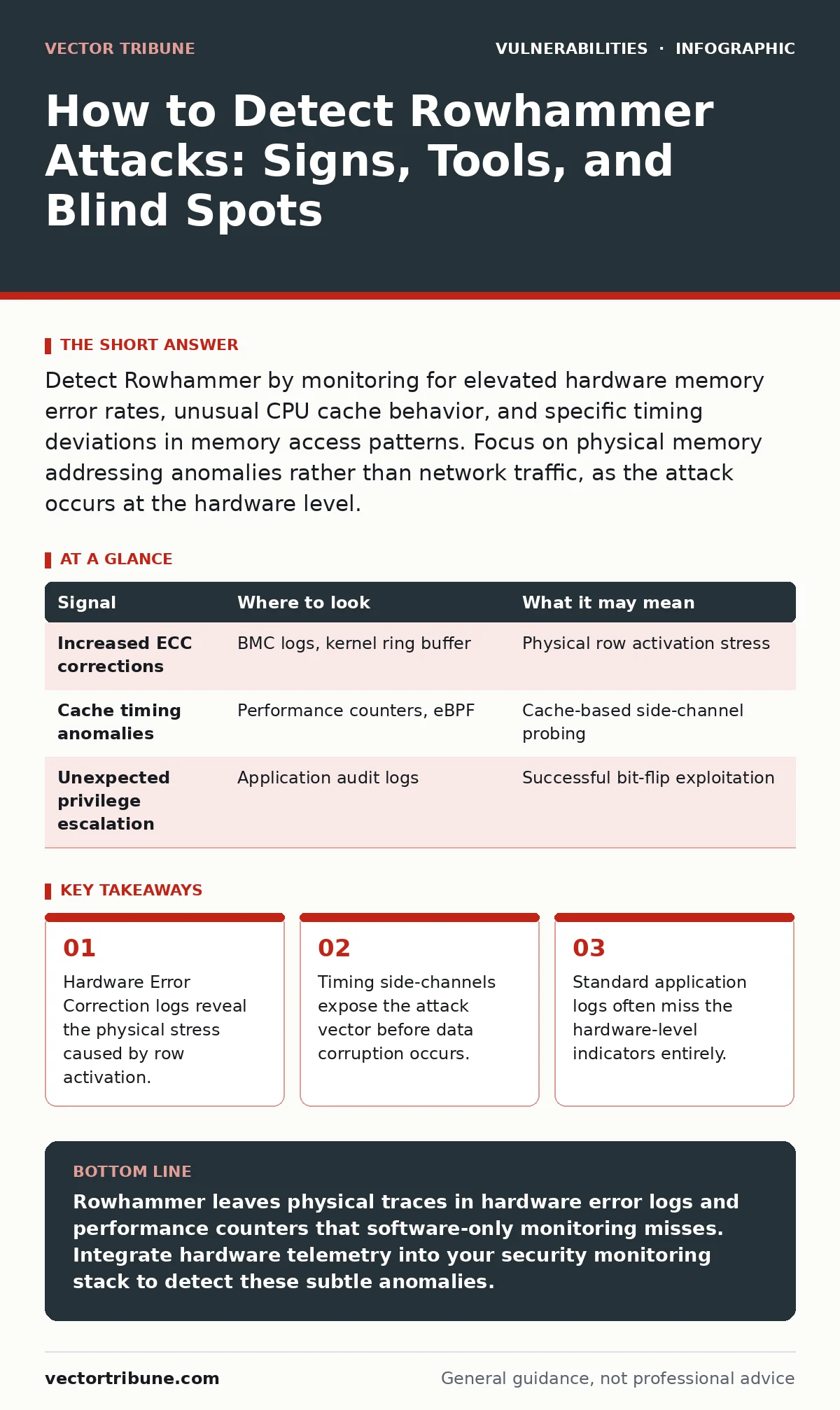
Detect Rowhammer by monitoring for elevated hardware memory error rates, unusual CPU cache behavior, and specific timing deviations in memory access patterns. Focus on physical memory addressing anomalies rather than network traffic, as the attack occurs at the hardware level.
Understanding the Physical Attack Surface
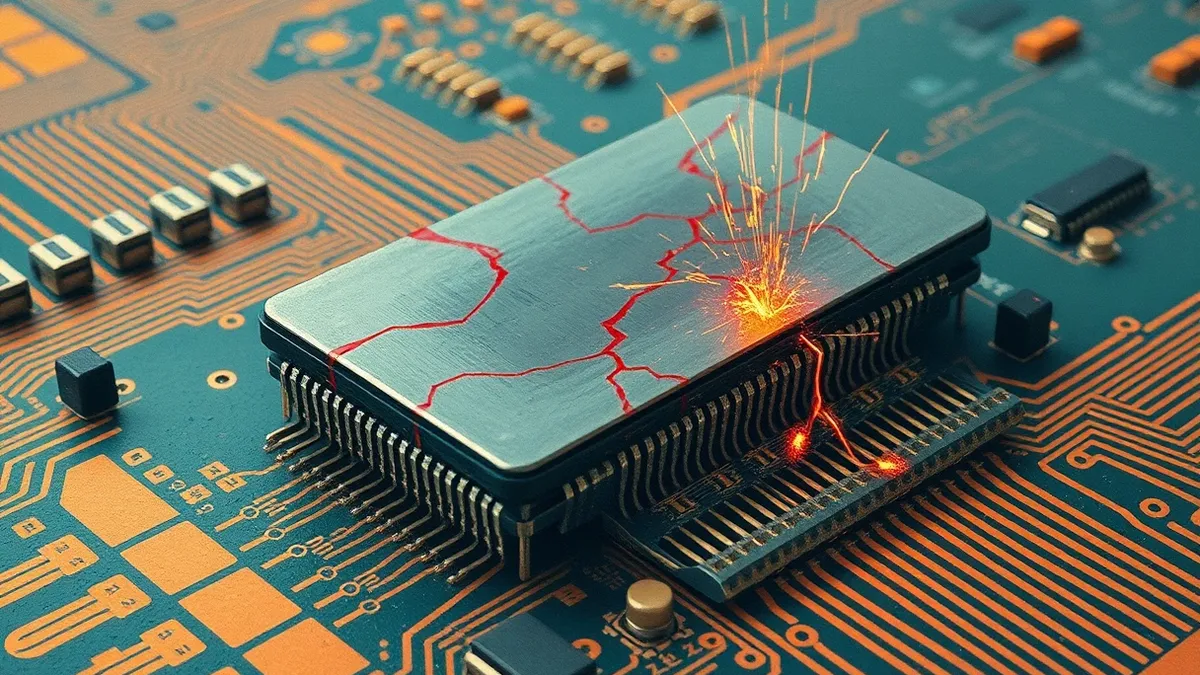
Rowhammer exploits the physical properties of dynamic random-access memory modules. The attack works by repeatedly accessing a specific row of memory cells. This electrical activity induces charge leakage in adjacent rows. Over time, this leakage flips bits in those neighboring rows. The attacker gains control over data they should not access. This mechanism bypasses traditional software-level isolation. You must look for evidence of physical stress on the memory hardware. Software logs alone cannot reveal this hardware-level manipulation. The attack vector exists in the silicon, not the code.
Memory Controller and Hardware Logs
The most direct evidence of a Rowhammer attack appears in hardware error logs. Modern systems use error-correcting code memory to fix single-bit errors automatically. When an attacker hammers a row, the corrector module works harder. You will see an increase in corrected errors in the system event log. These logs often reside in the baseboard management controller or the operating system kernel ring buffer. Look for entries related to memory parity errors or uncorrectable errors. A sudden spike in these entries without a corresponding hardware failure is a strong indicator. The system is fighting off silent data corruption.
| Signal | Where to look | What it may mean |
|---|---|---|
| Increased ECC corrections | BMC logs, kernel ring buffer | Physical row activation stress |
| Cache timing anomalies | Performance counters, eBPF | Cache-based side-channel probing |
| Unexpected privilege escalation | Application audit logs | Successful bit-flip exploitation |
Operating System Performance Counters
Operating systems expose hardware performance counters that can reveal Rowhammer activity. You can monitor cache miss rates and memory access latencies. An attacker must access memory rows at high frequency to induce bit flips. This creates a distinct pattern in performance data. The cache subsystem experiences unusual pressure. Memory bandwidth usage may spike without a corresponding increase in application workload. You should baseline normal performance metrics for your environment. Deviations from this baseline, particularly in memory access patterns, warrant investigation. Tools that attach to performance counters can capture these subtle changes.
Application Behavior and Side Effects
The ultimate goal of a Rowhammer attack is often privilege escalation or data theft. You may observe unusual behavior in applications running with elevated privileges. A browser sandbox escape is a common outcome. Look for processes that suddenly acquire new capabilities. Check for unexpected file system changes or network connections from isolated processes. The application itself may not log the attack, but the consequences are visible. An isolated container breaking out of its namespace is a red flag. Correlate these behavioral changes with the hardware logs you collected earlier.
Common Blind Spots in Detection
Many security teams focus exclusively on network traffic and application logs. This creates a significant blind spot for hardware-based attacks. Rowhammer does not generate network packets. It does not execute malicious code in the traditional sense. It manipulates the underlying memory structure. Intrusion detection systems cannot see inside the memory module. Security information and event management platforms may ingest hardware logs but rarely correlate them. You must explicitly configure your monitoring stack to ingest and analyze hardware performance data. Ignoring the physical layer leaves you vulnerable to this class of attack.
See also: Unauthenticated Remote Code Execution: How the Attack Works · Web Application Firewall Tuning for Small Teams
Tools for Hardware-Level Monitoring
You need specialized tools to detect the subtle signs of Rowhammer. Standard log aggregators are insufficient for real-time detection. eBPF allows you to write programs that run in the kernel space. These programs can monitor memory access patterns with low overhead. You can use eBPF to track cache behavior and memory latency. Integrate these data sources into your existing monitoring pipeline. Create alerts for sudden spikes in error correction rates. Combine these alerts with behavioral analysis for a complete picture.
Mitigation and Further Reading
Detection is only part of the defense strategy. You must also mitigate the risk of successful exploitation. Hardware vendors provide firmware updates that limit row activation rates. These updates implement refresh rate limiting or row hammer mitigation features. Ensure your systems run the latest firmware versions. This relates to concepts covered in our guide on emergency patch change management.
You should also review your asset inventory for patching to ensure all hardware components are accounted for. While this guide focuses on detection, understanding remote code execution vulnerabilities helps you appreciate the potential impact of a successful Rowhammer attack. Keep your systems updated and monitor for physical hardware anomalies.
Key takeaways
- Hardware Error Correction logs reveal the physical stress caused by row activation.
- Timing side-channels expose the attack vector before data corruption occurs.
- Standard application logs often miss the hardware-level indicators entirely.
Rowhammer leaves physical traces in hardware error logs and performance counters that software-only monitoring misses. Integrate hardware telemetry into your security monitoring stack to detect these subtle anomalies.
Frequently asked questions
Can Rowhammer be detected through network traffic analysis?
No, Rowhammer operates at the hardware memory level. It does not generate unique network signatures or traffic patterns that can be analyzed by network monitoring tools.
What is the difference between Rowhammer and a standard memory leak?
A memory leak is a software bug where memory is not freed. Rowhammer is a hardware exploit that causes bit flips through electrical interference, regardless of software memory management.
Do all types of memory modules suffer from Rowhammer?
Modern high-density memory modules are more susceptible due to smaller cell sizes and closer physical proximity. Older or lower-density modules are less vulnerable but not immune.
How often should I check hardware error logs?
You should monitor these logs in real-time or near real-time. Rowhammer attacks can be transient, and delayed detection may allow the attacker to achieve their goal before you notice.
How this guide was produced: written by the Vector Tribune editorial team with AI assistance, checked against the public references listed below, and reviewed when the facts change. See our editorial policy or report an error.