VLANs in Networking: How Virtual Segments Control Traffic Flow
VLANs in networking create logical boundaries that isolate broadcast domains, allowing you to segment traffic without rewiring physical infrastructure.
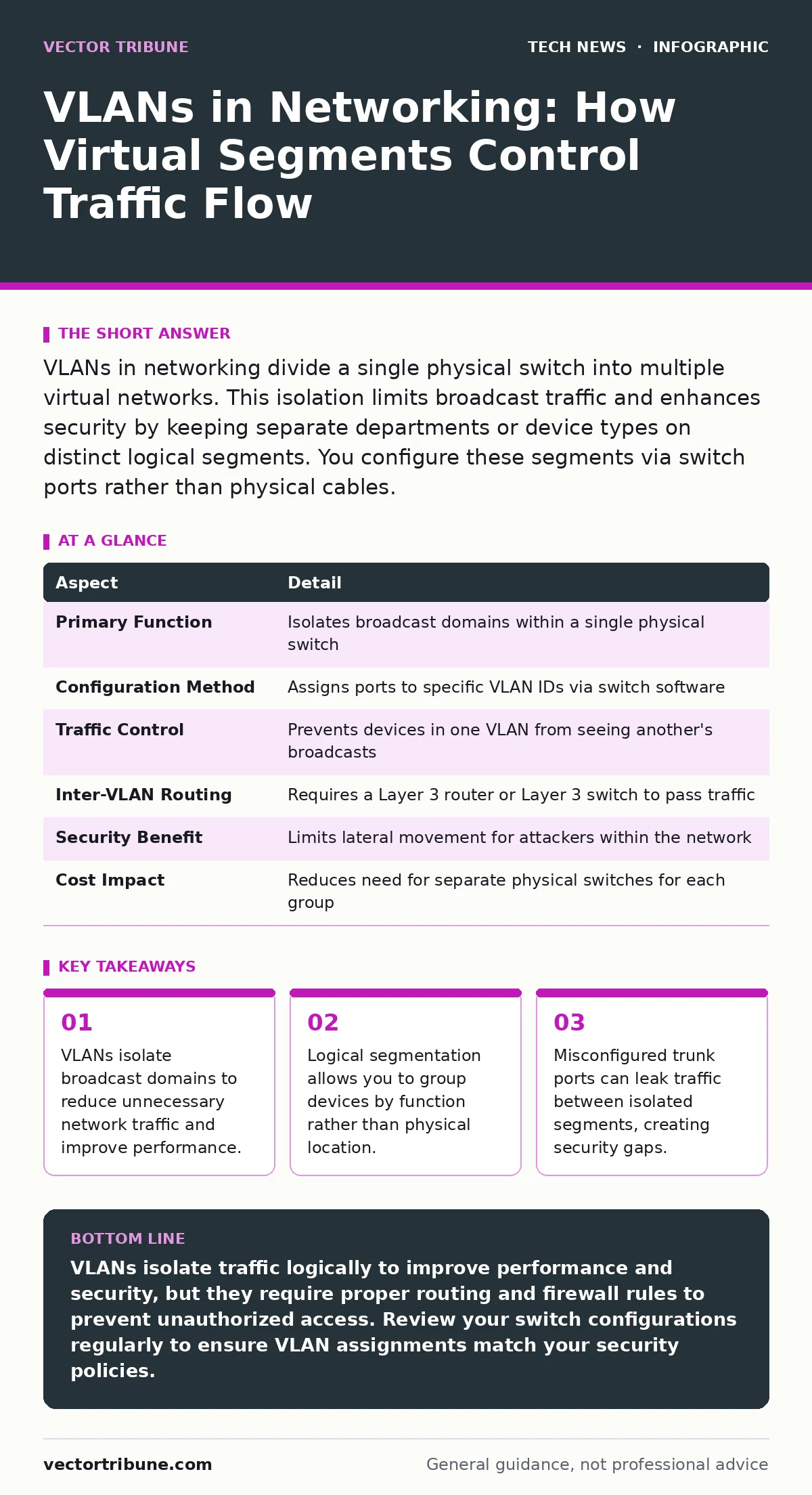
VLANs in networking divide a single physical switch into multiple virtual networks. This isolation limits broadcast traffic and enhances security by keeping separate departments or device types on distinct logical segments. You configure these segments via switch ports rather than physical cables.
The Library Analogy for Network Segmentation
Imagine a large library with open shelves. If you shout a question, everyone in the room hears it. This creates noise and slows down finding specific books. Now imagine placing glass partitions between sections. Each section hears only its own conversations. VLANs in networking act as these glass partitions. They divide a single physical switch into multiple virtual networks. This separation occurs at the data link layer of the OSI model. You achieve this isolation without adding new hardware cables. The physical medium remains shared, but the logical traffic paths are distinct.
| Aspect | Detail |
|---|---|
| Primary Function | Isolates broadcast domains within a single physical switch |
| Configuration Method | Assigns ports to specific VLAN IDs via switch software |
| Traffic Control | Prevents devices in one VLAN from seeing another's broadcasts |
| Inter-VLAN Routing | Requires a Layer 3 router or Layer 3 switch to pass traffic |
| Security Benefit | Limits lateral movement for attackers within the network |
| Cost Impact | Reduces need for separate physical switches for each group |
How VLANs in Networking Actually Work
A VLAN, or Virtual Local Area Network, assigns a tag to data frames. When a device sends data, the switch attaches a VLAN identifier to the frame. This identifier tells downstream switches which logical network the frame belongs to. Switches only forward frames to ports that are members of that specific VLAN. This process happens in hardware, making it very fast. The switch ignores frames that do not match the port's assigned VLAN. This filtering prevents broadcast storms from affecting the entire network. A broadcast storm occurs when too many broadcast packets saturate the network. By limiting the scope of broadcasts, you preserve bandwidth for actual data transfer.
You must configure each switch port as either an access port or a trunk port. An access port belongs to only one VLAN. It connects to end devices like computers or printers. The switch adds or removes the VLAN tag as traffic enters or leaves the port. A trunk port carries traffic for multiple VLANs. It connects switches together or links to a router. The trunk uses a tagging protocol to keep the traffic separate. The most common standard is IEEE 802.1Q. This standard defines how tags are added to Ethernet frames. Without this tagging, the receiving switch would not know which VLAN the traffic belongs to.
Who VLANs Affect in Your Organization
Network administrators benefit most from VLANs. They gain granular control over traffic flow without physical changes. You can move a user to a new department by changing a software setting. You do not need to repatch cables in the wall. This flexibility reduces maintenance time and error rates. Security teams also rely on VLANs. They use them to enforce the principle of least privilege. By placing sensitive systems on isolated VLANs, you limit the attack surface. An attacker who compromises a printer cannot easily scan the database server if they are on different VLANs.
End users notice fewer disruptions. Network performance improves because broadcast traffic is contained. Applications run smoother when the network is not clogged with irrelevant data. However, users may experience connectivity issues if the VLAN configuration is incorrect. If a user is assigned to the wrong VLAN, they cannot reach their resources. Troubleshooting these logical errors can be harder than fixing physical cable faults. You must check switch configurations and port assignments. This requires tools that can read VLAN tags and verify port states. Proper documentation of VLAN assignments is critical for quick resolution.
What People Usually Get Wrong About VLANs
Many administrators believe VLANs replace the need for firewalls. This is a dangerous misconception. VLANs separate broadcast domains, but they do not inspect packet contents. A Layer 3 router or firewall is required to control traffic between VLANs. Without this inter-VLAN filtering, traffic can flow freely between segments. You must configure access control lists on the router. These lists define which protocols and ports are allowed between VLANs. Treating VLANs as a security boundary alone leaves your network vulnerable.
Another common mistake is using the default VLAN for user traffic. Most switches ship with all ports on VLAN 1. This default VLAN is often the target for attacks like VLAN hopping. Attackers can exploit misconfigured trunk ports to access the default VLAN. You should create a custom VLAN for your users. Assign unused VLAN IDs to avoid conflicts with default settings. Change the native VLAN on trunk ports to a non-default ID. This prevents attackers from injecting untagged frames into your network. Regular audits of switch configurations help catch these misconfigurations.
Configuring VLANs for Better Security
Start by planning your VLAN structure. Group devices by function, not by location. Place servers, workstations, and IoT devices on separate VLANs. This logical grouping aligns with security policies. Assign a unique VLAN ID to each group. Document these IDs and their purposes. Clear documentation helps when troubleshooting or adding new devices. Next, configure the switch ports. Set access ports for end devices and trunk ports for inter-switch links. Ensure the trunk ports use the correct tagging protocol. Verify that the native VLAN matches on both ends of the trunk. Mismatches can cause connectivity issues and security leaks.
You must also secure the management VLAN. This VLAN carries traffic for managing the switches themselves. Keep this VLAN separate from user traffic. Restrict access to this VLAN using IP filtering. Only allow management stations to connect. Use strong authentication for switch management interfaces. Combine these steps with operating system hardening on your servers. This layered approach ensures that even if one layer fails, others remain intact. Regularly review your VLAN assignments. Remove unused VLANs to reduce complexity. Simplify the network where possible to minimize attack surfaces.
See also: Domain Name System Security: Protecting DNS From Cache Poisoning and Hijacking
Inter-VLAN Routing and Traffic Control
Devices in different VLANs cannot communicate directly. They need a router to pass traffic between them. This process is called inter-VLAN routing. The router receives a packet from one VLAN. It strips the VLAN tag and forwards the packet to the destination VLAN. The router adds a new VLAN tag for the destination segment. This process requires the router to have an interface for each VLAN. These interfaces are often logical sub-interfaces on a single physical link. You must configure routing protocols to manage this traffic efficiently.
Firewalls are often used instead of simple routers for this task. Firewalls provide stateful inspection of traffic. They can block malicious packets between VLANs. This adds a layer of security that routers alone do not provide. You define rules in the firewall to allow or deny traffic. For example, allow web traffic from the user VLAN to the server VLAN. Block all other traffic. This strict control prevents unauthorized access. Monitor the traffic between VLANs for anomalies. Use network monitoring tools to detect unusual patterns. Early detection of lateral movement can prevent major breaches.
Beyond Basic Segmentation
VLANs are a foundational tool for network design. They provide structure and control. However, they are not a standalone solution. You must integrate them with other security practices. For instance, secure software development practices ensure that applications do not introduce vulnerabilities. These vulnerabilities could be exploited across VLAN boundaries.
Also, consider domain name security to prevent DNS-based attacks. DNS traffic often crosses VLAN boundaries and requires careful handling. Finally, ensure your wireless networks use WPA3 to protect against local attacks. Wireless networks often use VLANs to segment guest and corporate traffic. Proper configuration here is vital for overall security.
Key takeaways
- VLANs isolate broadcast domains to reduce unnecessary network traffic and improve performance.
- Logical segmentation allows you to group devices by function rather than physical location.
- Misconfigured trunk ports can leak traffic between isolated segments, creating security gaps.
VLANs isolate traffic logically to improve performance and security, but they require proper routing and firewall rules to prevent unauthorized access. Review your switch configurations regularly to ensure VLAN assignments match your security policies.
Frequently asked questions
Do VLANs encrypt network traffic?
No, VLANs only segment traffic logically. They do not encrypt data. You must use encryption protocols to protect data confidentiality.
Can I use VLANs on a home network?
Yes, many modern home routers support VLANs. They are useful for separating IoT devices from personal computers.
How many VLANs can a switch support?
The number depends on the switch hardware. Most enterprise switches support thousands of VLAN IDs. Check your specific switch documentation.
What is the difference between a VLAN and a subnet?
A VLAN is a Layer 2 segmentation. A subnet is a Layer 3 IP address grouping. They often align, but they are distinct concepts.
How this guide was produced: written by the Vector Tribune editorial team with AI assistance, checked against the public references listed below, and reviewed when the facts change. See our editorial policy or report an error.