
Browser security settings are the architectural walls of your digital life
Default browser configurations prioritize seamless website compatibility over strict isolation, leaving silent gaps in your defense.
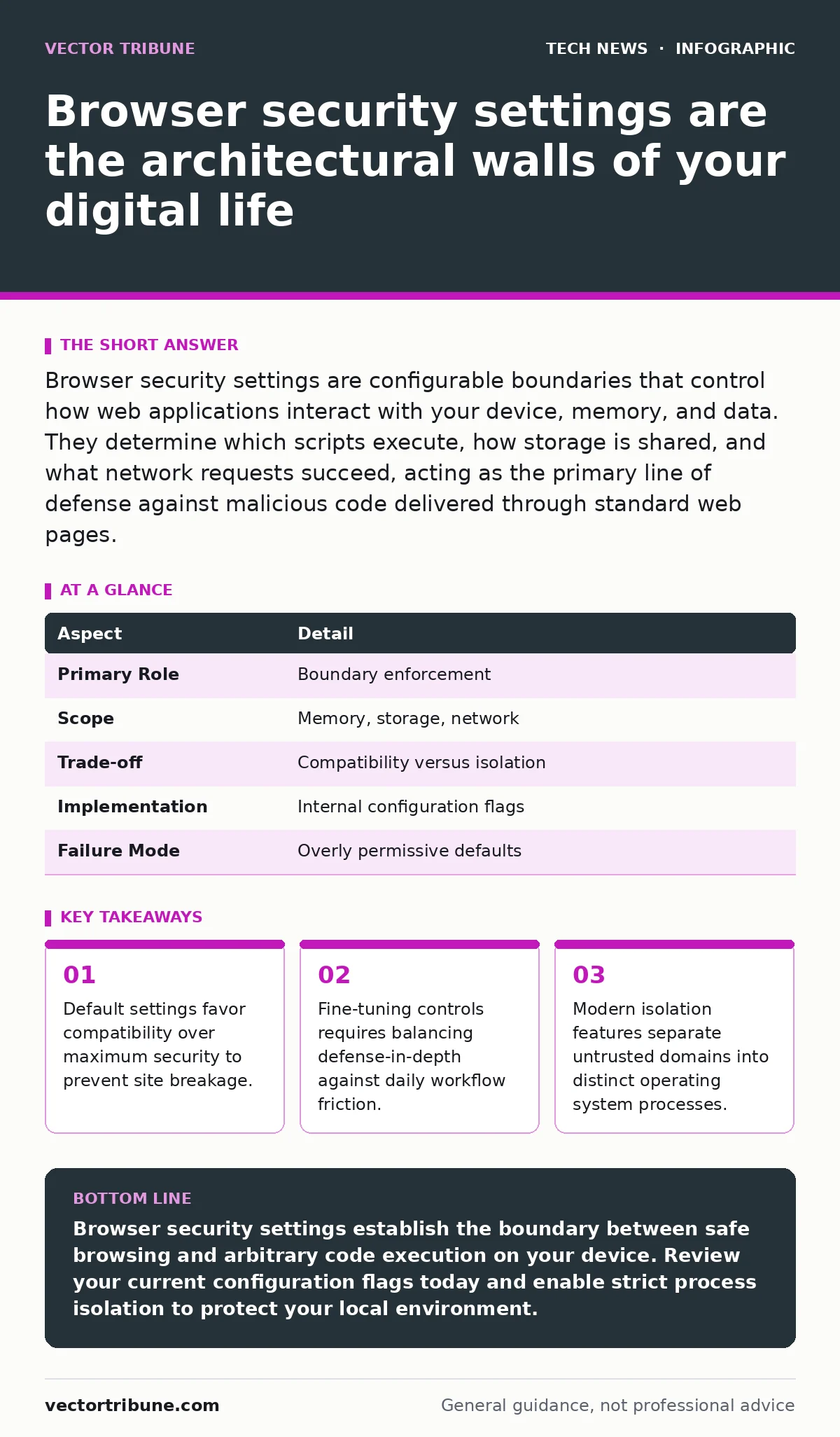
Browser security settings are configurable boundaries that control how web applications interact with your device, memory, and data. They determine which scripts execute, how storage is shared, and what network requests succeed, acting as the primary line of defense against malicious code delivered through standard web pages.
Browser security settings are your primary web defense
Browser security settings are configurable parameters that dictate how web pages interact with your device, memory, and local network. They define the boundaries for code execution, storage access, and external communication. Every time you load a page, these internal rules determine which scripts run freely and which ones face strict containment.
Imagine visiting a news site that hosts a compromised third-party advertisement. Without proper boundary enforcement, that advertisement could read local storage tokens or probe internal network devices. Strict configurations intercept these unauthorized actions before execution occurs.
| Aspect | Detail |
|---|---|
| Primary Role | Boundary enforcement |
| Scope | Memory, storage, network |
| Trade-off | Compatibility versus isolation |
| Implementation | Internal configuration flags |
| Failure Mode | Overly permissive defaults |
How boundary enforcement operates inside modern engines
Modern rendering engines parse untrusted text, images, and executable logic inside a restricted sandbox environment. A sandbox is a tight operating system constraint that strips processes of privileges needed to alter system files or access hardware directly.
Process isolation ensures that a compromised tab cannot automatically read memory spaces assigned to other tabs or sensitive applications. When you disable site isolation features to save RAM, you remove the internal walls separating distinct domains.
Who is affected by permissive default configurations
Every individual browsing the web relies on these underlying controls, yet developers and administrators face heightened exposure. Web developers frequently weaken security policies locally to test cross-origin requests and bypass certificate warnings during staging phases.
Carrying those relaxed testing habits into production environments creates dangerous blind spots. End users who never adjust default parameters inherit configurations designed for maximum web compatibility rather than strict threat mitigation.
What you should change beyond the defaults
Manual hardening requires intentional choices that reduce your digital attack surface. You must activate strict site isolation, disable insecure script execution paths, and enforce HTTPS usage globally where possible.
Enabling these controls often breaks older enterprise applications that rely on outdated scripting techniques. You must evaluate whether your daily workflow can tolerate the sudden breakage of poorly coded intranet portals.
Hidden costs of aggressive hardening postures
Aggressive lockdown measures introduce subtle friction that disrupts standard web functionality and alters application performance. When you aggressively restrict local storage quotas, web applications frequently fail to cache assets properly, leading to excessive bandwidth consumption and sluggish page rendering.
Strict permission prompts for geolocation, camera access, and microphone usage create constant notification fatigue. Users subjected to endless consent dialogs inevitably click approve without reading, completely defeating the protective intent of the prompt.
See also: Do I need security on my laptop and how to choose it · Why is exposing an api key a security risk and how to stop it
What people usually get wrong about web controls
Most people assume that installing a reputable ad blocker or privacy extension eliminates the need to inspect internal browser configurations. Extensions operate with elevated privileges themselves and can introduce new attack vectors if their source code is compromised.
Relying solely on external software ignores the foundational role of the underlying engine architecture. You cannot patch architectural permission gaps with superficial user-interface add-ons.
Proper configuration management pairs well with operating system hardening to ensure that vulnerabilities in one layer find immediate resistance in the next. Maintaining tight security posture also requires careful attention to API key security when testing web applications locally.
Key takeaways
- Default settings favor compatibility over maximum security to prevent site breakage.
- Fine-tuning controls requires balancing defense-in-depth against daily workflow friction.
- Modern isolation features separate untrusted domains into distinct operating system processes.
Browser security settings establish the boundary between safe browsing and arbitrary code execution on your device. Review your current configuration flags today and enable strict process isolation to protect your local environment.
Frequently asked questions
What happens if I disable JavaScript entirely in my browser?
Disabling JavaScript completely stops most dynamic web applications from functioning, rendering major parts of the modern web unusable while eliminating entire classes of memory-based exploits.
Do private browsing windows make my browser security settings stricter?
Private browsing modes prevent local artifact retention like history and cookies, but they generally use the exact same security and isolation policies as standard browsing windows.
How do extension permissions affect browser security?
Browser extensions often request broad read and write permissions across all websites you visit, effectively bypassing same-origin policies if the extension code contains vulnerabilities.
Why do default browser settings prioritize compatibility over security?
Web browser vendors prioritize compatibility to ensure that non-technical users can access standard websites without encountering confusing error screens or broken page layouts.
How this guide was produced: written by the Vector Tribune editorial team with AI assistance, checked against the public references listed below, and reviewed when the facts change. See our editorial policy or report an error.