
Dependency Confusion Attacks: How Private Packages Hijack Public Registries
Your build tools prioritize internal packages over public ones, allowing attackers to inject malicious code by publishing to open repositories.
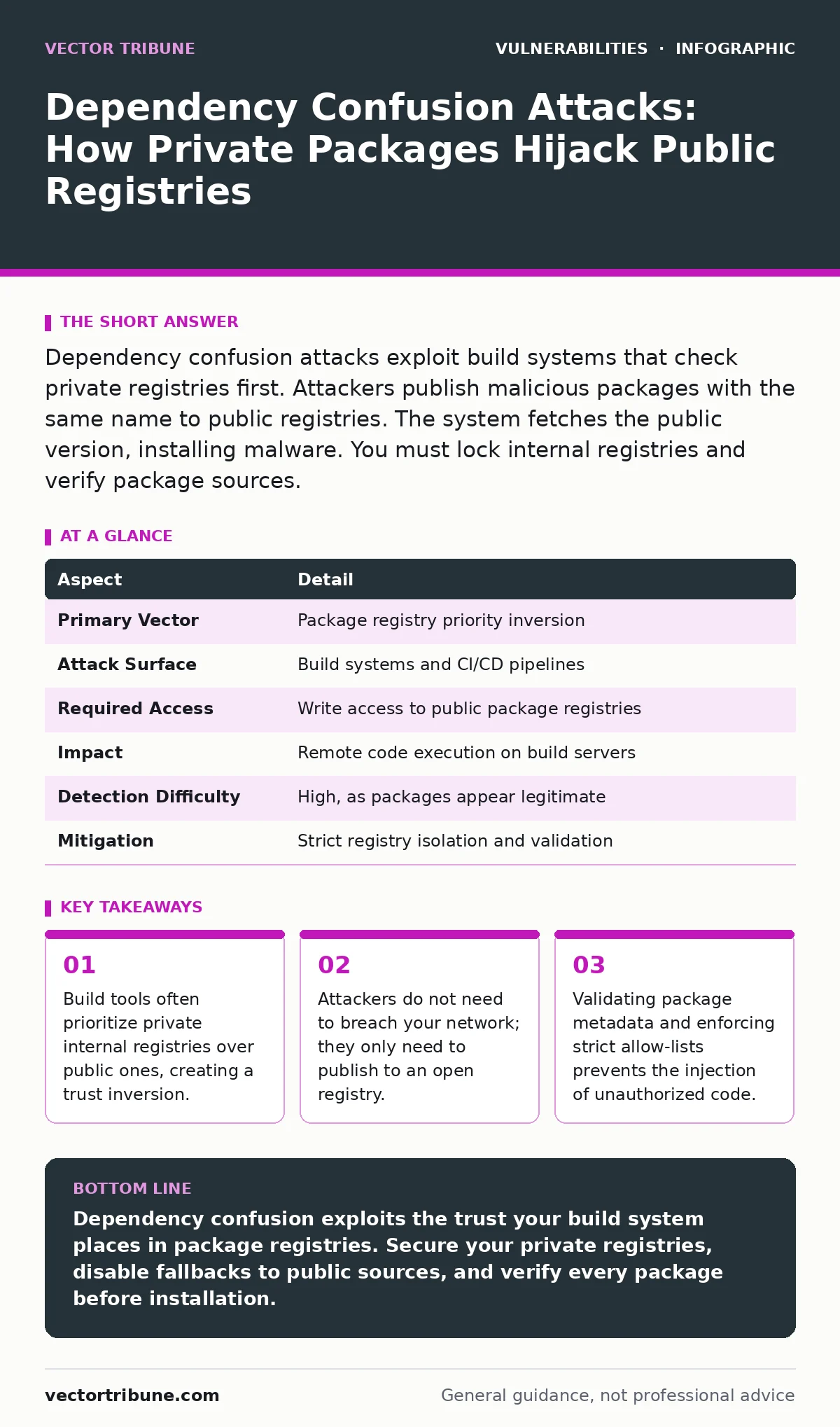
Dependency confusion attacks exploit build systems that check private registries first. Attackers publish malicious packages with the same name to public registries. The system fetches the public version, installing malware. You must lock internal registries and verify package sources.
How Dependency Confusion Attacks Work
Imagine a library that always checks the internal staff catalog before looking at the public bookshelves. An attacker places a dangerous book on the public shelf with the same title as an internal manual. The librarian, following protocol, finds the public copy first and hands it to the researcher. The system trusts the source implicitly because it found a match, ignoring the origin’s security posture.
Dependency confusion attacks exploit this exact behavior in software build systems. Modern development relies on thousands of third-party libraries. These libraries are fetched from package registries. Most organizations use a private registry for internal tools and a public registry for open-source dependencies. The build tool is configured to check the private registry first. If the package exists there, it uses it. If not, it falls back to the public registry.
The vulnerability arises when the private registry is not properly secured against writes. An attacker identifies an internal package name used by your organization. They publish a malicious version of that package to a public registry like npm, PyPI, or RubyGems. When your build system runs, it queries the private registry. If the private registry is empty or misconfigured to allow external reads, the build tool may inadvertently fetch the public package. The malicious code executes during the build or deployment process.
This attack vector bypasses traditional perimeter defenses. The attacker does not scan your firewall or exploit a web server vulnerability. They exploit the trust relationship between your build system and the package ecosystem. The mechanism relies on the assumption that internal package names are unique and that public registries are only sources for open-source software.
At a Glance: Attack Mechanics
| Aspect | Detail |
|---|---|
| Primary Vector | Package registry priority inversion |
| Attack Surface | Build systems and CI/CD pipelines |
| Required Access | Write access to public package registries |
| Impact | Remote code execution on build servers |
| Detection Difficulty | High, as packages appear legitimate |
| Mitigation | Strict registry isolation and validation |
Who Is Affected by Dependency Confusion
Any organization using private package registries alongside public ones is at risk. This includes enterprise software teams, cloud infrastructure providers, and embedded systems developers. The attack affects anyone who automates their build process. Manual installations are less vulnerable because humans notice unusual package sources. Automated pipelines execute without scrutiny.
Large organizations are prime targets because they have many internal packages. More internal packages mean more names for attackers to guess. Smaller teams are also vulnerable if they use hybrid registry setups. The risk scales with the complexity of your dependency tree. If your project imports a library that imports another library, the attack surface expands.
The damage varies by environment. If the build server has internet access, the malware can exfiltrate data. If the build server has access to production credentials, the attacker gains persistent access. The attack often leads to remote code execution vulnerabilities because the malicious package runs with the privileges of the build agent.
What People Usually Get Wrong
Many security teams assume that private registries are inherently secure. They believe that because the registry is internal, only internal users can publish to it. This assumption fails when the registry allows anonymous reads or when the build agent authenticates with credentials that have write permissions. If the build agent can write to the private registry, an attacker who compromises the agent can inject packages.
Another common error is relying solely on version pinning. Teams often pin dependencies to specific versions to ensure reproducibility. However, if the private registry is empty for a specific version, the build tool falls back to the public registry. Pinning does not prevent the fallback mechanism. The attack succeeds because the system looks for the package name, not just the version.
Some organizations think that blocking outbound traffic from build servers is sufficient. While this prevents data exfiltration, it does not stop the initial infection. The malicious code executes during the build, potentially encrypting files or stealing secrets before the network block takes effect. The build process itself becomes the attack vector.
Implementing Effective Defenses
You must treat package registries as critical infrastructure. The primary defense is to ensure that private registries are write-protected against external access. This means that only authenticated, authorized users can publish packages. The build agent should have read-only access to the private registry. If the build agent has write access, an attacker who compromises the build environment can push malicious packages directly.
Second, enforce strict allow-lists for package sources. Configure your build tools to only fetch packages from approved registries. Disable the fallback mechanism that allows the build tool to search public registries if the private registry returns nothing. If a package is missing, the build should fail. This stops the automatic injection of unverified code.
Third, implement package signing and verification. Use standards like Sigstore or GPG to sign packages before they are published. The build system should verify the signature before installing the package. This ensures that the package has not been tampered with since it was published. Even if an attacker publishes a package with the same name, they cannot sign it with your private key.
Fourth, monitor for anomalous package metadata. Look for packages with suspicious dependencies or unusual file structures. Automated scanning tools can detect known malicious packages. Integrate these scans into your CI/CD pipeline. If a scan fails, halt the build. This adds a layer of defense in depth.
Strengthening Your Software Supply Chain
Dependency confusion is a symptom of a broader supply chain risk. You must manage the entire lifecycle of your dependencies. This includes tracking where packages come from and how they are updated. An IT asset inventory should include all software components, not just hardware. Knowing what you use helps you protect it.
Regularly audit your build configurations. Check for hardcoded credentials or overly permissive permissions. Ensure that build agents run with the least privilege necessary. They should not have access to production databases or customer data. If a build agent is compromised, the attacker should not be able to move laterally.
Integrate security checks early in the development process. Shift left by scanning dependencies during the coding phase, not just before deployment. This allows developers to fix issues before they become part of the release. Use tools that check for known vulnerabilities and misconfigurations.
Educate your team about the risks of third-party code. Developers often assume that open-source packages are safe. They may not understand the implications of adding a new dependency. Training should cover secure coding practices and the importance of verifying sources.
Verifying Package Integrity
Verification is the final line of defense. You must ensure that the package you install is the package you intended to install. This requires hashing and checksumming. Calculate the hash of the downloaded package and compare it to the expected hash. If they do not match, reject the package.
Use reproducible builds where possible. This ensures that the same source code always produces the same binary. If the binary changes unexpectedly, it indicates tampering. Reproducible builds make it harder for attackers to inject code without detection.
Monitor your registries for new packages. Set up alerts for any new uploads to your private registry. If a new package appears that you did not authorize, investigate immediately. This helps you detect insider threats or compromised accounts.
Secure your entire pipeline. Protect the machines that run the builds. Keep them updated and patched. Use memory-safe programming languages where possible to reduce the risk of exploitation. While this does not prevent dependency confusion, it reduces the impact if an attacker does gain access.
Related Security Considerations
Dependency confusion attacks often lead to unauthenticated remote code execution if the build environment is exposed. You must secure the build agents against direct access. Use network segmentation to isolate build servers from the rest of the network.
Be aware of server-side request forgery (SSRF) vulnerabilities in your build tools. If the build tool can make requests to internal services, an attacker might use it to scan your network. Configure the build tool to restrict outbound connections.
Publish clear vulnerability disclosure policies so that researchers can report issues safely. This helps you discover and fix problems before attackers exploit them. Monitor security bulletins for updates on package vulnerabilities. Keep your dependencies up to date.
Understand that buffer overflow vulnerabilities in underlying libraries can also compromise your build process. Regularly update all components, including the operating system and runtime environments. A comprehensive approach to security requires addressing all potential entry points.
Key takeaways
- Build tools often prioritize private internal registries over public ones, creating a trust inversion.
- Attackers do not need to breach your network; they only need to publish to an open registry.
- Validating package metadata and enforcing strict allow-lists prevents the injection of unauthorized code.
Dependency confusion exploits the trust your build system places in package registries. Secure your private registries, disable fallbacks to public sources, and verify every package before installation.
Frequently asked questions
Can dependency confusion attacks happen with open-source projects?
No, because open-source projects do not use private registries. The attack requires a private registry that the build system checks first.
How do I know if I am vulnerable?
Check if your build system falls back to public registries when a package is missing from your private registry. If it does, you are vulnerable.
Does using a CDN prevent this attack?
No, CDNs often cache packages from public registries. If the attacker publishes to the public registry, the CDN may serve the malicious package.
Should I delete all internal packages?
No, internal packages are useful for sharing code. Instead, secure the registry and ensure that build agents cannot write to it.
How this guide was produced: written by the Vector Tribune editorial team with AI assistance, checked against the public references listed below, and reviewed when the facts change. See our editorial policy or report an error.