Shoulder Surfing Explained: How to Stop Visual Data Theft
Your screen brightness and viewing angles leak more private data than weak passwords, making visual observation a persistent threat in crowded public spaces.
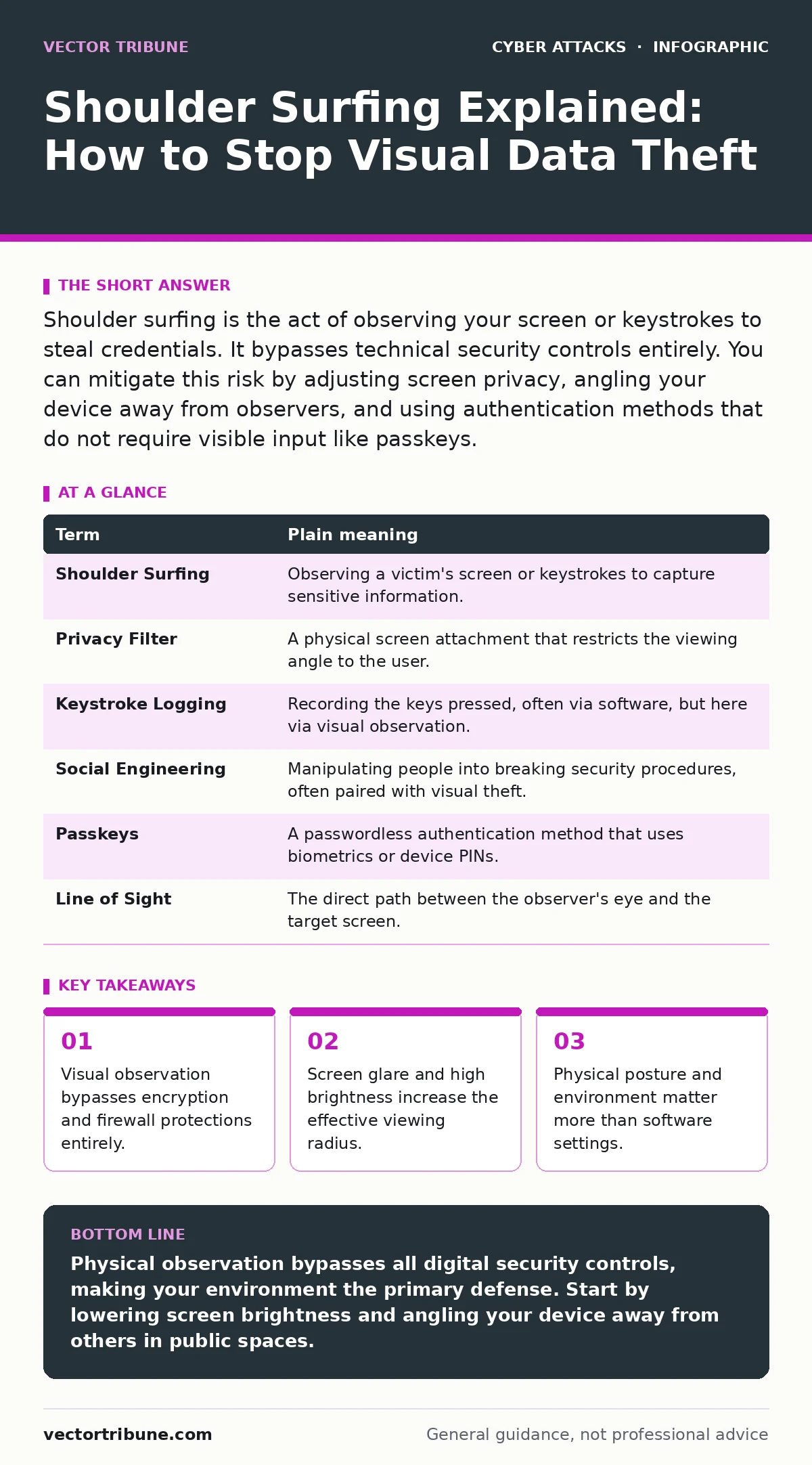
Shoulder surfing is the act of observing your screen or keystrokes to steal credentials. It bypasses technical security controls entirely. You can mitigate this risk by adjusting screen privacy, angling your device away from observers, and using authentication methods that do not require visible input like passkeys.
The Glass Window Analogy
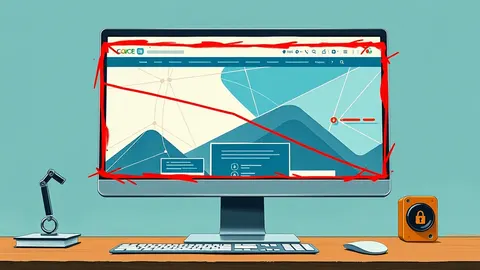
Imagine your computer screen is a window into your home. You lock the front door, which represents your password. You install a security system, which represents your antivirus. But if you leave the curtains open, anyone walking past can see what is happening inside. Shoulder surfing is not a break-in. It is simply someone walking by and looking through the open window.
This analogy holds true because most security tools protect data in transit or at rest. They do not protect the moment you type a password. The data exists in the air between your eyes and the screen. An observer needs no software, no network connection, and no technical skill. They only need line of sight.
How Observers Extract Data
The attacker does not need to stand directly behind you. They can stand to the side, use a reflective surface, or even use a smartphone camera from a distance. Modern smartphone cameras have high sensitivity and zoom capabilities. A person sitting two rows back in a coffee shop can capture a clear image of your login screen.
This method exploits the physics of light. Liquid crystal displays emit light omnidirectionally. Without a privacy filter, that light travels in a wide cone. Anyone within that cone can read the text. The attacker is not hacking your device. They are hacking your environment.
| Term | Plain meaning |
|---|---|
| Shoulder Surfing | Observing a victim's screen or keystrokes to capture sensitive information. |
| Privacy Filter | A physical screen attachment that restricts the viewing angle to the user. |
| Keystroke Logging | Recording the keys pressed, often via software, but here via visual observation. |
| Social Engineering | Manipulating people into breaking security procedures, often paired with visual theft. |
| Passkeys | A passwordless authentication method that uses biometrics or device PINs. |
| Line of Sight | The direct path between the observer's eye and the target screen. |
The Hidden Cost of Convenience
You likely adjust your screen brightness for comfort. In a dark room, you lower it. In bright sunlight, you raise it. High brightness increases the contrast of the text, making it readable from further away. This convenience creates a larger target area for observers.
Consider the trade-off. You want to see your code or document clearly. The observer wants to see your password clearly. These goals are identical. The mechanism that helps you read also helps them read. There is no software setting that fixes this. It is a physical limitation of the display technology.
Why Technical Defenses Fail
Firewalls and encryption are useless against shoulder surfing. When you type a password, it is not yet encrypted. It is just light on a screen. Even if you use a virtual keyboard on your phone, the attacker sees which icons you tap. The sequence of taps reveals the pattern.
This is why social engineering often pairs with visual theft. An attacker might distract you with a question or a spill. While you look away, they glance at your screen. They do not need to trick you into giving up the password. They only need you to look away for a second. This combines psychological manipulation with simple observation.
Protecting Your Physical Perimeter
The first defense is your posture. Angle your device so the screen faces away from the general area. If you are on a train, face the window or the seat back. Do not face the aisle. This reduces the number of people who have a direct line of sight.
Second, use the environment to your advantage. Position your body or your bag to block the view. Your own torso is a natural shield. If you are typing, lean forward and cup your hands around the keyboard. This blocks the view of your fingers and the lower part of the screen.
See also: Passkeys Best Practices: Secure Authentication Without Passwords · API Abuse: How Attackers Exploit Digital Interfaces
Changing How You Authenticate
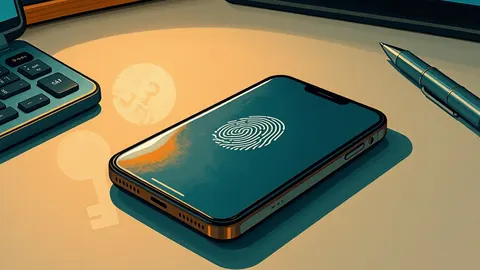
The most effective long-term solution is to stop typing passwords in public. Use passkeys instead. Passkeys are a modern authentication standard. They use public key cryptography. You unlock your device with a fingerprint or face scan. No text appears on the screen. The observer sees nothing to steal.
If you must use a password, type it quickly. Hesitation gives the observer more time to focus. Do not look at the screen while typing if possible. Memorize the location of the keys or characters. This reduces the visual feedback the attacker can capture.
Simple Habits for Daily Use
Integrate these habits into your daily routine. They require no software installation. They cost nothing but attention.
- Check your surroundings. Before logging in, scan the area. Identify who is within line of sight. If someone is lingering, wait or move.
- Lower screen brightness. In public, keep brightness at the minimum level where you can still read. This reduces the viewing radius.
- Use privacy screens. A physical filter restricts the viewing angle to about 30 degrees. Outside that angle, the screen looks black.
These steps do not make you invisible. They make the attack harder. Security is about raising the cost for the attacker. If they have to get uncomfortably close, they are less likely to try.
Beyond the Screen
Shoulder surfing is not limited to passwords. It applies to any sensitive data. Financial statements, medical records, and source code are all visible. If you are working on API abuse prevention or security architecture, your screen might contain strategic information.
Think of your screen as a public broadcast. Assume anyone nearby is watching. This mindset shift changes how you work in public. You cover sensitive windows when not in use. You avoid displaying sensitive information while standing up. You treat physical security as seriously as digital security.
Key takeaways
- Visual observation bypasses encryption and firewall protections entirely.
- Screen glare and high brightness increase the effective viewing radius.
- Physical posture and environment matter more than software settings.
Physical observation bypasses all digital security controls, making your environment the primary defense. Start by lowering screen brightness and angling your device away from others in public spaces.
Frequently asked questions
Can a privacy filter be removed by an attacker?
No, a privacy filter is a physical layer attached to the screen. It cannot be bypassed by software or remote hacking. It only fails if the observer gets directly in front of the screen.
Do dark mode themes help prevent shoulder surfing?
Dark mode reduces overall brightness, which may slightly reduce the viewing distance. However, high-contrast text remains readable. It is not a reliable security measure on its own.
Is shoulder surfing a common attack method?
It is a low-tech but highly effective method, especially in crowded areas like airports or cafes. It requires no tools, making it accessible to any opportunistic observer.
How does this relate to browser cookies?
Browser cookies store session data. If an attacker sees your screen while you are logged in, they might capture session tokens or sensitive data displayed in the browser, not just your password.
How this guide was produced: written by the Vector Tribune editorial team with AI assistance, checked against the public references listed below, and reviewed when the facts change. See our editorial policy or report an error.