
How Privileged Access Management Works: The Hidden Mechanics
Privileged access management isolates high-level credentials in a vault, forcing every administrative action through a monitored channel that records intent and execution.
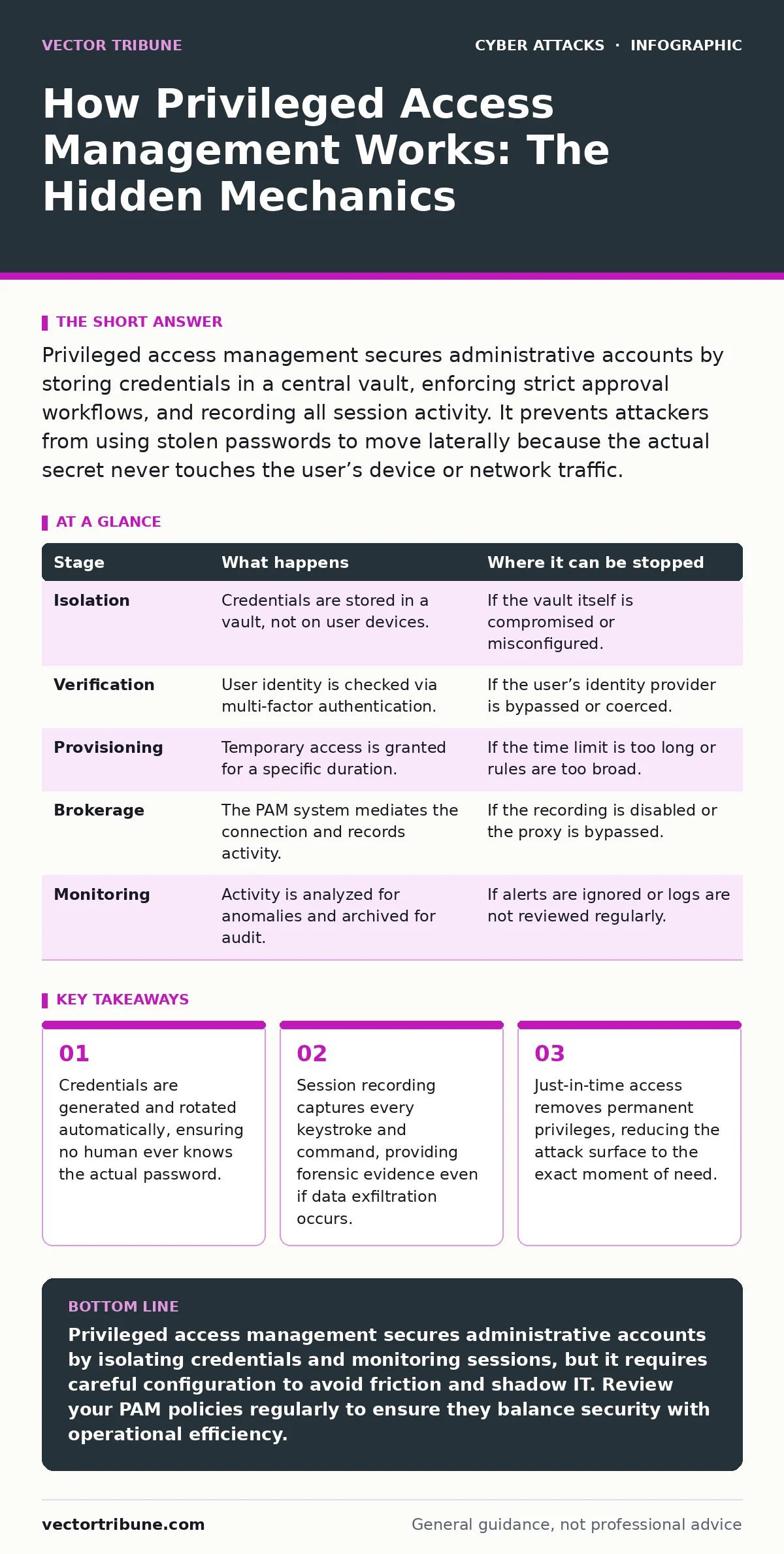
Privileged access management secures administrative accounts by storing credentials in a central vault, enforcing strict approval workflows, and recording all session activity. It prevents attackers from using stolen passwords to move laterally because the actual secret never touches the user’s device or network traffic.
The Architecture of Trust
Privileged access management (PAM) operates on the principle of least privilege, granting users only the access they need for a specific task and only for the time required. Traditional security relies on users remembering strong passwords, but PAM removes the human variable entirely. The system acts as a broker between the user and the resource, ensuring that no direct connection ever happens with static credentials.
You might assume that securing a password is enough, but modern threats exploit the session itself. If an attacker gains control of a logged-in session, they bypass password protections entirely. PAM addresses this by treating the session as the primary security boundary. This approach mitigates risks that standard authentication cannot, such as those seen in phishing attacks where credentials are harvested at the point of entry.
Stage 1: Credential Isolation
The first step involves removing privileged credentials from user devices and standard directories. Instead of storing a password in a file or a user’s memory, the PAM system generates a complex, random secret. This secret is stored in an encrypted vault, which is a specialized database designed to hold sensitive data. The vault never shares the raw credential with the requesting user.
When you request access to a server, the system does not give you the password. It holds the key. This isolation ensures that even if your workstation is compromised by malware, the attacker cannot find the administrative password. The credential exists only within the secured environment of the vault, accessible only to the PAM software itself. This prevents lateral movement, a common tactic in vendor email compromise scenarios where attackers pivot from a low-privilege account to a high-privilege one.
Stage 2: Identity Verification
Before any access is granted, the system must verify that the requestor is who they claim to be. This stage often employs multi-factor authentication, requiring something you know, something you have, and something you are. The PAM system checks these factors against the identity provider. If the verification fails, the request is denied immediately. No further steps occur.
This verification happens at the time of request, not at the time of credential creation. A user might have a valid password, but if they are requesting access from an unusual location or at an odd hour, the system can flag the request for additional scrutiny. This dynamic assessment helps catch anomalies that static rules miss. It complements methods like passkeys, which offer strong authentication but do not necessarily manage the complexity of privileged roles.
Stage 3: Just-In-Time Provisioning
Once identity is confirmed, the system grants access for a limited window. This is known as just-in-time provisioning. The user receives access only for the duration of the task. When the timer expires, the access is revoked automatically. The credential may also be rotated, meaning the old password is destroyed and a new one is generated.
This eliminates the risk of dormant accounts. In many breaches, attackers use old, forgotten credentials to maintain access. By ensuring that privileges are temporary, PAM reduces the window of opportunity for an attacker. If an account is compromised, the damage is limited to the active session. This contrasts with traditional models where an admin might have permanent access, creating a persistent target for social engineering attempts aimed at elevating privileges.
Stage 4: Session Brokerage
The PAM system does not just hand over the credential; it often mediates the entire session. It acts as a proxy, sitting between the user and the target system. The user connects to the PAM client, which then establishes the connection to the server using the vaulted credential. The user never touches the actual secret.
This brokerage allows the system to record the session. Every keystroke, command, and output is captured and stored. If a user executes a destructive command, the system can block it in real-time based on predefined rules. This level of control is impossible with standard remote desktop protocols. It ensures that even if a user has the right to access a system, they cannot perform actions outside their authorized scope.
See also: Shoulder Surfing Explained: How to Stop Visual Data Theft · API Abuse: How Attackers Exploit Digital Interfaces
Stage 5: Continuous Monitoring and Audit
Throughout the session, the PAM system monitors activity for anomalies. It looks for commands that deviate from normal behavior, such as attempts to disable logging or access sensitive files. If suspicious activity is detected, the system can alert administrators or terminate the session immediately.
After the session ends, the recorded activity is archived for audit purposes. This provides a complete trail of what happened, who did it, and when. This is critical for compliance and forensic analysis. If data is exfiltrated, the logs can reveal how it happened. This level of visibility is often lacking in environments where users manage their own credentials, making it difficult to distinguish between insider threats and external attacks.
| Stage | What happens | Where it can be stopped |
|---|---|---|
| Isolation | Credentials are stored in a vault, not on user devices. | If the vault itself is compromised or misconfigured. |
| Verification | User identity is checked via multi-factor authentication. | If the user’s identity provider is bypassed or coerced. |
| Provisioning | Temporary access is granted for a specific duration. | If the time limit is too long or rules are too broad. |
| Brokerage | The PAM system mediates the connection and records activity. | If the recording is disabled or the proxy is bypassed. |
| Monitoring | Activity is analyzed for anomalies and archived for audit. | If alerts are ignored or logs are not reviewed regularly. |
The Limits of Automation
PAM is not a silver bullet. It secures the credential and the session, but it cannot stop a user from intentionally leaking data. If a user takes a screenshot of sensitive information, the PAM system may record the action but cannot prevent the image from being saved. This is a limitation of any technical control.
Furthermore, PAM can introduce friction. Developers may find the process of requesting access slower than using permanent credentials. This friction can lead to workarounds, such as users creating shadow IT solutions to bypass the PAM system. These workarounds often introduce new vulnerabilities, such as hardcoded credentials in scripts. This is similar to the risks associated with API abuse, where legitimate interfaces are misused to bypass security controls.
Integrating with Broader Security
PAM works best when integrated with other security measures. It should complement identity governance, which ensures that users have the correct roles, and endpoint detection, which monitors devices for threats. It is not a replacement for good security hygiene. Users must still be trained to recognize threats, such as shoulder surfing in physical environments or malicious links in emails.
The system also relies on proper configuration. If the rules are too loose, the PAM system provides a false sense of security. If they are too tight, productivity suffers. Finding the right balance requires ongoing tuning and review. This is a continuous process, not a one-time setup. It requires collaboration between security teams and the users who rely on privileged access.
Key takeaways
- Credentials are generated and rotated automatically, ensuring no human ever knows the actual password.
- Session recording captures every keystroke and command, providing forensic evidence even if data exfiltration occurs.
- Just-in-time access removes permanent privileges, reducing the attack surface to the exact moment of need.
Privileged access management secures administrative accounts by isolating credentials and monitoring sessions, but it requires careful configuration to avoid friction and shadow IT. Review your PAM policies regularly to ensure they balance security with operational efficiency.
Frequently asked questions
Does PAM protect against password theft?
Yes, because the actual password is never shared with the user. The PAM system uses the credential directly, so even if a user’s device is compromised, the attacker cannot retrieve the privileged password.
Can users bypass PAM controls?
Users can bypass PAM if they have direct access to the target system or if they create workarounds like hardcoded credentials. PAM must be enforced strictly, with no exceptions for direct access.
Is session recording enough for compliance?
Session recording provides evidence of activity, but compliance often requires more. You may also need to demonstrate that access was approved, that users were trained, and that logs are retained for a specific period.
How does PAM handle emergency access?
PAM systems often include a break-glass mechanism for emergencies. This allows immediate access in critical situations, but it is heavily monitored and audited to ensure it is used only when necessary.
How this guide was produced: written by the Vector Tribune editorial team with AI assistance, checked against the public references listed below, and reviewed when the facts change. See our editorial policy or report an error.