Container Escape: Definition, Mechanics, and Mitigation Strategies
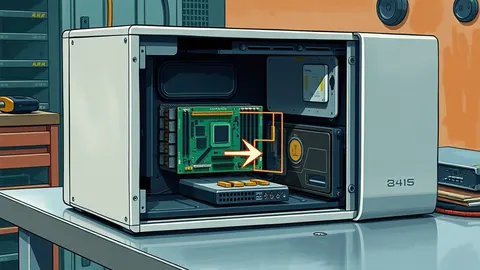
Container escape occurs when an attacker bypasses isolation boundaries to access the host kernel, turning a confined process into a privileged system administrator.
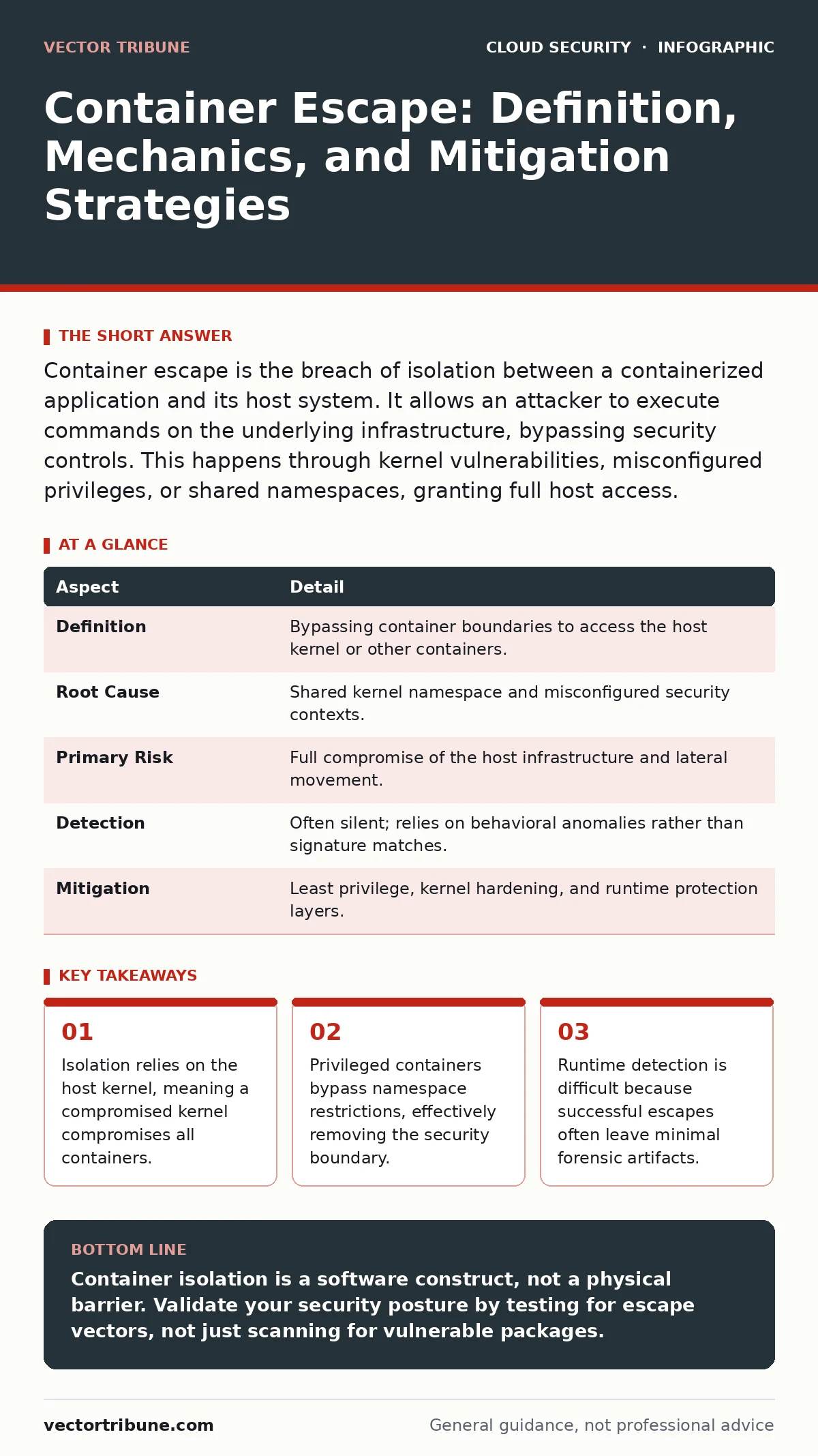
Container escape is the breach of isolation between a containerized application and its host system. It allows an attacker to execute commands on the underlying infrastructure, bypassing security controls. This happens through kernel vulnerabilities, misconfigured privileges, or shared namespaces, granting full host access.
The Illusion of Separation
Imagine a hotel where guests share the same plumbing and electrical wiring. The walls are thin, and the locks are decorative. A container provides a similar illusion of isolation. It appears to be a separate, self-contained environment, but it shares the operating system kernel with the host machine. This architectural choice enables efficiency but introduces a single point of failure. If an attacker breaches the container, they are not confined to that virtual space. They are standing in the same room as the host kernel.
| Aspect | Detail |
|---|---|
| Definition | Bypassing container boundaries to access the host kernel or other containers. |
| Root Cause | Shared kernel namespace and misconfigured security contexts. |
| Primary Risk | Full compromise of the host infrastructure and lateral movement. |
| Detection | Often silent; relies on behavioral anomalies rather than signature matches. |
| Mitigation | Least privilege, kernel hardening, and runtime protection layers. |
How the Boundary Breaks
Containerization relies on namespaces and cgroups to isolate processes. Namespaces hide system resources from one another, while cgroups limit resource usage. These mechanisms are implemented within the kernel. An escape occurs when a flaw in these implementations allows a process to step outside its defined namespace. This is not a network breach. It is a local privilege escalation. The attacker exploits a gap in the kernel’s enforcement logic. Once inside the host, the attacker can read any file, install any software, and pivot to other systems. The container’s security model collapses because it never owned the kernel in the first place.
Common Escape Vectors
Most escapes do not involve complex cryptography. They rely on configuration errors or known kernel bugs. One common vector is the use of privileged containers. These containers disable most security filters, granting the process full access to host devices and kernel modules. Another vector involves volume mounts. Mounting the host’s filesystem into a container allows the container process to read or modify host files. If the container runs as root, it can overwrite critical system binaries. A third vector is the exploitation of kernel vulnerabilities. Since all containers share the same kernel, a bug that allows a process to escalate privileges affects every container on that host.
The Hidden Cost of Convenience
Developers often prioritize speed over security. Mounting the host’s Docker socket into a container allows for easy management of other containers. This is a frequent mistake. The Docker socket is a Unix domain socket that accepts commands to control the container engine. Access to it is equivalent to root access on the host.
An attacker who escapes a container with socket access can create new privileged containers. They can then map the host’s entire filesystem into that new container. This creates a persistent backdoor that survives container restarts. The convenience of managing containers from within the cluster outweighs the security risk in many development workflows. This trade-off is rarely documented in deployment guides.
What People Usually Get Wrong
Many teams believe that scanning container images is sufficient. Image scanning identifies known vulnerabilities in the software packages included in the image. It does not check how the container runs. A clean image can still escape if launched with excessive privileges. Another misconception is that containers are virtual machines. They are not. Virtual machines include their own kernel. Containers share the host kernel. This distinction is critical for understanding risk. A vulnerability in a virtual machine’s hypervisor is rare. A vulnerability in the Linux kernel affects every container on that node. The attack surface is shared, not isolated.
See also: Cloud Metadata Service Attack Myths vs Reality
Reducing the Attack Surface
Mitigation requires a defense-in-depth strategy. Start by running containers as non-root users. This limits the impact of a breach. Use read-only filesystems where possible. This prevents attackers from modifying binaries or installing malware. Drop unnecessary Linux capabilities. Capabilities are granular permissions that replace the all-or-nothing root access. For example, a web server does not need the ability to mount filesystems. Remove that capability. Implement runtime security tools that monitor system calls. These tools can detect anomalous behavior, such as a process trying to access the kernel debug interface.
The Broader Security Context
Container escapes are part of a larger threat model. An attacker who escapes a container may attempt cloud metadata service attacks to retrieve credentials. These credentials allow access to other cloud resources. They may also exploit insecure cloud APIs to expand their control. The initial escape is just the entry point. The real damage occurs when the attacker leverages the host’s identity to access external services. This is why monitoring for unusual API calls is as important as monitoring for kernel exploits. The container is a gateway. Securing the gateway requires understanding what lies beyond it.
Validation and Continuous Monitoring
Static analysis is not enough. You need to validate that your security controls work in practice. Perform regular penetration tests that include container escape scenarios. These tests should attempt to exploit known kernel vulnerabilities and misconfigurations. Monitor for signs of compromise. Look for unexpected processes running on the host. Check for new network connections originating from container nodes. Use cloud disaster recovery plans to ensure you can restore systems quickly if a breach occurs. Recovery is faster when you have immutable infrastructure. You replace compromised nodes rather than trying to clean them.
Key takeaways
- Isolation relies on the host kernel, meaning a compromised kernel compromises all containers.
- Privileged containers bypass namespace restrictions, effectively removing the security boundary.
- Runtime detection is difficult because successful escapes often leave minimal forensic artifacts.
- Hardening requires restricting capabilities, not just relying on image scanning.
Container isolation is a software construct, not a physical barrier. Validate your security posture by testing for escape vectors, not just scanning for vulnerable packages.
Frequently asked questions
Can a container escape if it runs as a non-root user?
Yes. If the kernel has a vulnerability that allows privilege escalation, a non-root user can potentially gain root access. The user context inside the container does not protect against kernel-level bugs.
Does Kubernetes prevent container escapes?
Kubernetes provides security features like Pod Security Standards, but it does not eliminate the risk. Misconfigured pods can still grant excessive privileges. The underlying node security remains the final line of defense.
How do I detect a container escape in real time?
Use runtime security tools that monitor system calls and file access. Look for unexpected interactions with the host filesystem or kernel modules. Behavioral analysis is more effective than signature-based detection for this threat.
Is it safe to mount the host filesystem into a container?
It is risky. Mounting the host filesystem allows the container to read and write host files. If the container is compromised, the attacker has direct access to host data. Avoid this unless absolutely necessary and strictly limit permissions.
How this guide was produced: written by the Vector Tribune editorial team with AI assistance, checked against the public references listed below, and reviewed when the facts change. See our editorial policy or report an error.