
Spotting Fileless Malware: Early Signs and Hidden Indicators
Fileless malware hides in system memory and legitimate processes, making traditional signature-based detection ineffective until performance degrades or behavior shifts.
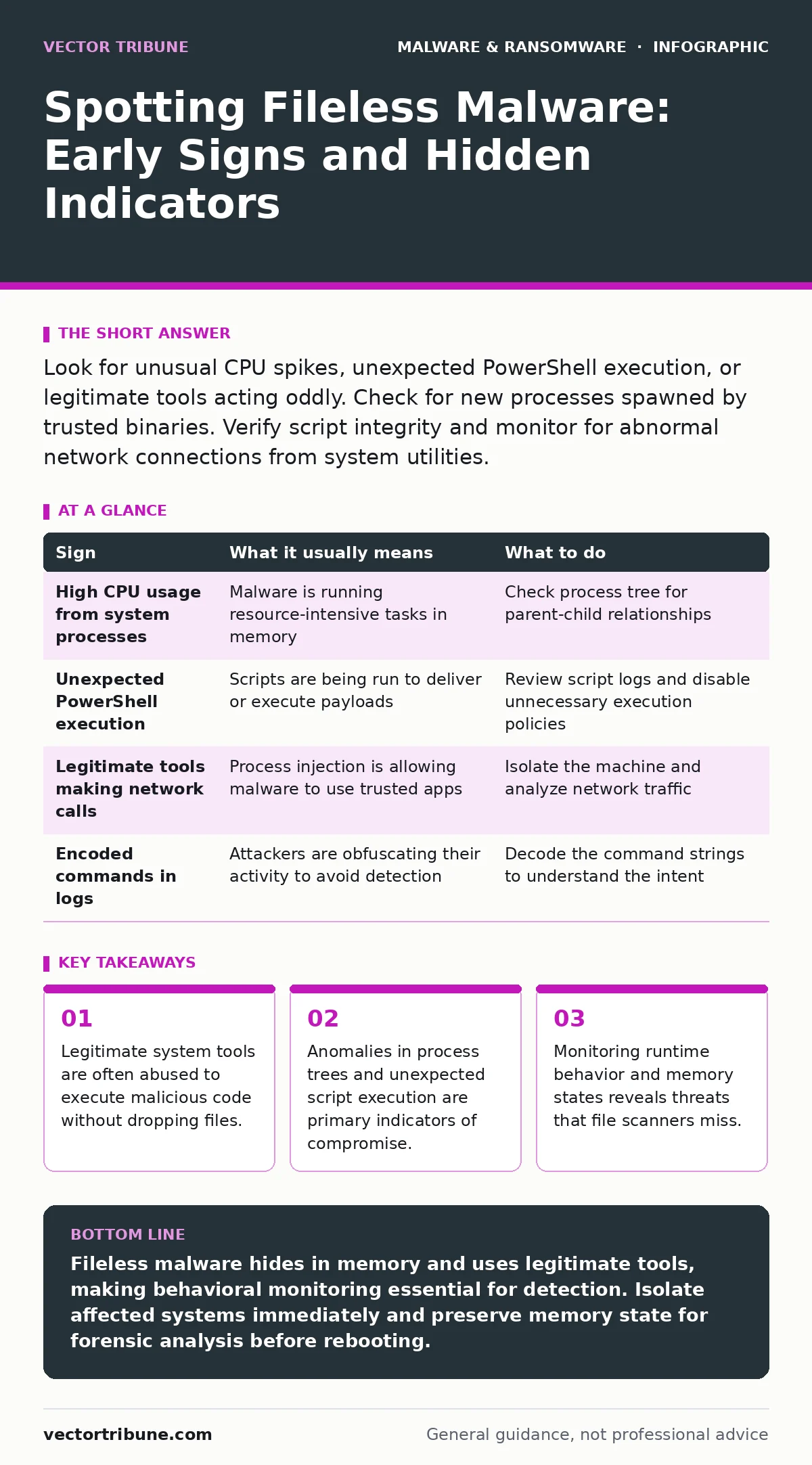
Look for unusual CPU spikes, unexpected PowerShell execution, or legitimate tools acting oddly. Check for new processes spawned by trusted binaries. Verify script integrity and monitor for abnormal network connections from system utilities.
The Illusion of an Empty Drive
Fileless malware operates by executing code directly in a computer's memory rather than writing executable files to the disk. This technique relies on living off the land, using built-in system utilities to perform malicious actions. Because no new files are created, traditional antivirus software that scans for known file signatures often fails to detect the threat. The malware disappears when the system reboots, leaving little forensic evidence on the hard drive. You must look for behavioral anomalies rather than file artifacts to find these threats.
Immediate Signs You Can Observe
The first signs often appear as general system instability. You might notice your computer running slower than usual, with fans spinning loudly due to high CPU usage. This happens because the malware is actively running scripts or mining resources in the background. Another obvious sign is unexpected browser behavior, such as new tabs opening or redirects to unfamiliar websites. These changes occur because the malware has hijacked the browser process to serve ads or steal credentials.
Subtle Indicators That Slip By
More experienced users might notice that legitimate system tools are behaving strangely. For example, a command prompt window might flash briefly and close, or a PowerShell session might run scripts that you did not initiate. These tools are trusted by the operating system, so their activity is rarely flagged by default security settings. You may also see unexpected network connections from system processes like svchost.exe or explorer.exe. These processes should not typically communicate with external servers, so any outbound traffic from them warrants immediate investigation.
Understanding Process Injection
Process injection is a common technique where malware inserts its code into a legitimate running process. This allows the malicious code to inherit the permissions and trust level of the host process. If you see a trusted application making network requests to unknown IP addresses, it may be compromised. The malware uses the trusted process as a camouflage to bypass security controls. Detecting this requires monitoring process behavior rather than just checking file integrity.
Scripting Languages as Vectors
Attackers often use scripting languages like PowerShell, Python, or VBScript to deliver payloads. These languages are powerful and built into many operating systems, making them convenient for attackers. A suspicious sign is the execution of encoded commands or scripts that download additional code from the internet. You should monitor for the use of parameters that hide command output or run scripts in memory. Legitimate administrative tasks rarely use such obfuscation techniques.
| Sign | What it usually means | What to do |
|---|---|---|
| High CPU usage from system processes | Malware is running resource-intensive tasks in memory | Check process tree for parent-child relationships |
| Unexpected PowerShell execution | Scripts are being run to deliver or execute payloads | Review script logs and disable unnecessary execution policies |
| Legitimate tools making network calls | Process injection is allowing malware to use trusted apps | Isolate the machine and analyze network traffic |
| Encoded commands in logs | Attackers are obfuscating their activity to avoid detection | Decode the command strings to understand the intent |
See also: Extended Detection and Response (XDR) Explained: How It Works
Responding to Suspicious Activity
When you detect signs of fileless malware, immediate isolation is key. Disconnect the affected machine from the network to prevent the malware from communicating with command and control servers. Do not simply reboot the machine, as this may destroy volatile evidence in memory. Instead, capture a memory dump for analysis if you have the tools and expertise. This allows you to examine the running processes and code in memory before it vanishes.
Leveraging Advanced Detection Methods
Traditional antivirus is insufficient for fileless threats. You need solutions that monitor behavior and runtime activity. Extended detection and response (XDR) platforms can correlate events across endpoints, networks, and cloud services to identify complex attacks. These tools look for deviations from normal baseline behavior, such as a user account executing unusual commands at odd hours. Implementing strict application control policies can also prevent unauthorized scripts from running.
Long-Term Defense Strategies
Preventing fileless malware requires a layered security approach. Keep all software and operating systems updated to patch vulnerabilities that attackers exploit. Restrict the use of scripting languages to only those who need them for their jobs. Regularly review and audit system logs for any anomalies. Consider incorporating memory forensics into your incident response plan to analyze threats that leave no disk footprint.
The Role of User Awareness
Users are often the first line of defense. Training staff to recognize phishing emails and suspicious links can prevent the initial infection. Encourage a culture of skepticism where unusual system behavior is reported immediately. Simple actions, like not enabling macros in documents from unknown sources, can stop many fileless attacks before they begin. Awareness reduces the attack surface and makes it harder for attackers to gain a foothold.
Key takeaways
- Legitimate system tools are often abused to execute malicious code without dropping files.
- Anomalies in process trees and unexpected script execution are primary indicators of compromise.
- Monitoring runtime behavior and memory states reveals threats that file scanners miss.
Fileless malware hides in memory and uses legitimate tools, making behavioral monitoring essential for detection. Isolate affected systems immediately and preserve memory state for forensic analysis before rebooting.
Frequently asked questions
Can traditional antivirus detect fileless malware?
Standard antivirus software that relies on file signatures often misses fileless malware because no new files are created on the disk. Behavioral detection is required.
How do I check if PowerShell is being abused?
Enable PowerShell script block logging and review the logs for unexpected or encoded commands. Monitor for PowerShell processes spawned by non-standard parent processes.
Is rebooting the machine a good first step?
Rebooting clears the memory where the malware resides, but it also destroys evidence. Isolate the network first and capture memory if possible before restarting.
What is the difference between fileless malware and a virus?
A virus typically attaches itself to files and replicates across disks. Fileless malware runs in memory and uses existing system tools, leaving no persistent file on the drive.
How this guide was produced: written by the Vector Tribune editorial team with AI assistance, checked against the public references listed below, and reviewed when the facts change. See our editorial policy or report an error.