
Disaster Recovery Plan Best Practices for Resilient Systems
Most recovery plans fail because they treat data restoration as a technical task rather than a business continuity constraint requiring immutable offline backups.
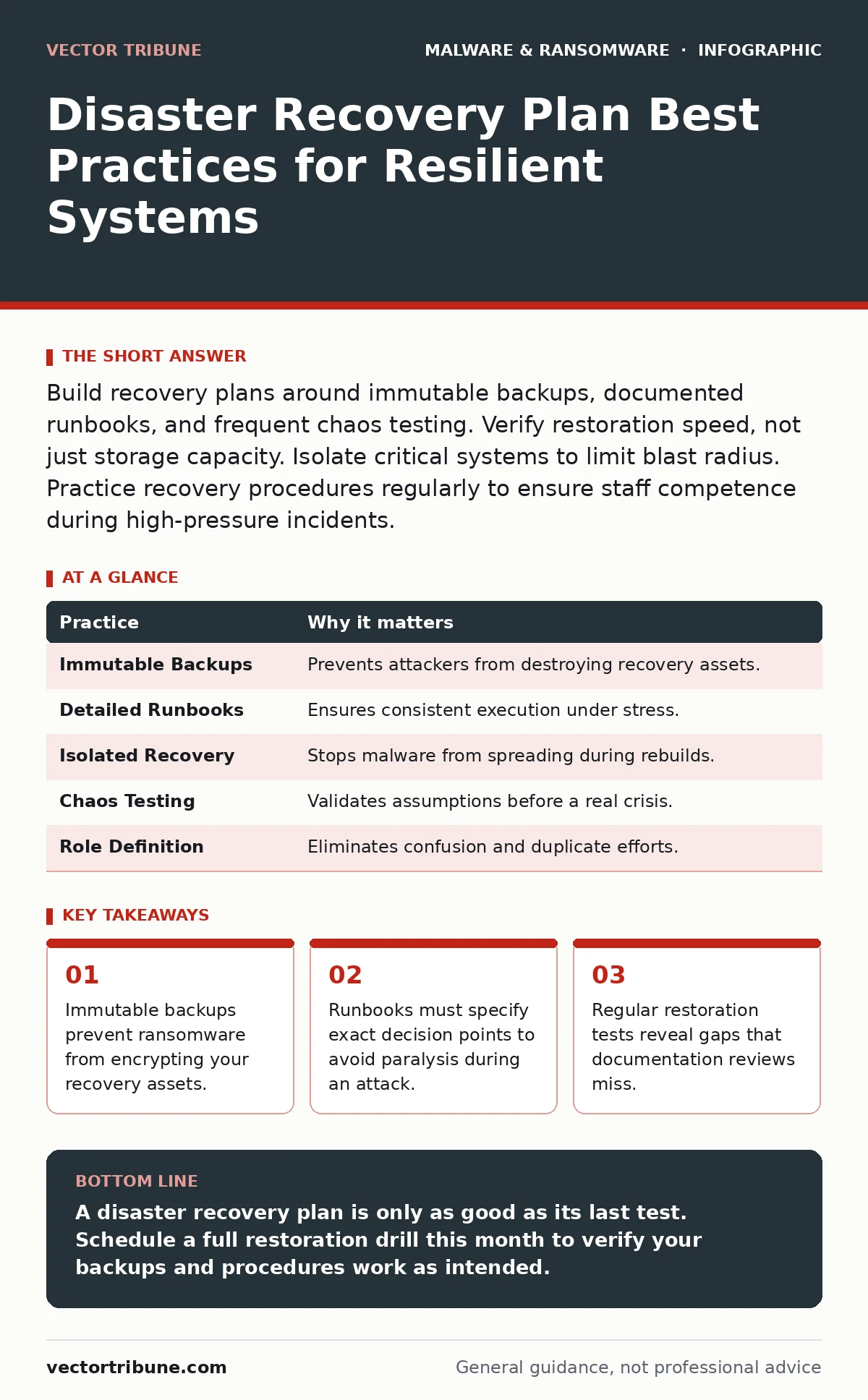
Build recovery plans around immutable backups, documented runbooks, and frequent chaos testing. Verify restoration speed, not just storage capacity. Isolate critical systems to limit blast radius. Practice recovery procedures regularly to ensure staff competence during high-pressure incidents.
The Illusion of Restored Data
Having backups is not the same as having a recovery capability. Many organizations store copies of their data but lack the process to restore them quickly or completely. If your backups are connected to your production network, they are just as vulnerable as the live systems. Attackers know this and often target backup repositories first.
You must assume your primary storage is compromised. The only safe recovery source is one that the attacker cannot reach. This requires a fundamental shift in how you view data storage. It is not about volume; it is about accessibility and integrity.
1. Implement Immutable Backups
Immutability means data cannot be changed or deleted for a set period, even by administrators with root access. This property is your strongest defense against ransomware that seeks to encrypt or delete everything. If the backup cannot be altered, the attacker cannot destroy your only way out.
Practical Tip: Configure your storage solution to use write-once-read-many (WORM) objects or air-gapped tapes that physically disconnect from the network after writing. Verify that the immutability window exceeds your typical detection time.
Documentation Over Intuition
Panic erodes cognitive function. When an incident occurs, your team will not remember complex procedures. Relying on institutional knowledge is a single point of failure. If the person who knows how to restore the database is locked out of their account, you are stuck.
Written instructions must be precise. Vague advice like "restore the server" fails when the server name has changed or the network topology has shifted. You need step-by-step guides that account for edge cases and configuration dependencies.
2. Maintain Detailed Runbooks
A runbook is a detailed, step-by-step guide for handling specific incidents. It should include exact commands, expected outputs, and decision trees for anomalies. These documents must be stored offline and accessible without network credentials.
Practical Tip: Include screenshots of expected console outputs in your runbooks. This allows operators to verify they are on the correct path without needing deep technical expertise in the moment.
| Practice | Why it matters |
|---|---|
| Immutable Backups | Prevents attackers from destroying recovery assets. |
| Detailed Runbooks | Ensures consistent execution under stress. |
| Isolated Recovery | Stops malware from spreading during rebuilds. |
| Chaos Testing | Validates assumptions before a real crisis. |
| Role Definition | Eliminates confusion and duplicate efforts. |
The Cost of Speed
Recovery time objectives (RTO) define how long you can afford to be offline. Recovery point objectives (RPO) define how much data loss is acceptable. These metrics drive your infrastructure choices. A low RTO requires expensive, high-performance systems. A low RPO requires frequent, resource-intensive backups.
You must balance cost against risk. Not every system needs instant recovery. Identify which services are critical to revenue and which can tolerate downtime. This prioritization saves resources and focuses your efforts where they count.
3. Prioritize Critical Systems
Not all data is equal. Identify the core applications that generate revenue or support essential operations. These systems get the highest tier of protection and fastest recovery paths. Secondary systems can wait.
Practical Tip: Map dependencies between services. Restoring a database without its application layer is useless. Test these chains together, not in isolation.
Isolation as a Strategy
During a recovery, you are operating in a hostile environment. Malware may still be present in your network, waiting to reinfect restored systems. If you plug a fresh server back into the main network without cleaning it, you repeat the mistake.
You need a clean room. This is a network segment that is isolated from the production environment. It has no inbound connections from the compromised network. You rebuild here, verify the system is clean, and then bring it back online.
4. Use Isolated Recovery Environments
An isolated recovery environment is a segmented network used exclusively for rebuilding systems. It allows you to restore data and apply patches without risk of reinfection. This separation is critical for ensuring the integrity of your restored assets.
Practical Tip: Keep this environment updated with the same patches as production, but never route production traffic through it. Use it only for recovery and testing.
Testing Reveals Truth
A plan that has never been tested is a hypothesis, not a strategy. Documentation often drifts from reality as systems change. A server name might change. A password might expire. These small discrepancies cause major failures during an incident.
Regular testing forces you to confront these gaps. It builds muscle memory for your team. It also reveals performance bottlenecks that only appear under load. You cannot trust a plan you have not executed.
5. Conduct Regular Chaos Tests
Chaos testing involves intentionally failing components to see if your recovery procedures work. You might simulate a database crash or a network outage. The goal is to break things in a controlled way. This exposes weaknesses before an attacker does.
Practical Tip: Start with low-stakes tests. Restore a non-production server. Gradually increase the complexity and impact as confidence grows.
See also: Detecting Cryptojacking: Signs, Logs, and Blind Spots
Human Factors in Recovery
Technology fails. People hesitate. During an incident, clear roles prevent chaos. If everyone tries to lead, no one acts. If no one leads, the response stalls. Define who makes decisions, who executes tasks, and who communicates with stakeholders.
Training is not a one-time event. Skills degrade without practice. Your team needs to understand their specific responsibilities and how they fit into the larger picture.
6. Define Clear Roles and Responsibilities
Assign specific tasks to individuals before an incident occurs. The incident commander directs the response. Technical leads execute the recovery. Communications leads handle external messaging. This clarity reduces confusion and speeds up resolution.
Practical Tip: Post role assignments in your runbooks. Include backup personnel for each role to ensure continuity if a key person is unavailable.
The Hidden Complexity of Modern Attacks
Modern threats are sophisticated. Fileless malware operates in memory, leaving few traces on disk. Traditional backups may not capture the state needed to recover from such an attack. You need to understand the attack surface you are protecting.
Extended detection and response (XDR) platforms can help identify these subtle threats by correlating data across endpoints and networks. However, detection is not recovery. You still need a plan to isolate and remove the threat.
Continuous Improvement
Recovery is not a destination. It is a process. Each test, each incident, and each change in your infrastructure provides new data. Use this data to refine your plans. The threat environment evolves, and so must your defenses.
Review your plans quarterly. Update them after major changes. Test them annually. This discipline ensures that your recovery capability remains aligned with your business needs.
7. Review and Update Regularly
Set a calendar reminder to review your disaster recovery plan every quarter. Check for outdated software versions, changed personnel, or new infrastructure. Update your runbooks to reflect these changes. This maintenance prevents drift and ensures reliability.
Practical Tip: Tie plan updates to your change management process. Any significant infrastructure change should trigger a review of the recovery procedures.
Key takeaways
- Immutable backups prevent ransomware from encrypting your recovery assets.
- Runbooks must specify exact decision points to avoid paralysis during an attack.
- Regular restoration tests reveal gaps that documentation reviews miss.
- Isolated recovery environments protect against lateral movement during rebuilds.
A disaster recovery plan is only as good as its last test. Schedule a full restoration drill this month to verify your backups and procedures work as intended.
Frequently asked questions
How often should I test my disaster recovery plan?
Test critical systems at least twice a year. Full organization-wide drills should occur annually. More frequent testing is better for high-risk environments.
What is the difference between backup and disaster recovery?
Backup is copying data. Disaster recovery is the process of restoring that data and resuming operations. Backup is a component of recovery, not the entire solution.
Can cloud providers guarantee my data safety?
Cloud providers offer infrastructure, but you are responsible for configuration and access controls. Ensure you use multi-factor authentication and immutable storage options within the cloud.
How do I handle third-party vendor failures?
Include third-party dependencies in your risk assessment. Have contingency plans for vendors that provide critical services. Diversify vendors where possible to reduce single points of failure.
How this guide was produced: written by the Vector Tribune editorial team with AI assistance, checked against the public references listed below, and reviewed when the facts change. See our editorial policy or report an error.