Free Foldy App Turns Android Foldables Into Interactive Control Hubs Like iPhone Duo
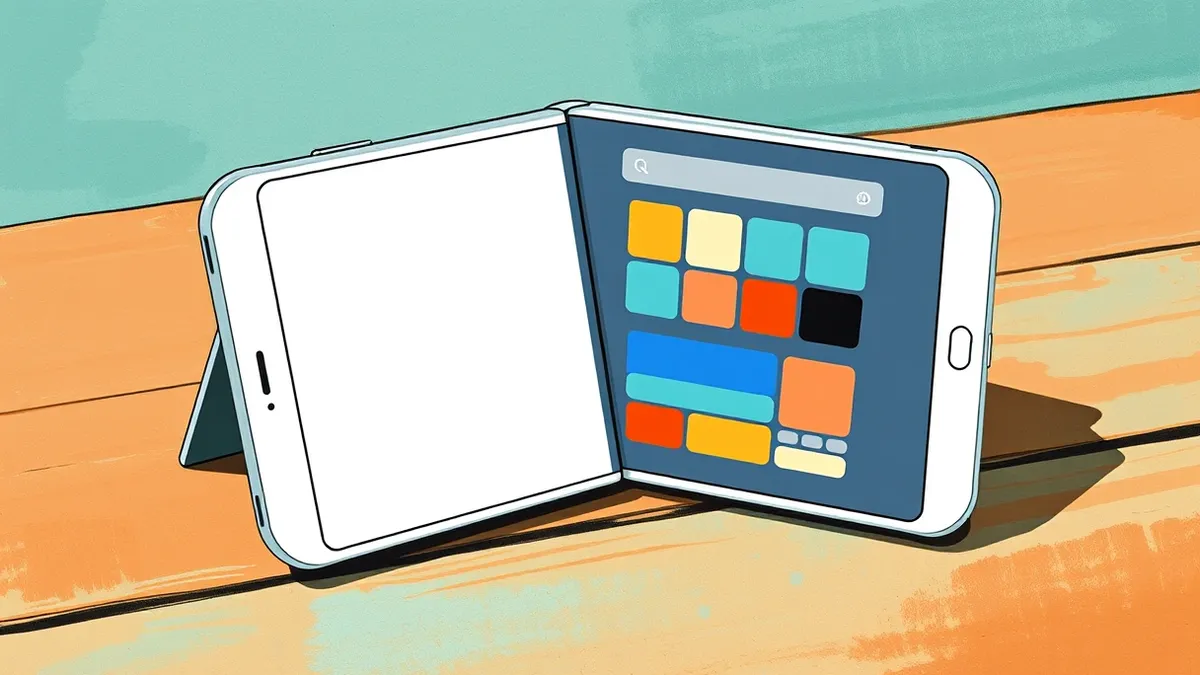
A new free app replicates the iPhone Duo’s standby feature on Android foldables, allowing users to turn widgets into interactive control panes.
Key points
- Foldy activates automatically when the device is partially open and resting on its side.
- The app converts standard Android widgets into interactive panes for controls like music or home automation.
- A premium tier offers additional features for 90 cents per month or a $9 lifetime fee.
A new application called Foldy replicates the iPhone Duo’s tent mode functionality on Android foldable devices, according to 9to5Google. This allows users to view information and controls when their device is propped open, similar to Apple’s StandBy feature. The app works on Samsung Galaxy Z Fold 8 devices and other foldables, providing a familiar interface for users transitioning from or comparing with Apple’s hardware.
The risk
The primary consideration for developers and power users is how third-party apps handle device sensors and background processes. Foldy uses hardware sensors to detect when the phone is partially open and resting on its side, according to 9to5Google. This automatic activation requires the app to run in the background, which may impact battery life or resource availability on the host device. Users should monitor performance metrics after installation to ensure the sensor polling does not interfere with other critical system functions or foreground applications.
Who is exposed
The app is designed for users of Android foldable devices, specifically mentioning the Samsung Galaxy Z Fold 8 in the review. However, the functionality is not limited to Samsung hardware, as the source notes the app works on Android foldables generally. Users of the Motorola Razr Fold, which has built-in tent mode features in its always-on display, may find less immediate utility, according to 9to5Google. Pixel users have similar functionality but only while charging, making this app a potential alternative for those who want the feature while mobile.
Cost and compliance
Foldy is free to use, but access to its most useful features requires a premium unlock. According to 9to5Google, the subscription costs 90 cents per month or $9 for a lifetime license. This pricing model allows users to test the basic functionality before committing to a payment. The app does not require enterprise compliance checks for personal use, but organizations managing fleet devices should consider the implications of third-party sensor access and background service permissions before deploying such apps on company-owned foldable hardware.
What should you do?
Review the permissions requested by the Foldy app during installation to understand its access to device sensors and background services. Test the automatic activation feature in a controlled environment to verify it triggers correctly and does not cause unexpected app launches or battery drain. Consider whether the built-in features of your specific device, such as Motorola’s always-on display or Pixel’s charging-only mode, meet your needs before purchasing a premium subscription for a third-party app.
The background in plain language
Tent mode refers to the position where a foldable device is opened partially and rests on a surface, forming a tent shape. This form factor is often used for hands-free viewing, video calls, or displaying information. Standby or companion modes allow the device to show useful data, like clocks or weather, without requiring the user to open the main screen. These modes rely on device sensors to detect orientation and hinge angle, automatically switching the interface when the physical state changes.
What to do and how to stay safe: Foldy
- Check your device’s built-in settings to see if similar tent-mode features are already available without installing third-party software.
- Monitor battery usage statistics after installing the app to identify any unusual drain caused by continuous sensor polling.
- Review privacy permissions to ensure the app only accesses necessary hardware sensors and does not request access to contacts or messages.
- Consider using the free version to evaluate utility before paying for premium features that may duplicate existing system capabilities.
Step-by-step guide: Browser security settings are the architectural walls of your digital life
General security guidance from the Vector Tribune newsroom. It is not confirmed advice from the organisations named in this story.
Frequently asked questions
Does Foldy work on all Android phones?
No, it is designed specifically for Android foldable devices, with testing noted on the Samsung Galaxy Z Fold 8, according to 9to5Google.
Is the app free?
The basic app is free, but premium features cost 90 cents per month or $9 for a lifetime license, according to 9to5Google.
How does Foldy know when to activate?
The app uses device sensors to recognize when the phone is partially open and resting on its side, triggering the mode automatically.