Apple Adds Made for iPhone Duo Badge to Identify Optimized Apps
The App Store will feature a new label to help users distinguish applications that fully support the foldable device's unique screen layout.
Key points
- Apple introduced a Made for iPhone Duo badge in the App Store to identify optimized software.
- Developers must use the iOS 27.1 SDK or later to qualify for the optimization label.
- More than fifty third-party applications are confirmed to support the device's various poses.
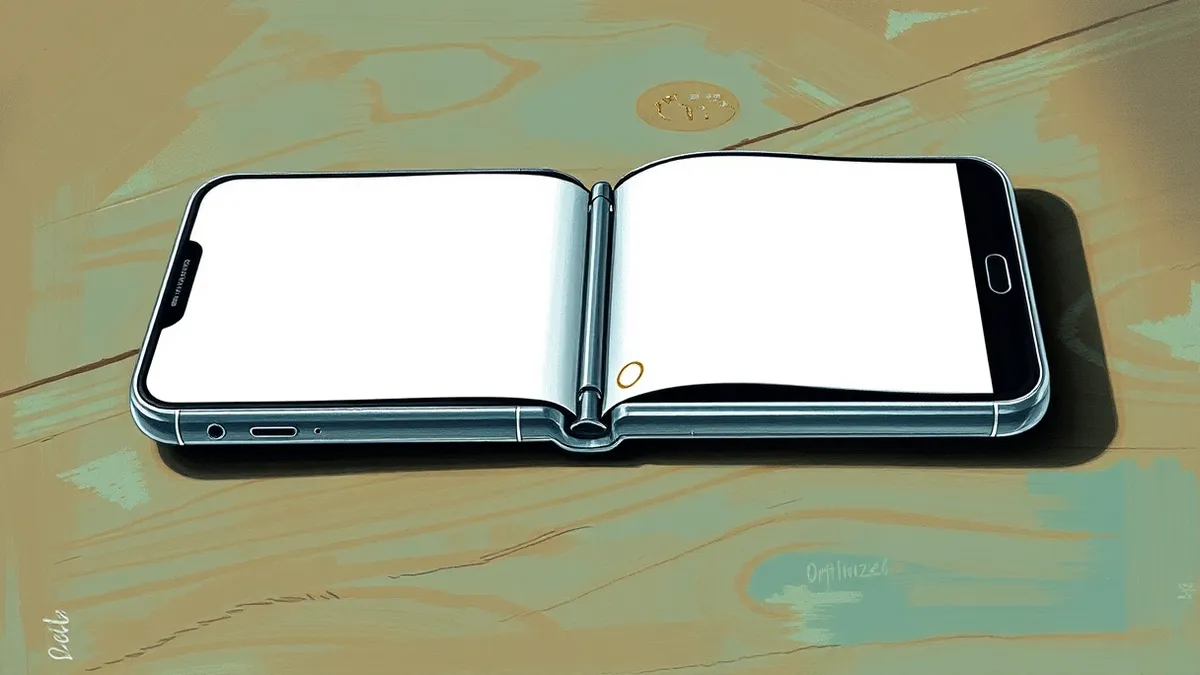
Apple has added a new Made for iPhone Duo badge to the App Store to help users identify applications that are fully optimized for the foldable smartphone. According to MacRumors, this label appears on apps and games that leverage the device's extra screen real estate. The badge helps distinguish these optimized titles from legacy applications that may not utilize the display effectively.
The risk
Users may encounter inconsistent user interfaces if they install applications that have not been updated for the iPhone Duo. Apps built with older software development kits do not fill the inner display, leaving empty space on the sides. This can create a disjointed experience compared to the seamless layout of optimized applications.
Who is exposed
All iPhone Duo users are exposed to potential layout issues with older applications. According to MacRumors, apps built with the iOS 26 SDK or earlier run on the device but appear centered with significant empty space. Applications built with the iOS 27 SDK fill most of the display but avoid the status bar area, which may affect usability.
Cost and compliance
The iPhone Duo starts at $1,999 and launches on Friday with limited quantities available for walk-in purchases, according to The Verge. Developers seeking optimization must build their applications using the iOS 27.1 SDK or later. This technical requirement ensures that the application's toolbar appears vertically below the status bar and utilizes the full inner display.
What should you do?
Check the App Store for the Made for iPhone Duo badge before downloading applications to ensure optimal performance. Monitor the updates menu regularly, as Apple states that additional app updates will roll out throughout the year. Developers should review the iOS 27.1 SDK documentation to prepare their applications for the new display requirements.
The background in plain language
Software developers create applications using toolkits called SDKs. These toolkits provide the code and guidelines needed to build apps that work on specific devices. When a new device with a unique screen size or shape launches, older apps may not fit properly. Developers must update their code using the latest SDK to ensure their applications adapt to the new hardware layout.
What to do and how to stay safe: iPhone Duo
- Look for the Made for iPhone Duo badge in the App Store to identify optimized applications.
- Update existing applications regularly to ensure they support the latest device features.
- Check developer documentation for requirements related to new hardware releases.
- Test applications on the device to verify layout and functionality before deployment.
Step-by-step guide: Browser security settings are the architectural walls of your digital life
General security guidance from the Vector Tribune newsroom. It is not confirmed advice from the organisations named in this story.
Frequently asked questions
What SDK version is required for iPhone Duo optimization?
Developers must build their applications with the iOS 27.1 SDK or later to achieve full optimization and receive the Made for iPhone Duo badge.
How do older apps appear on the iPhone Duo?
Apps built with iOS 26 SDK or earlier appear centered on the inner display with empty space on both sides, while iOS 27 apps fill most of the screen but avoid the status bar area.
Which popular apps are optimized for the iPhone Duo?
Netflix, Amazon Prime Video, Microsoft Word, Outlook, Zoom, Slack, Lyft, and more than fifty other third-party applications are optimized or will soon be optimized for the device.