Apple HomeView supports 6 users with facial recognition, joining new HomePod mini and Apple TV 4K updates
Apple expands its smart home lineup with new hardware and partner devices managed through the Apple Home app on iPhones.
Key points
- Apple introduced the HomeView smart display, HomePod mini 2 speaker and an updated Apple TV 4K set-top box.
- The HomeView features facial recognition for up to six users and automatic brightness adjustment based on time of day.
- Partner-developed devices in the Apple Home Collection include cameras from LG and sensors starting at $40.
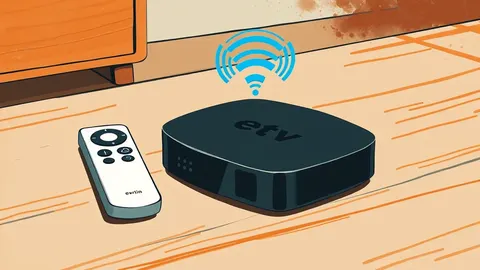
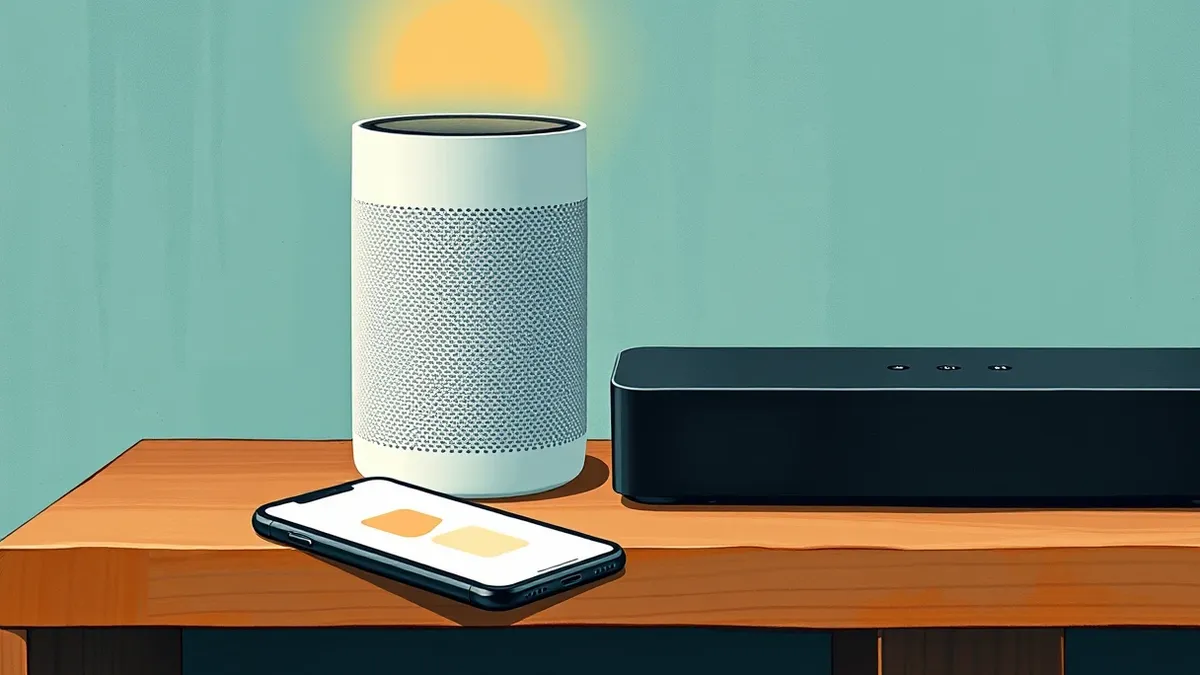
Apple has expanded its smart home product lineup with the introduction of the HomeView display, the HomePod mini 2 speaker and an updated Apple TV 4K device, according to SiliconANGLE. These new products join a collection of partner-developed gadgets that users can manage through the Apple Home app, which is pre-installed on iPhones.
The risk
The HomeView is a seven-inch display that automatically adjusts brightness based on the time of day and changes graphic rendering when users move away, per SiliconANGLE. A facial recognition feature personalizes content for up to six users. The device ships in wall-mounted and tabletop editions, with the latter featuring three speakers and force-cancelling passive radiators to improve audio quality.
Who is exposed
The HomePod mini 2 runs audio processing software on an Apple S10 chip, which originally debuted in the 2024 Apple Watch lineup, according to SiliconANGLE. This processor also runs the Siri assistant, allowing users to control other smart home devices and perform tasks in apps installed on an iPhone or iPad through voice commands.
Cost and compliance
ZDNET Security notes that the Apple Home Collection includes nine smart home devices, with prices ranging from $40 for sensors to $400 for security cameras. The outlet advises renters to check lease agreements before installing certain hardware, as some devices may require mounting or wiring that landlords prohibit.
What should you do?
Review your lease agreement to ensure compliance with installation restrictions for any new smart home hardware. Verify that your existing iPhone model supports the latest Apple Home app features before purchasing these devices.
The background in plain language
Smart home ecosystems rely on centralized apps to manage disparate hardware from multiple manufacturers. Teams usually evaluate how these devices integrate with existing security protocols and data privacy standards. Check whether your current infrastructure supports the connectivity requirements of new additions. Ensure that user permissions are clearly defined to prevent unauthorized access to sensitive home networks.
What to do and how to stay safe: Apple
- Review lease terms to confirm that installing wall-mounted or wired devices is permitted by your landlord.
- Verify that your iPhone model supports the latest version of the Apple Home app for full compatibility.
- Check the privacy settings of facial recognition features on the HomeView to manage personal data storage.
- Monitor your network traffic after adding new devices to ensure no unexpected data exfiltration occurs.
Step-by-step guide: Mobile Security Architecture: 8 Practices for Device Integrity
General security guidance from the Vector Tribune newsroom. It is not confirmed advice from the organisations named in this story.
Frequently asked questions
How many users can the HomeView recognize?
The HomeView facial recognition feature can personalize content for up to six different users, according to SiliconANGLE.
What chip powers the HomePod mini 2?
The HomePod mini 2 runs on an Apple S10 chip, which originally debuted in the 2024 Apple Watch lineup, per SiliconANGLE.
Are there any renter-friendly devices in the new collection?
ZDNET Security notes that the LG Indoor Cam and Outdoor Cam Plug-in are suitable for renters as they do not require hardwiring or wall mounting.