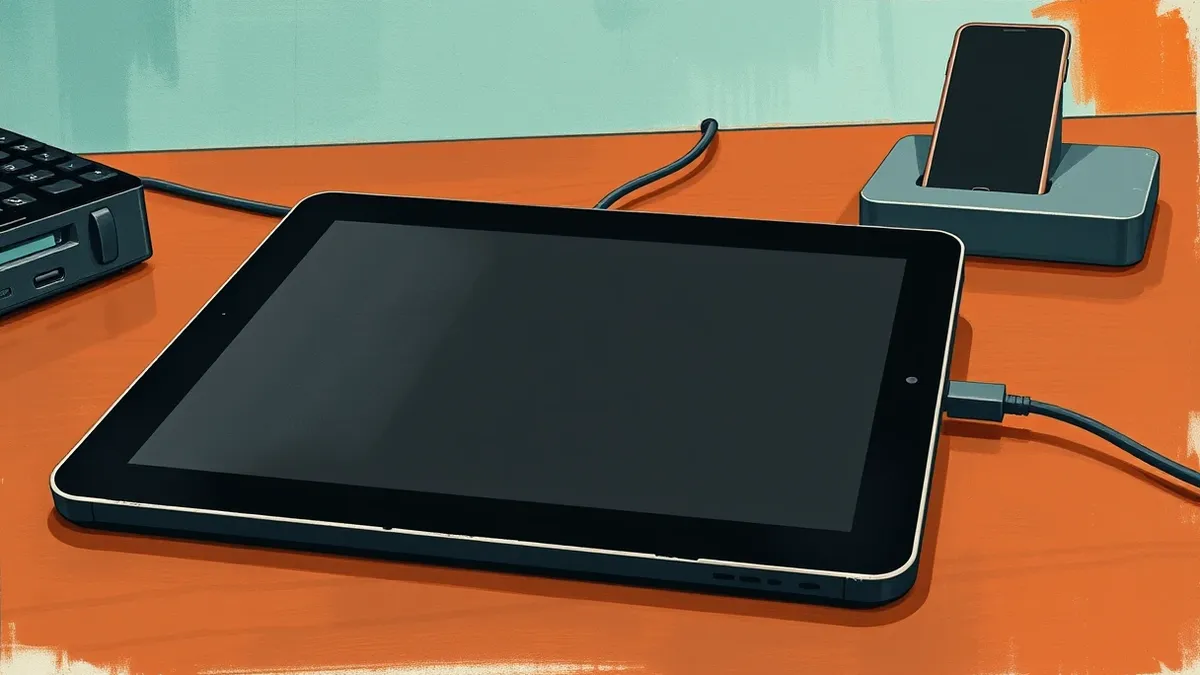
Android 11 Users Can Project Auto Interface to Tablets for Home Dashboards
Third-party software allows users to project the car-focused Android Auto interface onto spare tablets, creating a simplified dashboard for home or office productivity.
Key points
- Open Headunit and Headunit Reloaded enable Android Auto projection on tablets without a vehicle.
- The setup requires an Android 11 phone and a spare tablet connected via USB.
- Self-Mode allows running the interface on a single device if it supports Android Auto.
Third-party applications now allow users to project the Android Auto interface onto tablets or phones for use outside of vehicles, according to Engadget. This method repurposes aging hardware into simplified dashboards for home or office environments, offering a potential productivity benefit by reducing phone usage.
The risk
Using these tools involves installing third-party receiver apps that act as the "car's screen" without a vehicle in sight, according to Engadget. The phone does the processing, which is beneficial for aging tablets that have trouble running apps. Users should not mistake this for an official Google Home dashboard mode.
Who is exposed
This functionality is available to anyone with an Android phone running version 11 or newer and a spare Android tablet or phone. The receiving device must run Android 5.0 or newer to support apps like Open Headunit. Older tablets may have compatibility issues with USB connections, limiting their usefulness for this specific setup.
Cost and compliance
The primary costs are the apps themselves: Open Headunit costs $3.99 and Headunit Reloaded costs $4.99 on Google Play. There are no additional subscription fees mentioned. The source material does not discuss compliance risks or corporate policy implications for using these unofficial interfaces.
What should you do?
Verify that your spare tablet supports USB data transfer and is running a compatible Android version. Ensure your primary phone is updated to Android 11 or later to enable the projection feature. Test the connection with a wired setup first, as the source only describes a wired method using a USB cable.
The background in plain language
Android Auto is designed to project a simplified interface from a phone to a car display, handling navigation and media. Third-party apps trick the phone into thinking the tablet is a car head unit. This allows the phone to process the interface while the tablet acts as a screen, useful for older devices that struggle with modern apps.
What to do and how to stay safe: Android Auto
- Check that your spare tablet runs Android 5.0 or newer and has a functional USB port.
- Ensure your primary Android phone is updated to version 11 or later.
- Use a data-capable USB cable and OTG adapter if necessary to connect the devices.
- Verify that your phone’s USB settings allow Android Auto projection when prompted.
Step-by-step guide: Mobile Security Architecture: 8 Practices for Device Integrity
General security guidance from the Vector Tribune newsroom. It is not confirmed advice from the organisations named in this story.
Frequently asked questions
Do I need a car to use Android Auto on a tablet?
No, third-party apps like Open Headunit allow you to use the interface on a tablet without a vehicle, according to Engadget.
What is the minimum Android version required for the phone?
The Android phone must be running version 11 or newer to project the interface to a tablet.
Can I run Android Auto on a single device?
Yes, both apps offer Self-Mode, which runs the interface on the same device, but it requires a working Android Auto installation.